





HomeCrypto WalletPolkadot (DOT) Wallet

Polkadot (DOT) Wallet

Download Trustee Plus and create your Polkadot (DOT) wallet in seconds - the easiest way to manage DOT online.

  • Zero transfer fees - always.
  • Buy or sell Polkadot with euros using any card from a European bank.

Fast, secure, and built for seamless crypto experience.
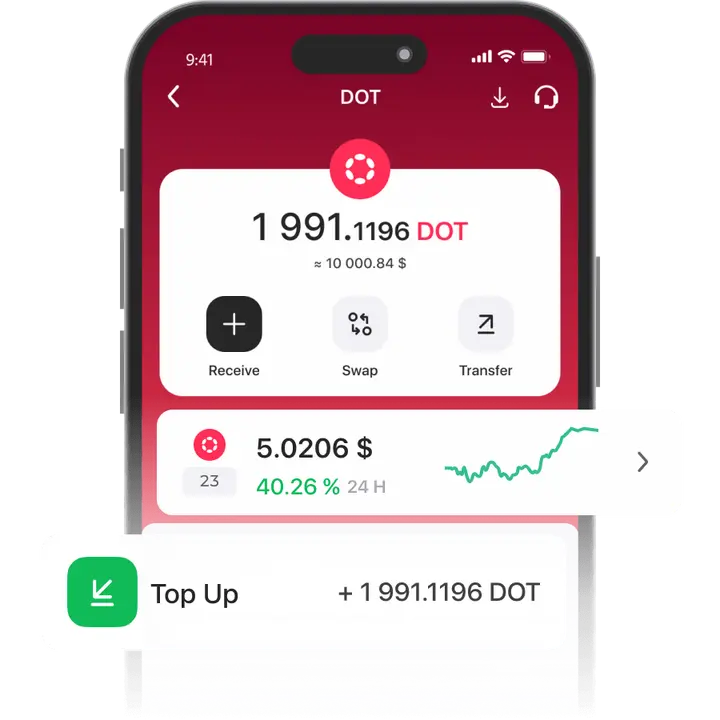
Download the Trustee Plus app
Download APK file
phone

How to create Polkadot (DOT) wallet

  • 1

    Download and install Trustee Plus

    Installing the Trustee Plus crypto wallet on your phone takes just a few minutes.


  • 2

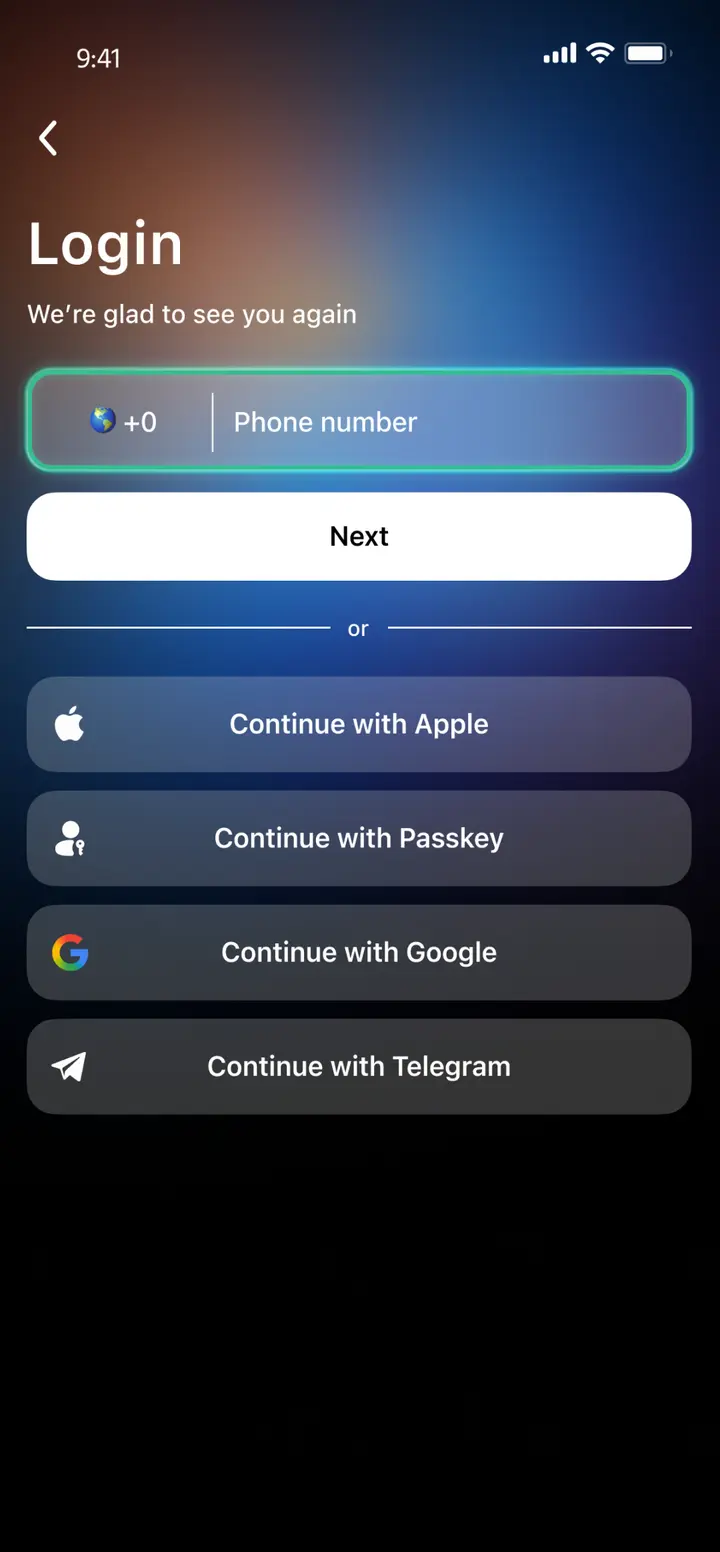
    Enter your phone number

    Register your phone number.

  • 3

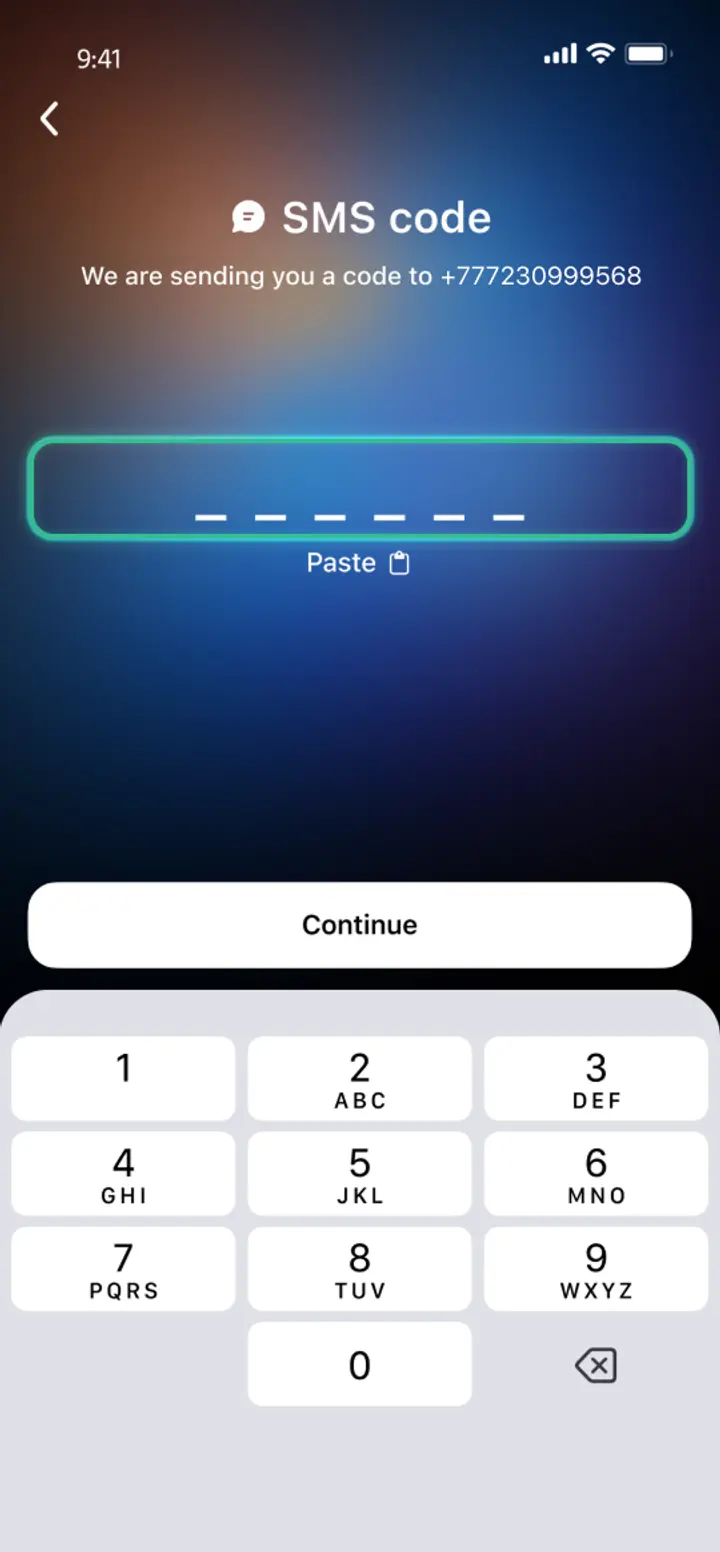
    Confirm your number

    Confirm your mobile number via a phone call or SMS.

  • 4

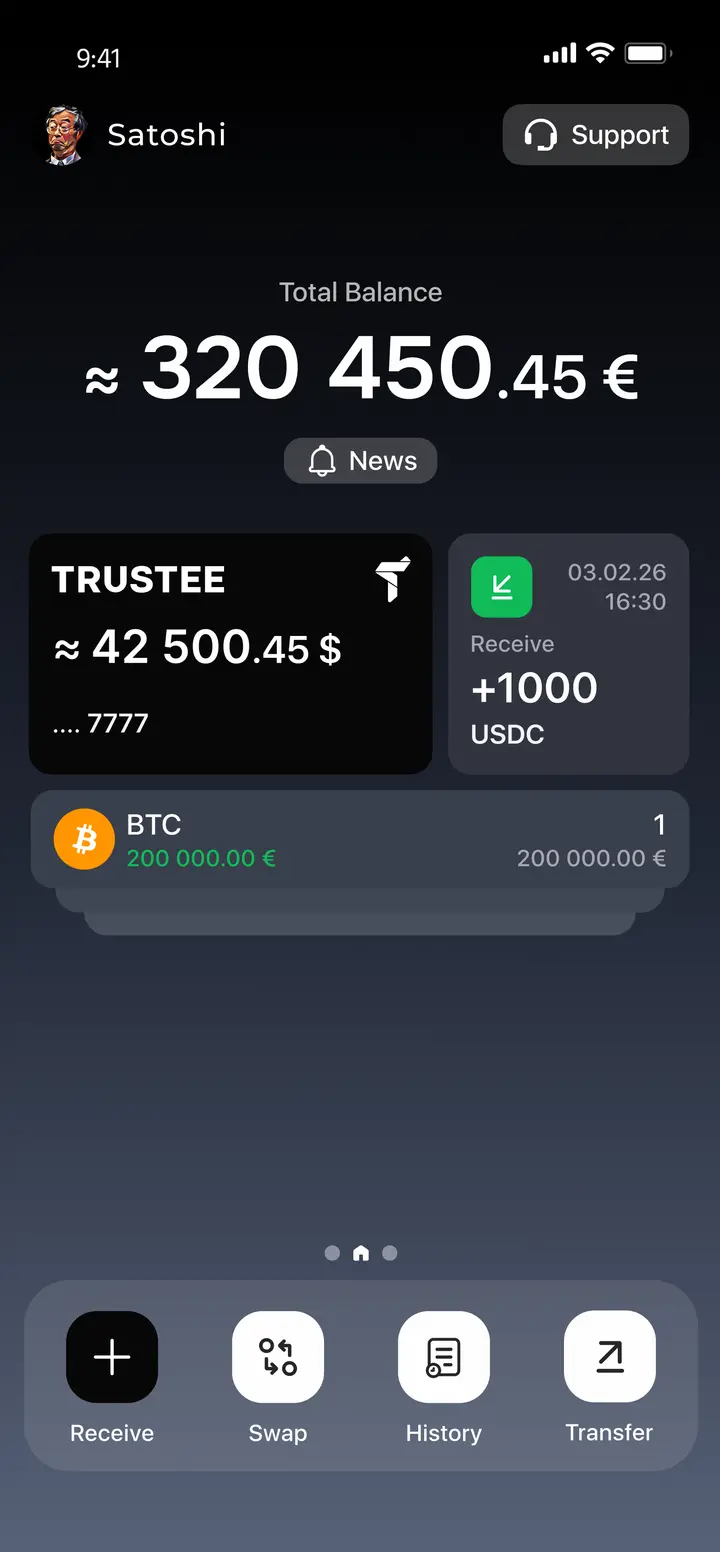
    All set

    Enter the remaining details and start using the app.
Image
Image
Image
Image

Advantages of Trustee Plus

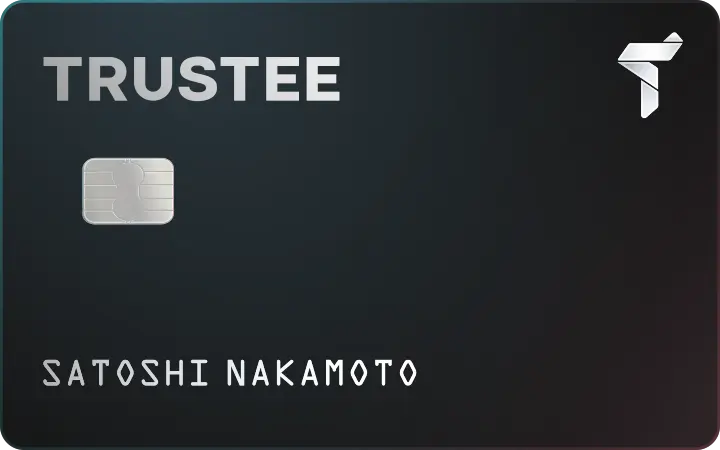
Crypto card in Trustee PlusPay for your purchases with Apple Pay / Google Pay — 0% fees on payments.
banner-img

Cost-Effectiveness and Transparency

  • Free and quick registration with easy verification
  • Exchange commission of just 0.5%, with no hidden fees
  • Always up-to-date and favorable exchange rates for all operations
  • Free transfers and top-ups

Flexibility

  • Support for various cryptocurrencies: BTC, ETH, and others
  • One account with multiple methods: SOL, ERC20, BEP20, and more
  • Exchange cryptocurrencies and fiat seamlessly
  • Free instant swaps of stablecoins between each other
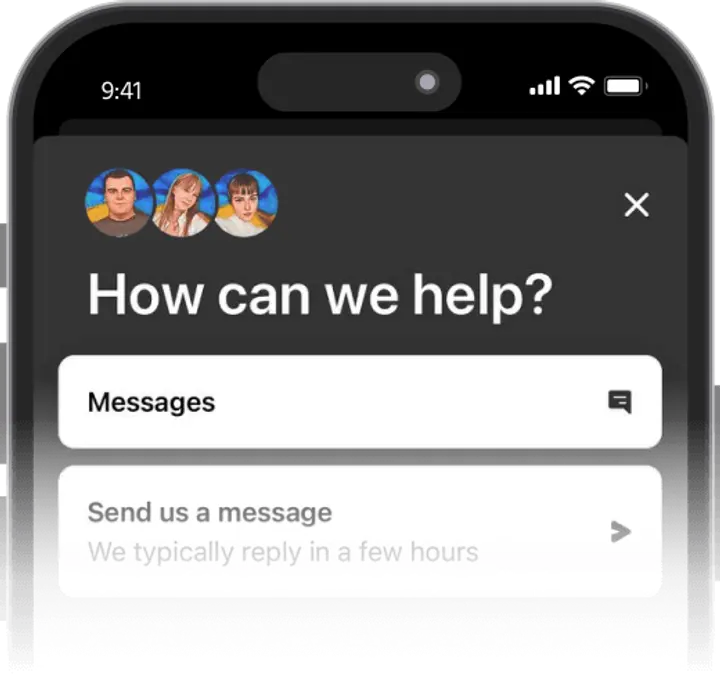
User-Friendly
  • Intuitive interface in Trustee Plus
  • Friendly customer support without chatbots
banner-img

User Reviews of Trustee Plus

App Store
Google Play
Ihor Stadnyk
I have spent for a long time looking for a good multifunctional service. Some features could be found in different apps and used together, but I couldn’t find a platform that combined everything in one place.
Oleksii
What can I say? I have tested deposits and withdrawals twice — everything works fine. Customer support responds quickly and helps with all inquiries.
Yehor Petrov
Trustee Plus is especially appealing for beginners. The app allows you to buy Bitcoin and other cryptocurrencies in just a few clicks.
Ihor Stadnyk
I have spent for a long time looking for a good multifunctional service. Some features could be found in different apps and used together, but I couldn’t find a platform that combined everything in one place.
Oleksii
What can I say? I have tested deposits and withdrawals twice — everything works fine. Customer support responds quickly and helps with all inquiries.
Yehor Petrov
Trustee Plus is especially appealing for beginners. The app allows you to buy Bitcoin and other cryptocurrencies in just a few clicks.
Ihor Stadnyk
I have spent for a long time looking for a good multifunctional service. Some features could be found in different apps and used together, but I couldn’t find a platform that combined everything in one place.
Oleksii
What can I say? I have tested deposits and withdrawals twice — everything works fine. Customer support responds quickly and helps with all inquiries.

How to Use Polkadot Wallet?

how-to-icon
Buy Polkadot
Get Polkadot in moments with Trustee Plus - just add your bank card and make your first purchase in a few taps.
how-to-icon
Withdraw Polkadot
Send your DOT directly to any payment card - it's fast, simple, and ready when you are.
how-to-icon
Swap Polkadot
Trade Polkadot for Bitcoin, Ethereum, or dozens of other top cryptos. Access great rates and a wide range of pairs.
how-to-icon
Top Up Polkadot
Need more Polkadot? Easily fund your wallet by transferring from another wallet, receiving from friends, or buying with your card.

What is Polkadot Wallet?

Polkadot is a blockchain that connects many other blockchains, helping them work together. Its native token, DOT, is used for payments, staking, and voting on network changes. Polkadot is fast, secure, and built for the future of Web3. It helps developers build powerful apps across different blockchains. DOT makes everything on Polkadot possible.

You can use the Polkadot wallet to store, send, and stake DOT safely. It's your gateway to the Polkadot ecosystem.

photo

FAQ

  • How to Create a Polkadot (DOT) Wallet?

    Download the Trustee Plus app on iOS or Android. Register with your phone number – your DOT wallet will be created automatically with no seed phrases or manual setup required.

  • How to Get a DOT Wallet Address?

    In Trustee Plus, tap on Polkadot (DOT) from your asset list. Your wallet address will appear under the “Receive” tab – you can copy and share it to receive DOT tokens.

  • How to Recover a DOT Wallet?

    If you lose access to the app, reinstall Trustee Plus and log in with the same phone number. Your wallet and DOT balance will be restored automatically – no backup phrases needed.

  • How to Send DOT to Another Wallet?

    Open Trustee Plus, select DOT, tap “Send,” enter the recipient’s wallet address and the amount, then confirm the transaction. It’s quick, secure, and requires no external services.

  • Can I Buy DOT in Trustee Plus?

    Yes. Trustee Plus allows you to buy DOT using bank cards or by exchanging other cryptocurrencies – all within the app, no extra steps required.

Install Trustee Plus - a crypto wallet with payment card!

All the benefits in one app

coin-3
mobile-app
coin-2coin-1
This website uses cookiesIn order to ensure the functionality of the Website and to prepare a statistical analysis of the website visitors' navigation methods, we use cookies. Manage preferences