



























Uniswap wallet
Uniswap is a decentralized exchange (DEX) built on the Ethereum blockchain that enables users to trade ERC-20 tokens without intermediaries.
Its governance token, UNI, is used to vote on protocol updates and participate in decisions related to the development of the platform.

How to create Uniswap (UNI) wallet
- 1
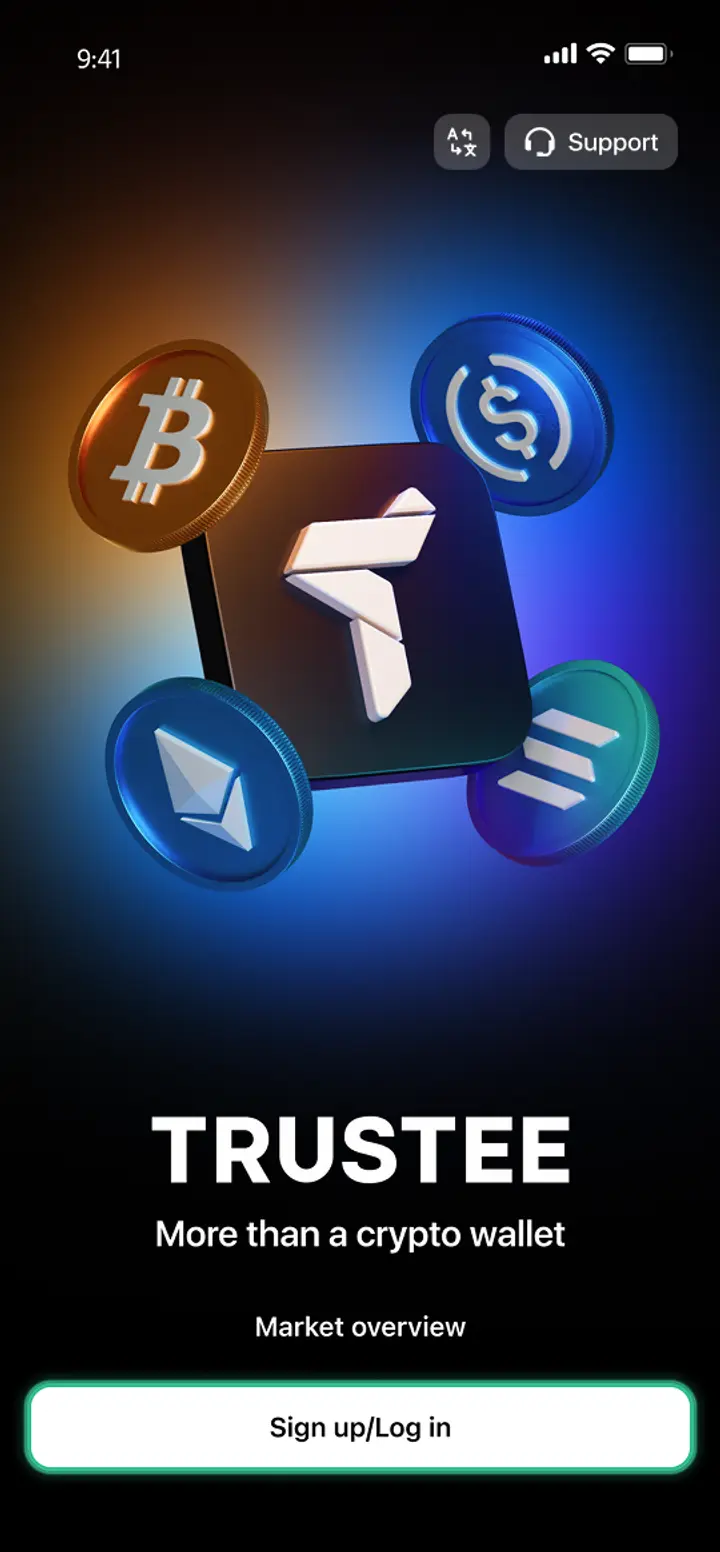
Download and install Trustee Plus
Installing the Trustee Plus crypto wallet on your phone takes just a few minutes.
- 2
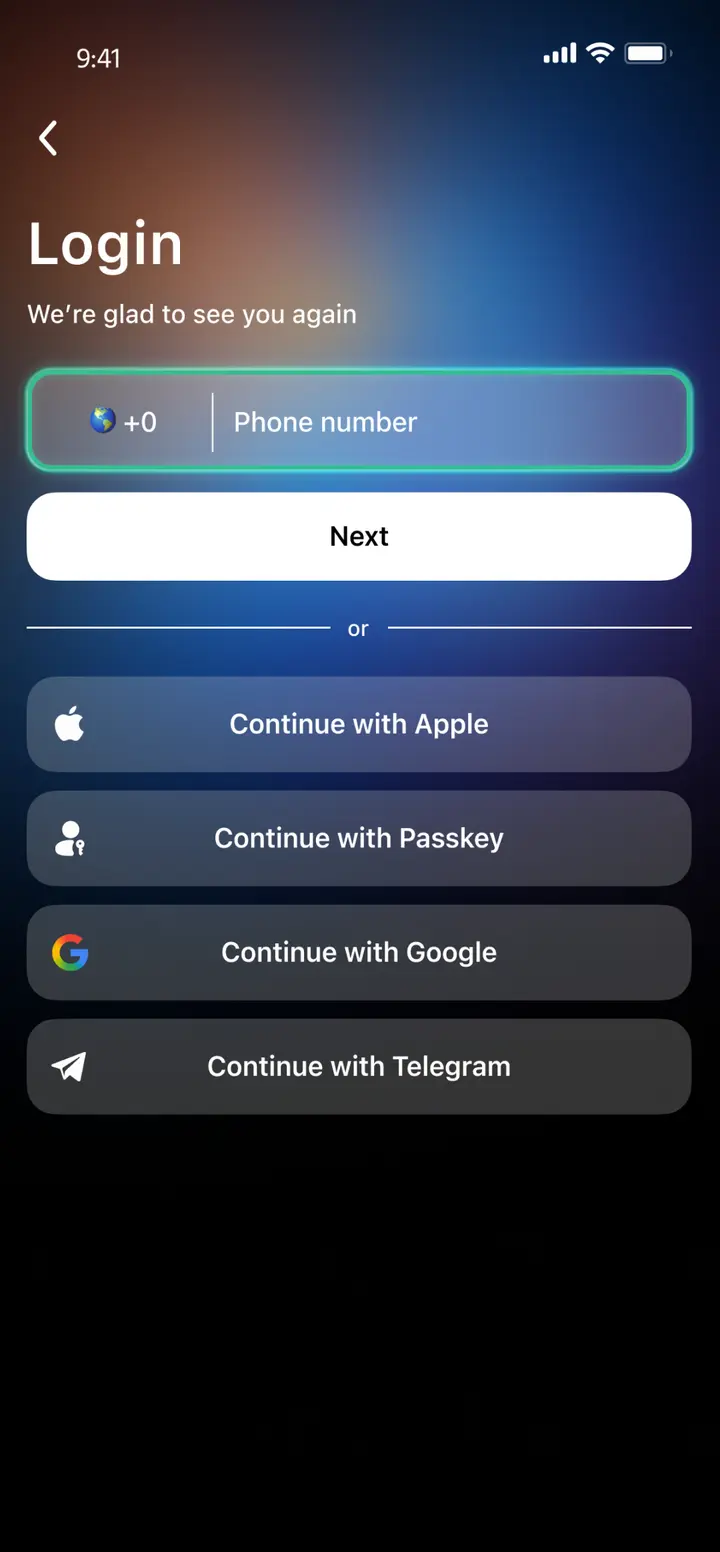
Enter your phone number
Register your phone number.
- 3
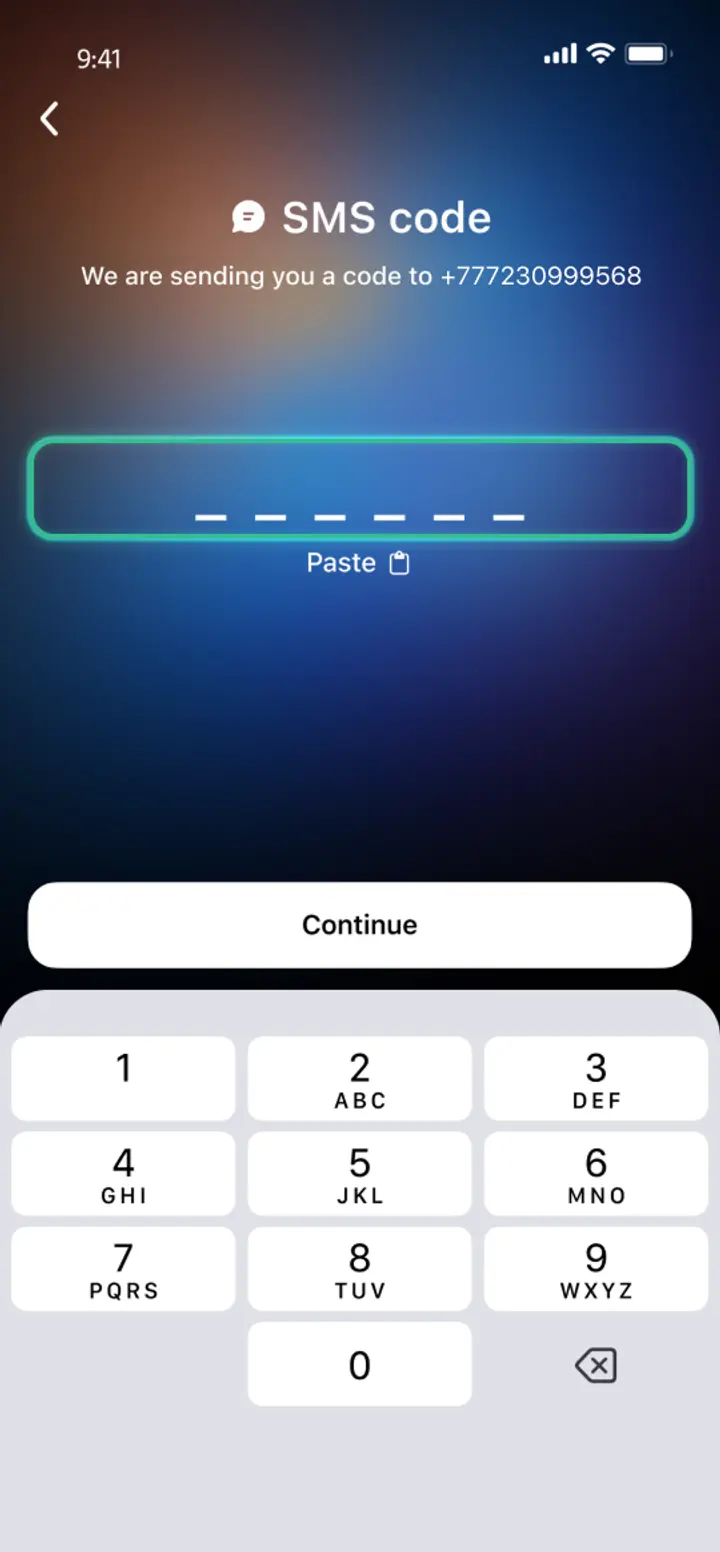
Confirm your number
Confirm your mobile number via a phone call or SMS.
- 4
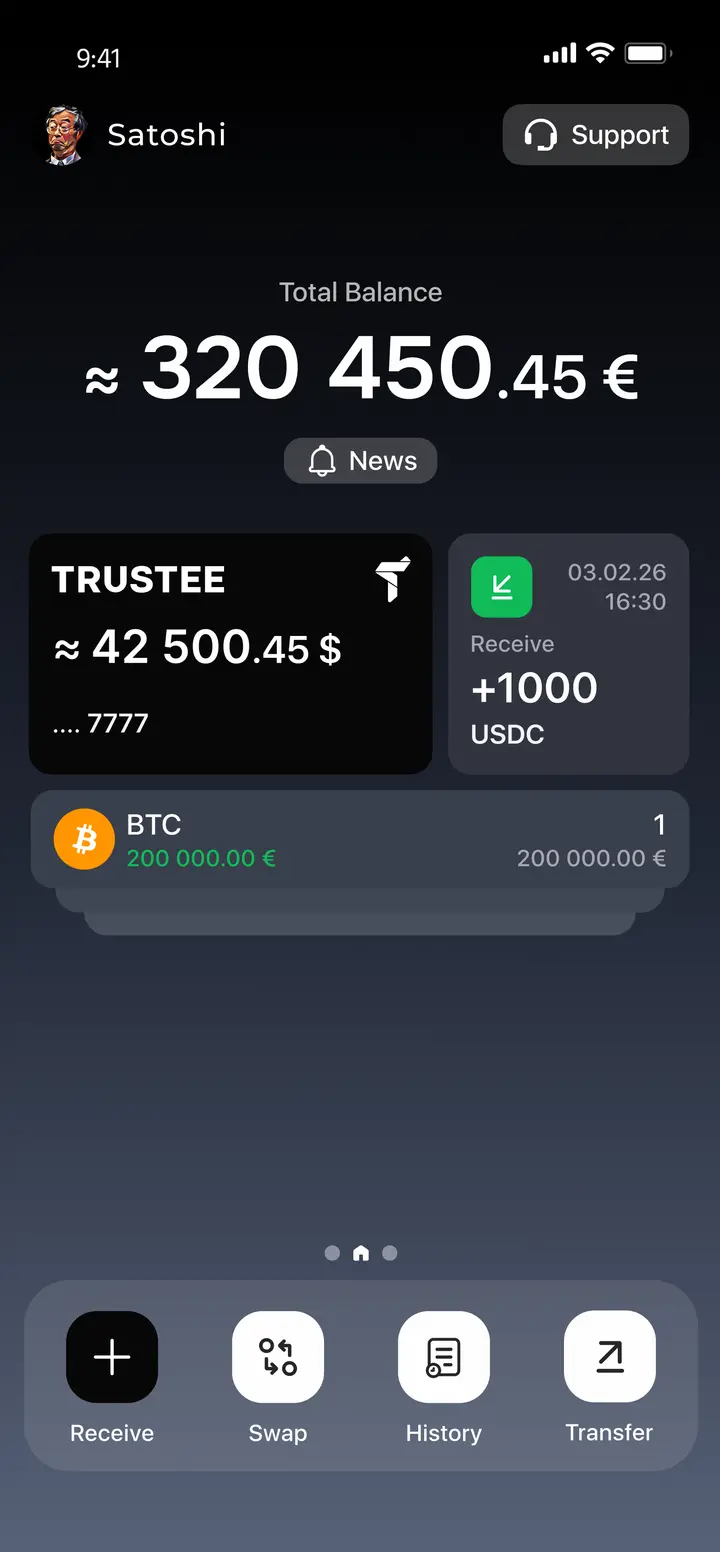
All set
Enter the remaining details and start using the app.
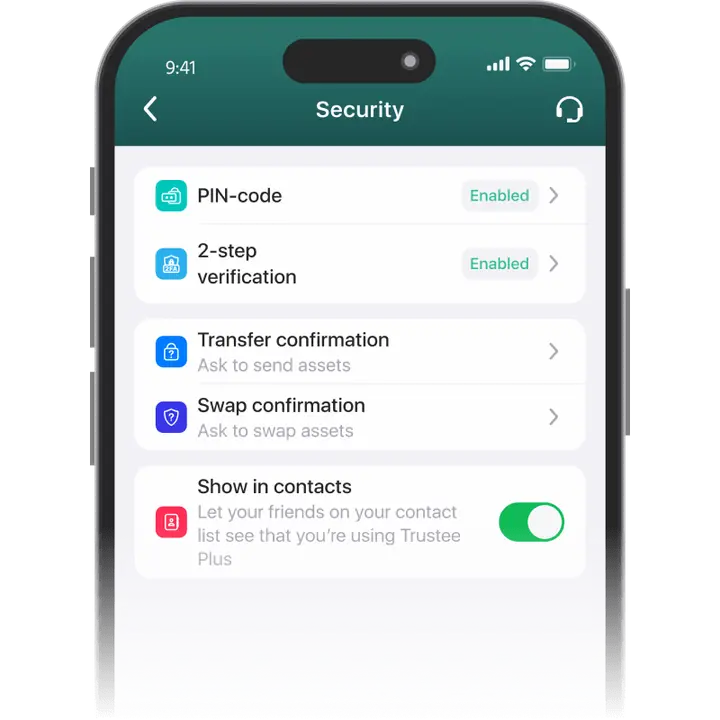
Advantages of Trustee Plus
Cost-Effectiveness and Transparency
- Free and quick registration with easy verification
- Exchange commission of just 0.5%, with no hidden fees
- Always up-to-date and favorable exchange rates for all operations
- Free transfers and top-ups
Flexibility
- Support for various cryptocurrencies: BTC, ETH, and others
- One account with multiple methods: SOL, ERC20, BEP20, and more
- Exchange cryptocurrencies and fiat seamlessly
- Free instant swaps of stablecoins between each other
How to use Uniswap wallet


What is a Uniswap wallet?
Uniswap is a decentralized exchange (DEX) built on the Ethereum blockchain that enables users to trade ERC-20 tokens without intermediaries.
The protocol operates through smart contracts and uses automated liquidity pools instead of a traditional order book.
UNI is the governance token of Uniswap and allows holders to vote on protocol updates and community proposals.
A Uniswap wallet is used to store UNI and other ERC-20 tokens and to interact with the Uniswap protocol for token swaps and liquidity provision.

FAQ
How to Get a Uniswap (UNI) Wallet?
To get a secure UNI wallet, install the Trustee Plus app on your smartphone. Download it from the official website or search “Trustee Plus” in the App Store or Google Play. It’s a free mobile app for storing, buying, and exchanging UNI and other cryptocurrencies. Sign up with your phone number and start managing your UNI tokens easily.
How to Create a UNI Wallet?
Download the Trustee Plus app on iOS or Android and follow a quick registration process using your phone number. Once verified, your UNI wallet will be created automatically – no seed phrase or manual setup required.
What is a Uniswap (UNI) Wallet Address?
Your UNI wallet address is a unique identifier used to receive UNI tokens. In Trustee Plus, you can find it by tapping on the UNI token – your address will be displayed and can be copied or shared for deposits.
How to Recover a UNI Wallet?
If you lose access to Trustee Plus, simply reinstall the app and log in using your phone number. Your wallet and balance will be restored automatically – no need to store seed phrases.
How to Send UNI to Another Wallet?
Open Trustee Plus, select UNI from your asset list, tap “Send,” enter the recipient’s wallet address, and confirm the transaction. The process is quick, secure, and doesn’t require external services or DApps.


Install Trustee Plus - a crypto wallet with payment card!
All the benefits in one app



