



























USD Coin (USDC) Wallet
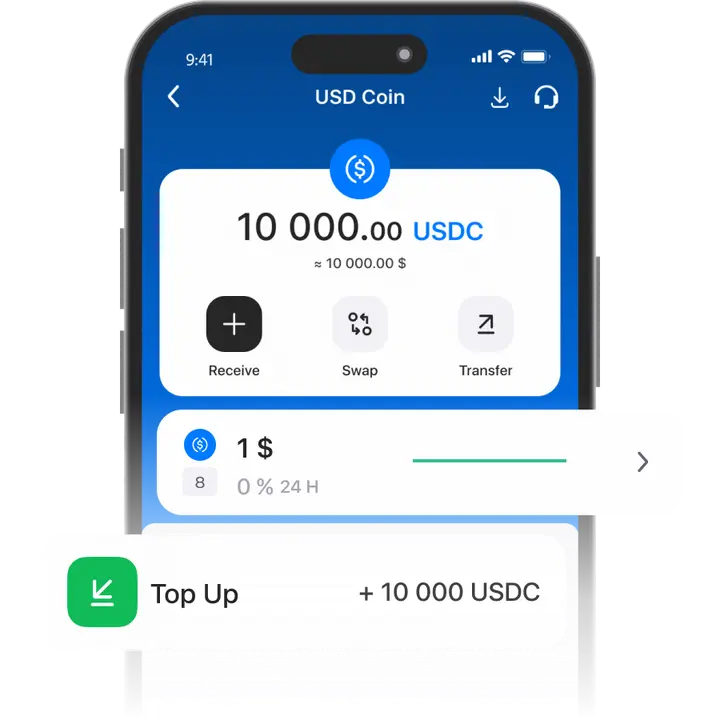
A USDC wallet app offers a stable rate tied to the US dollar, helping you avoid volatility while using crypto.
Not sure what a USDC wallet is? Trustee Plus makes it simple — just install the app on your smartphone and start managing your USDC with ease.
How to create a USD Coin (USDC) wallet
- 1
Download and install Trustee Plus
Installing the Trustee Plus crypto wallet on your phone takes just a few minutes.
- 2
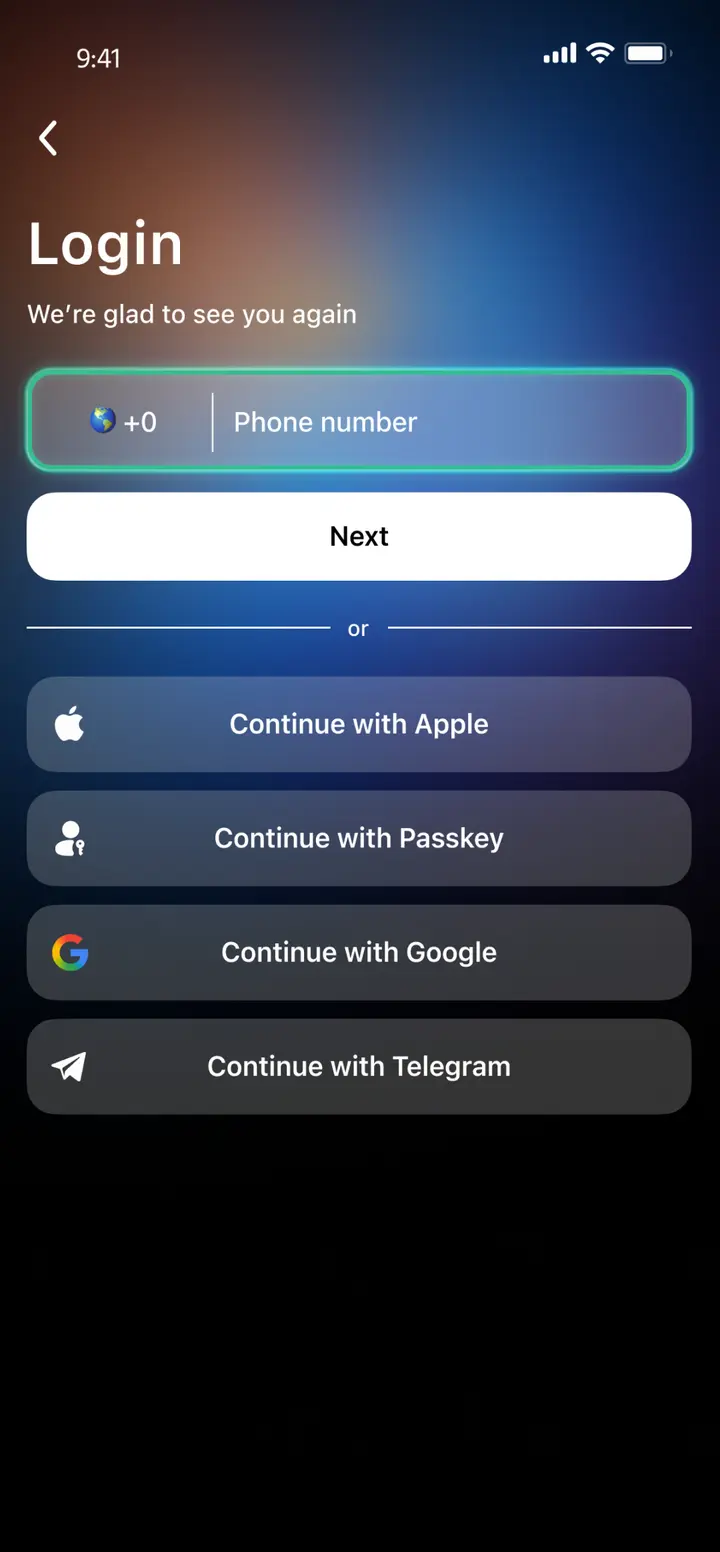
Enter your phone number
Register your phone number.
- 3
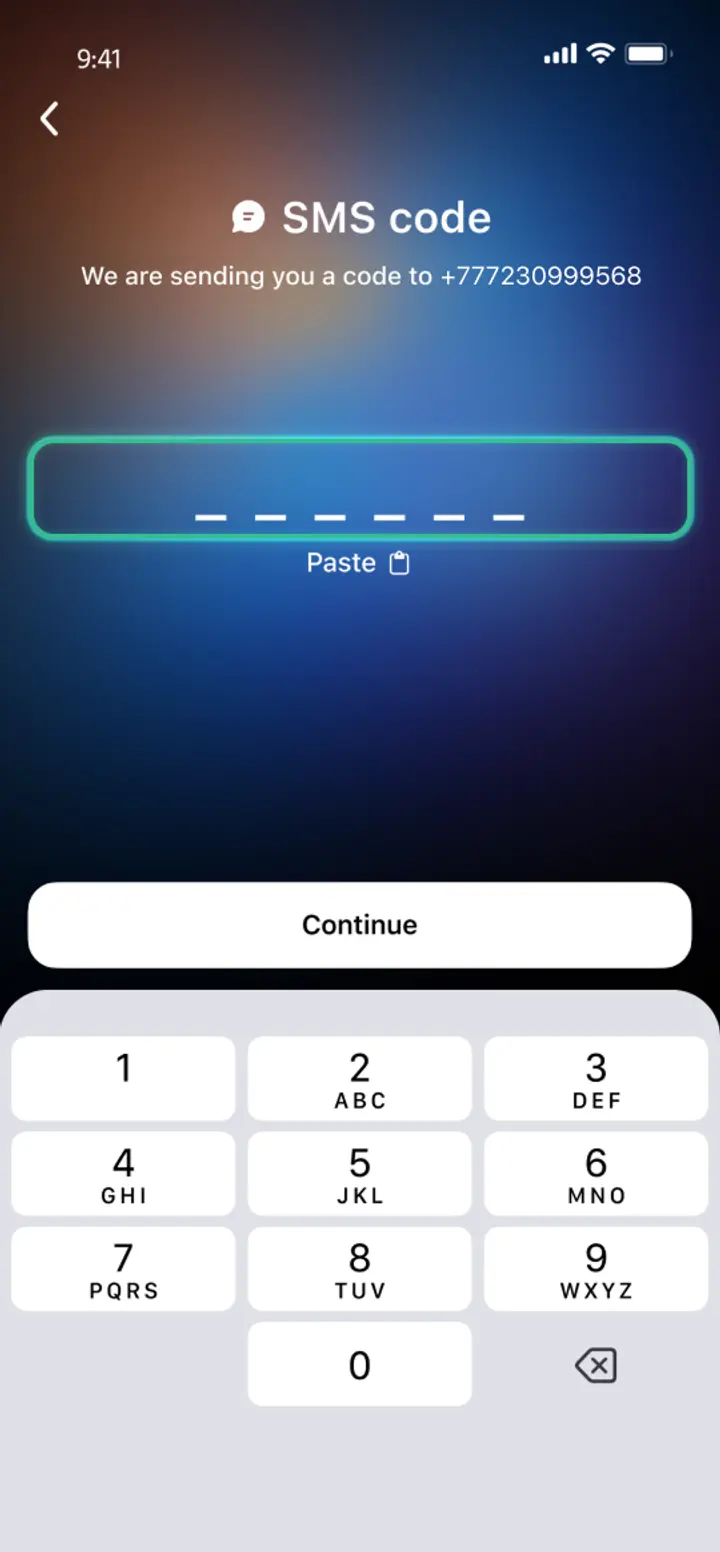
Confirm your number
Confirm your mobile number via a phone call or SMS.
- 4
All set
Enter the remaining details and start using the app.
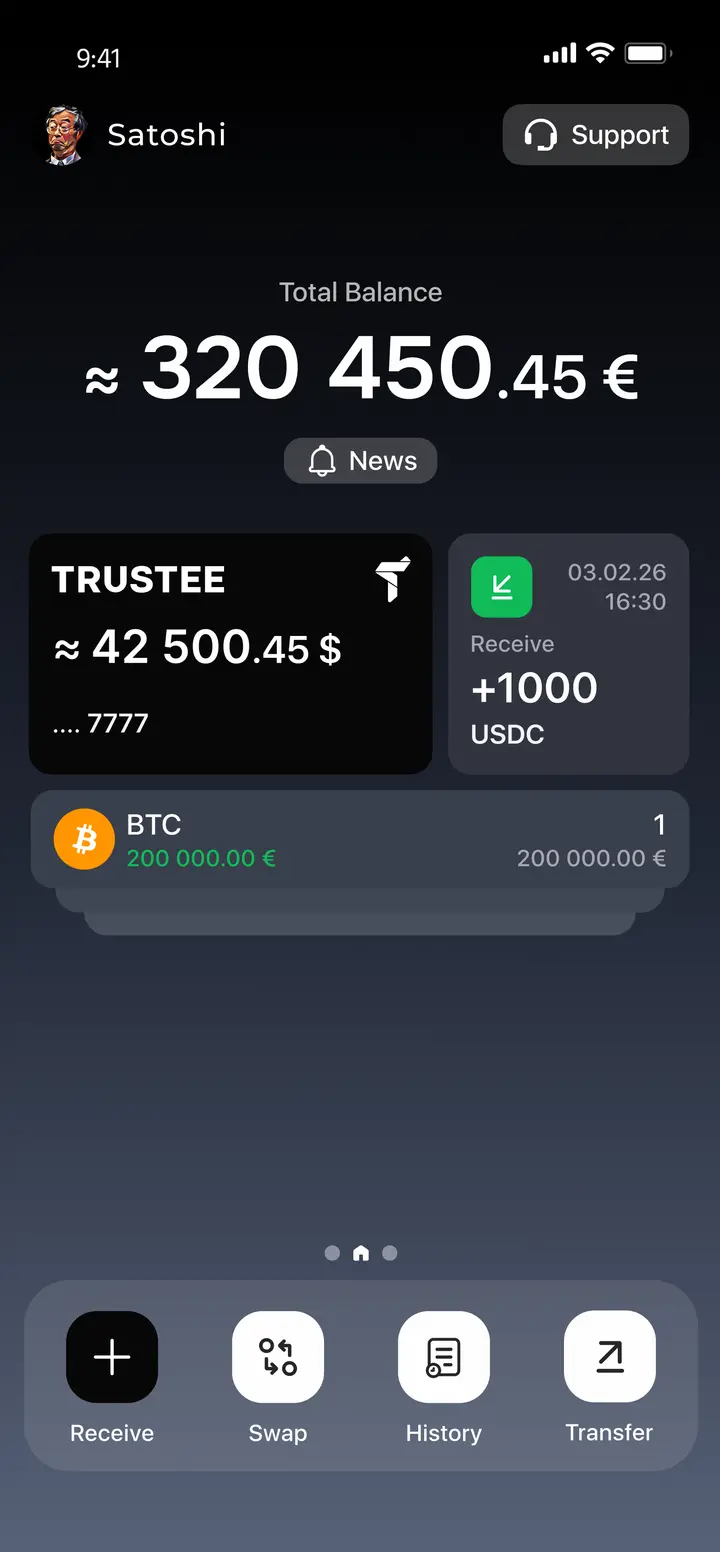
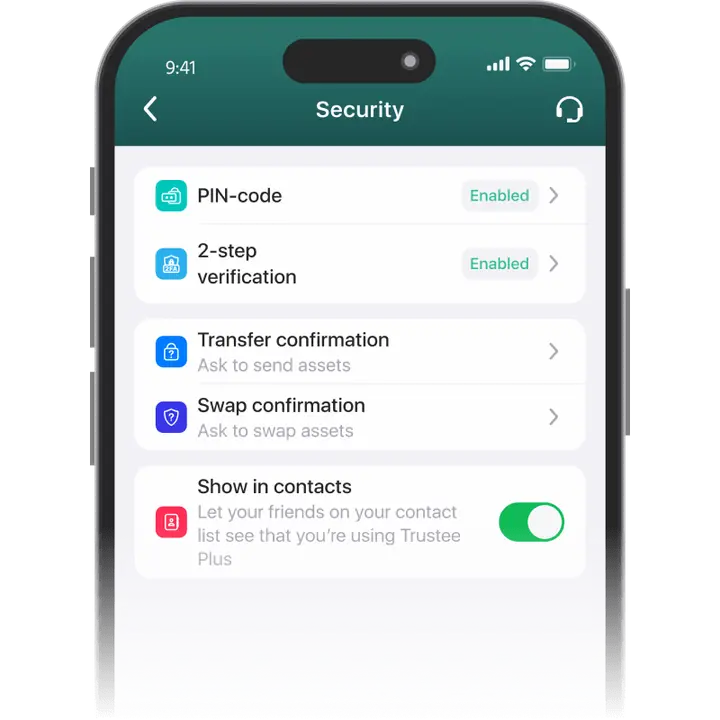
Advantages of Trustee Plus
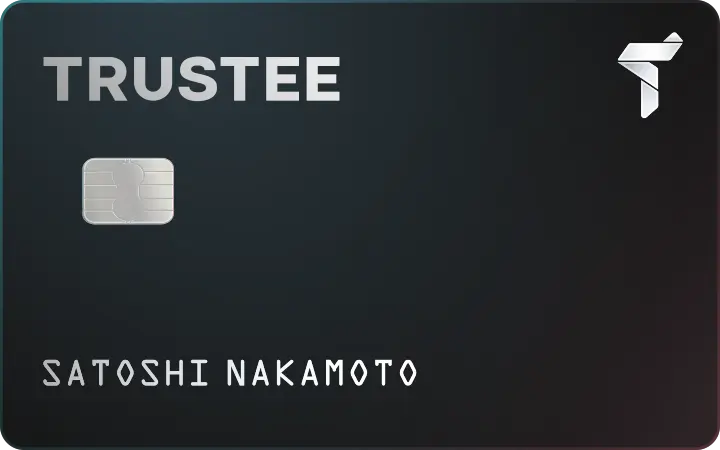
Cost-Effectiveness and Transparency
- Free and quick registration with easy verification
- Exchange commission of just 0.5%, with no hidden fees
- Always up-to-date and favorable exchange rates for all operations
- Free transfers and top-ups
Flexibility
- Support for various cryptocurrencies: BTC, ETH, and others
- One account with multiple methods: SOL, ERC20, BEP20, and more
- Exchange cryptocurrencies and fiat seamlessly
- Free instant swaps of stablecoins between each other
How to Use USD Coin Wallet?


What is USD Coin (USDC)?

FAQ
What is a USDC Wallet?
USDC Wallet is a piece of software designed to handle USDC stablecoin. USD Coin is issued in several networks, which means that the wallet can support USDC of different standards. A wallet such as the Trustee Plus supports USDC of the most popular standards – ERC-20 (Ethereum network) and BEP-20 (BNB Smart Chain).
How to Get a USDC Wallet?
To get a USD Coin Wallet for transferring and buying stablecoins you need to:
How to Create a USDC Wallet?
To create a USDC Wallet, you need to choose a wallet that suits all your requirements. It should be convenient and secure, multi-currency and multi-functional. A great option is the Trustee Plus, which offers 0% fee stablecoin exchange and other great deals. To install it, simply search the AppStore or GooglePlay for the Trustee Plus.
What is a USDC Wallet Address?
A USDC wallet address is the cryptocurrency equivalent of an account number, allowing you to receive stablecoins from other users. To find out your address in the Trustee Plus app, go to the USDC management section and click “Top Up”. Then select the standard of the Stablecoin – ERC-20 or BEP-20 – and copy the address or send the QR code.
How to Recover USDC Wallet?
The only recovery method in many wallets is a mnemonic phrase. Its loss along with the device means loss of funds with no chance of recovery. In innovative USDC Wallets, such as the Trustee Plus, keyless recovery is possible. Install the app on the other device and contact support. They will tell you all the next steps.
How to Send USDC to Another Wallet?
To send stablecoins to another USDC Wallet, find out the recipient’s crypto-address. It must match the issuing network – ERC-20 or BEP-20. USDC of one standard cannot be sent to the other network. In the Trustee Plus, select USDC and “Transfer”, specify the standard and the transfer amount. Copy the address or scan the QR code of recipient.


Install Trustee Plus - a crypto wallet with payment card!
All the benefits in one app



