



























TRX Exchange
Follow the live TRX/EUR rate and swap Tron directly in Trustee Plus. Choose EUR, stablecoins, or another supported crypto asset, review the exchange details, and complete the operation in the app.
Buy
Sell
Send
EUR
Get
TRX
Rates1 TRX = 0.00 EUR
How to exchange Tron
- 1
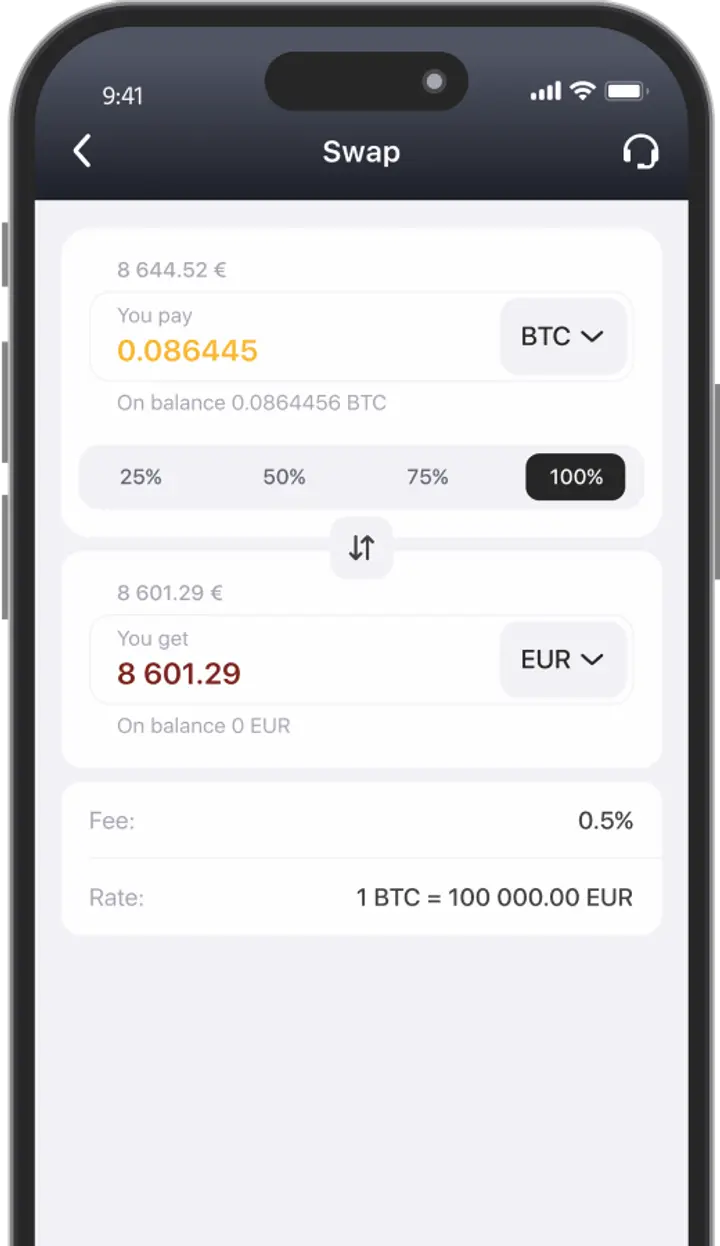
Press the "Swap" button
in the main menu of the Trustee Plus application - 2
Select cryptocurrencies or fiat
In the appropriate columns - 3
Done!
Complete the exchange by pressing "Swap"
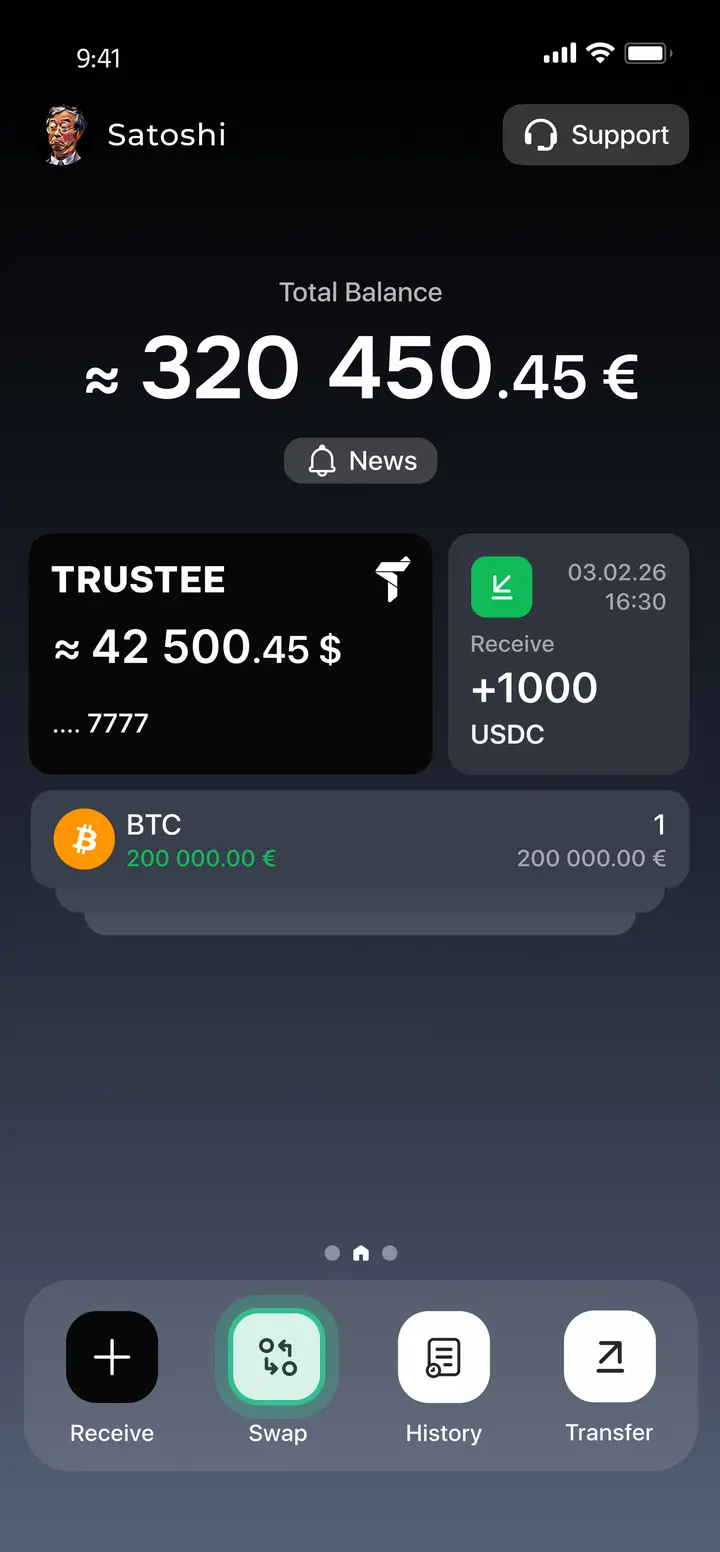
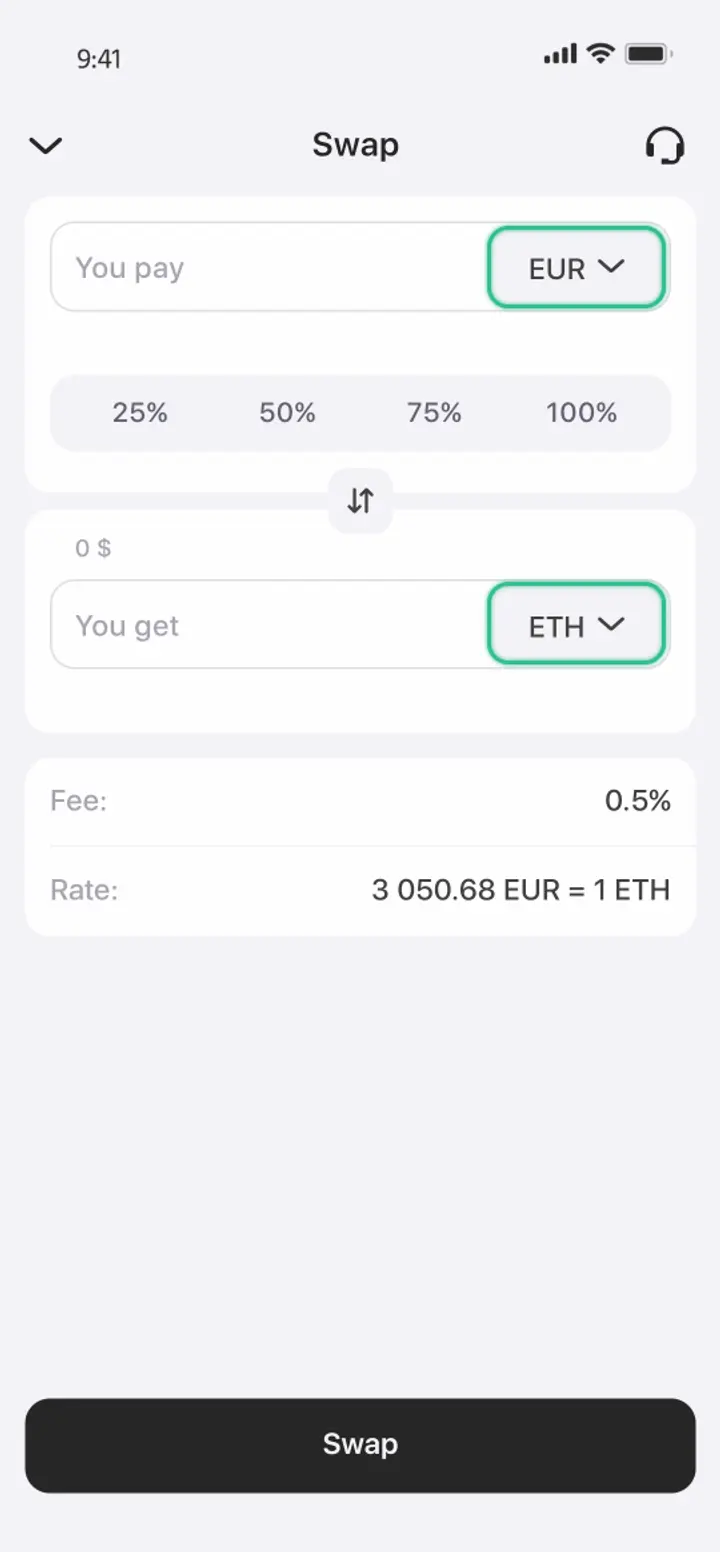
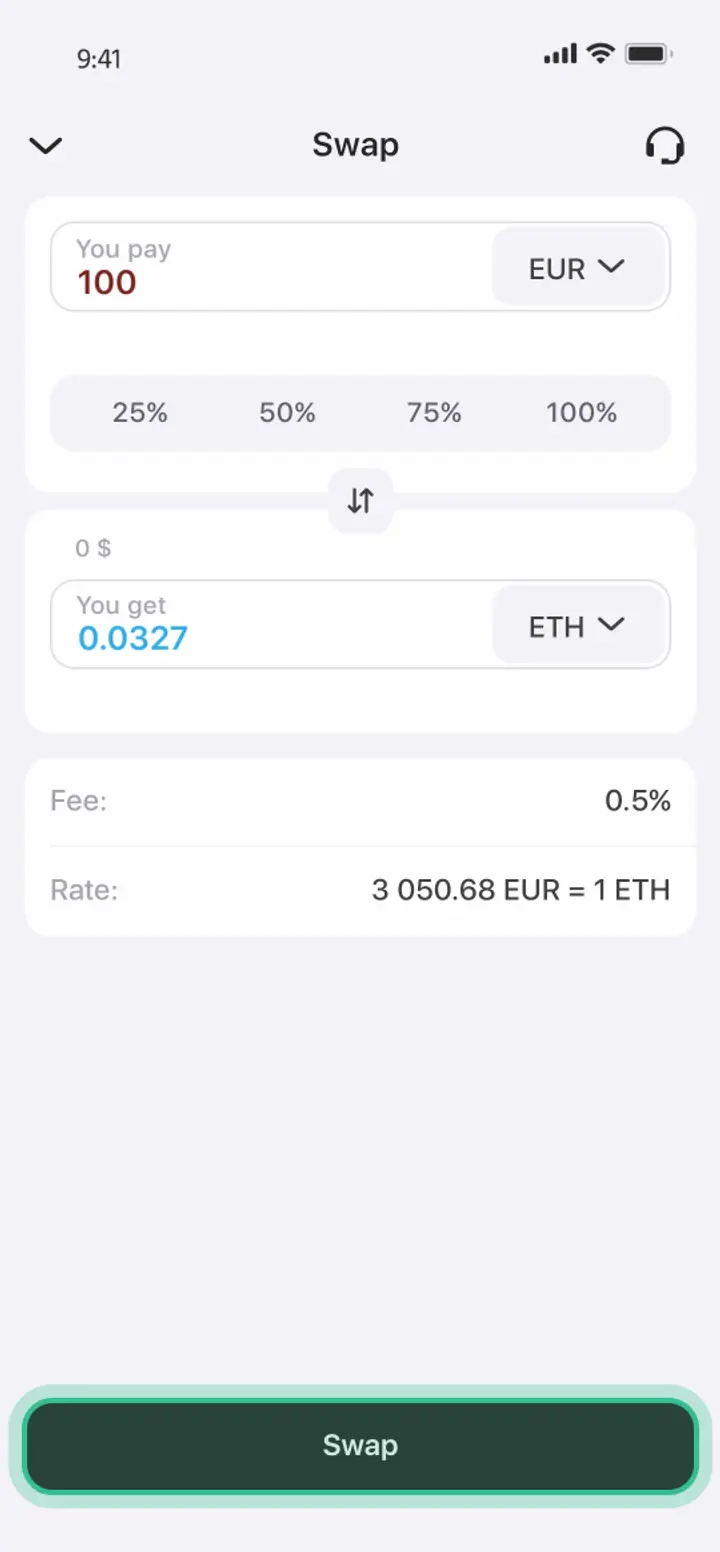
Fast cryptocurrency exchange in Trustee Plus

Advantages of Trustee Plus
Convenient
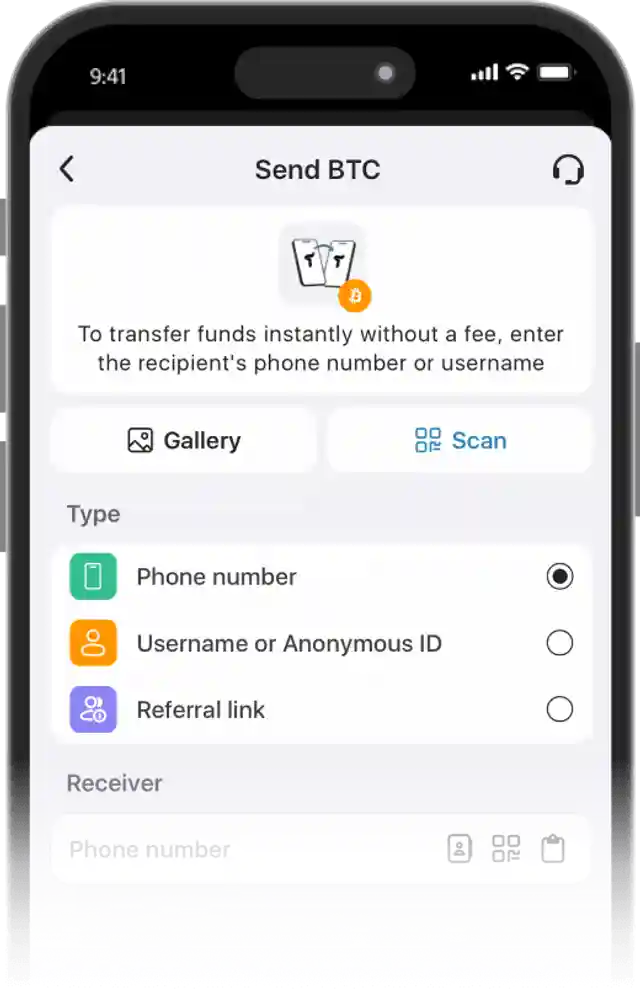
- Instant operations in the crypto wallet.
- 0.5% exchange fee for cryptocurrencies and 0% for stablecoins.
- European payment card with automatic conversion.
- Human-centered customer support without automated bots.
FAQ
Where to get help with TRX exchange?
Trustee Plus support can help with questions related to TRX exchange, transfers, withdrawals, and other app operations. To contact support, open the app and tap the three-dot icon in the upper-right corner of the screen.
Before contacting support, you can also check the guides on how to exchange crypto to euros, how to withdraw funds to a card, and other instructions in the Trustee Plus help section.
How to withdraw cryptocurrency to EUR?
To find out how to withdraw digital assets into real money, use the step-by-step instructions or follow these steps:
- on the Trustee Plus home screen, select "Swap";
- specify the cryptocurrency to be exchanged and the EUR currency;
- enter the amount and complete the exchange;
- return to the main screen and select the EUR management menu;
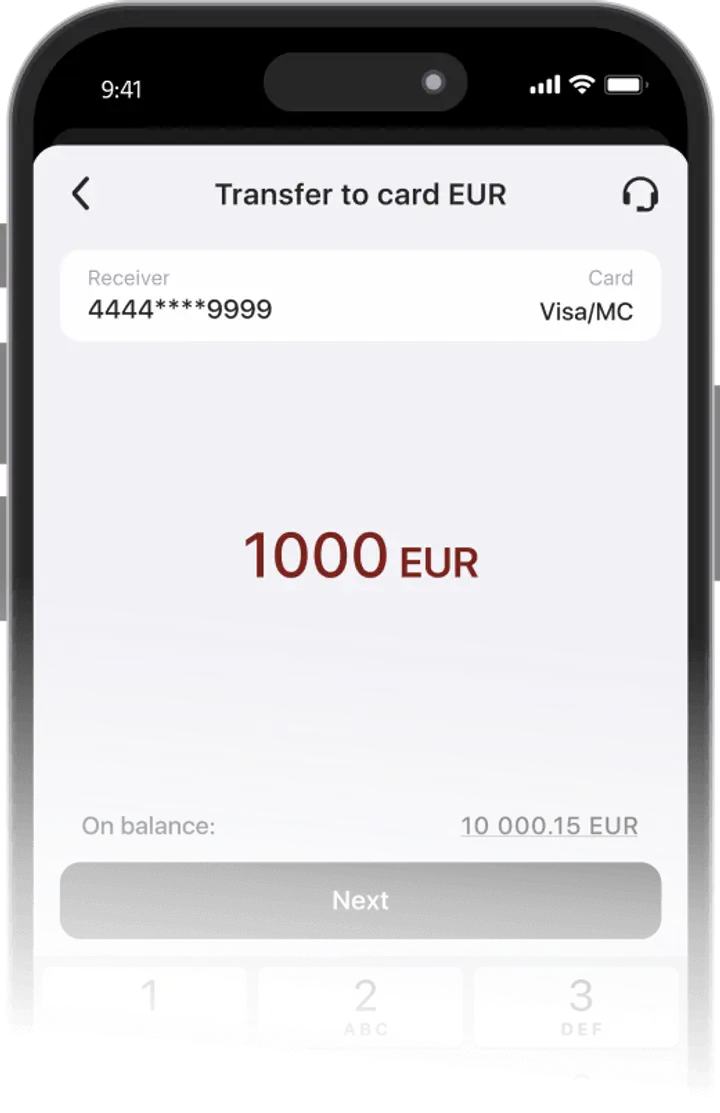
- click "Transfer" and then "Transfer to card";
- enter your payment details: card number, expiration date and CVV code;
- enter the withdrawal amount for real money;
- complete the withdrawal and wait for the bank account to be replenished.
Where to store TRX before exchange?
TRX can be stored in the Tron wallet inside Trustee Plus. From the same app, users can check the current Tron rate, exchange TRX to EUR, swap it to stablecoins or other crypto assets, and manage transfers when needed.
Fast cryptocurrency exchange in Trustee Plus
Install Trustee Plus - a crypto wallet with payment card!
All the benefits in one app
This website uses cookiesIn order to ensure the functionality of the Website and to prepare a statistical analysis of the website visitors' navigation methods, we use cookies. Manage preferences