



























Polygon (POL) Wallet
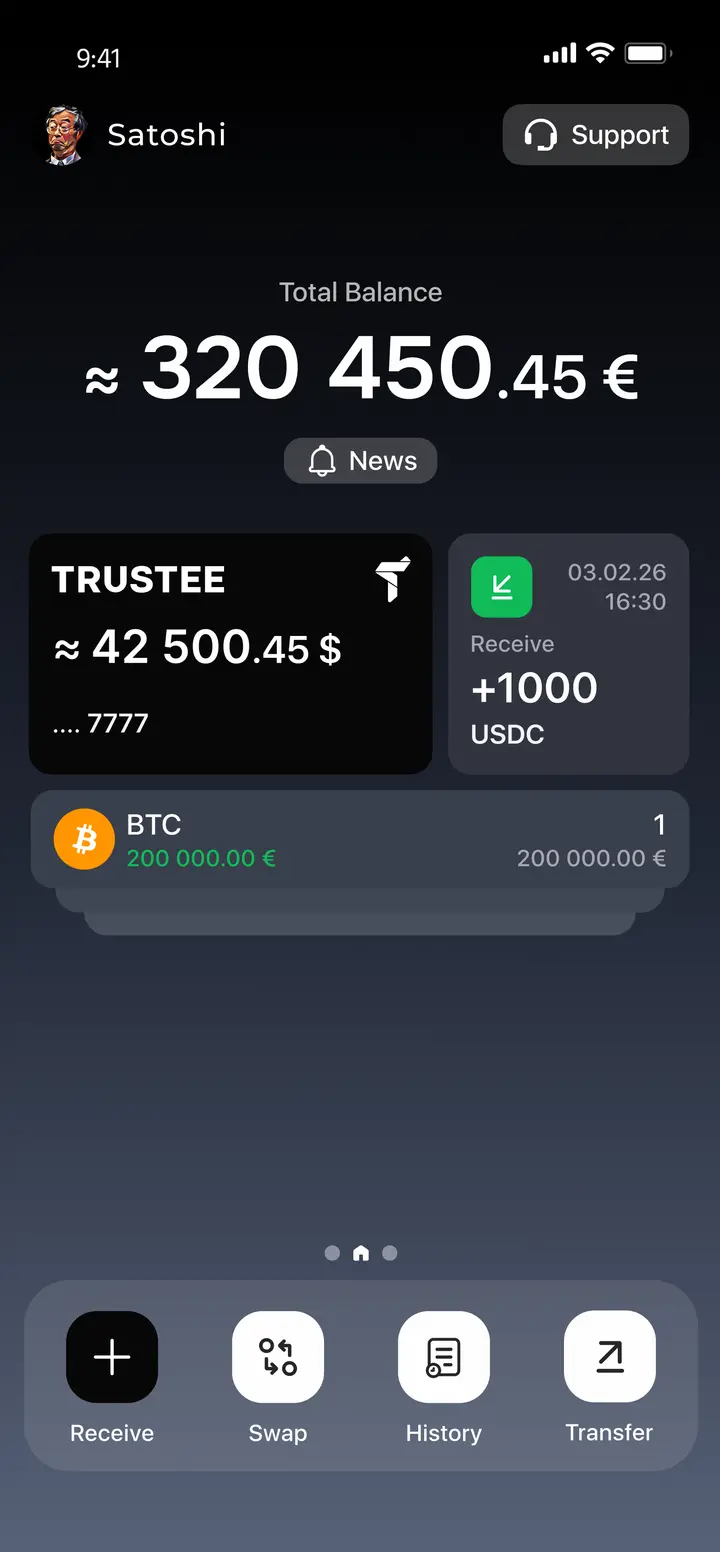
The Polygon wallet app from Trustee Plus offers a full range of services for managing Polygon and many other digital assets.
- Built-in market data aggregator for asset tracking.
- Crypto balance payments available via an integrated payment card.
- Use POL for transfers, sales, exchanges, and storage anywhere in the world.
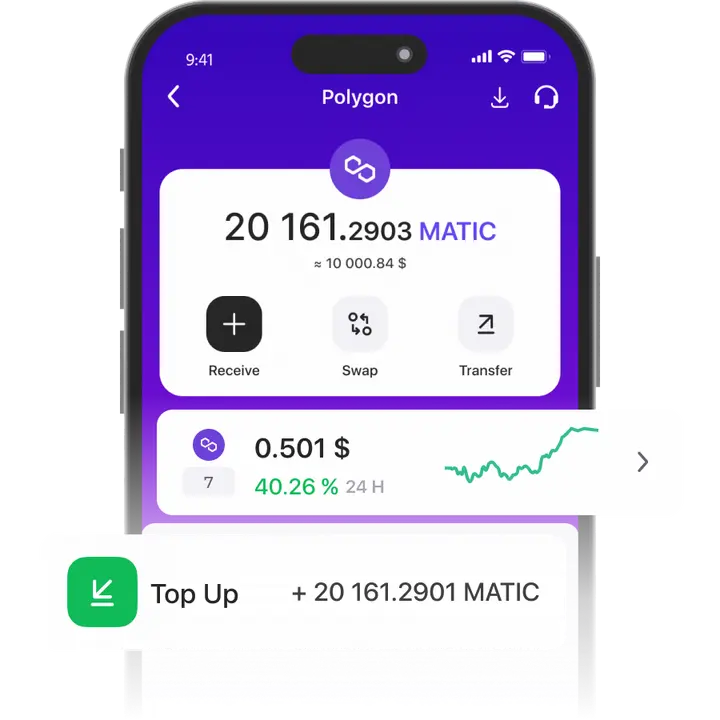
How to create a POL Wallet?
- 1
Download and install Trustee Plus
Installing the Trustee Plus crypto wallet on your phone takes just a few minutes.
- 2
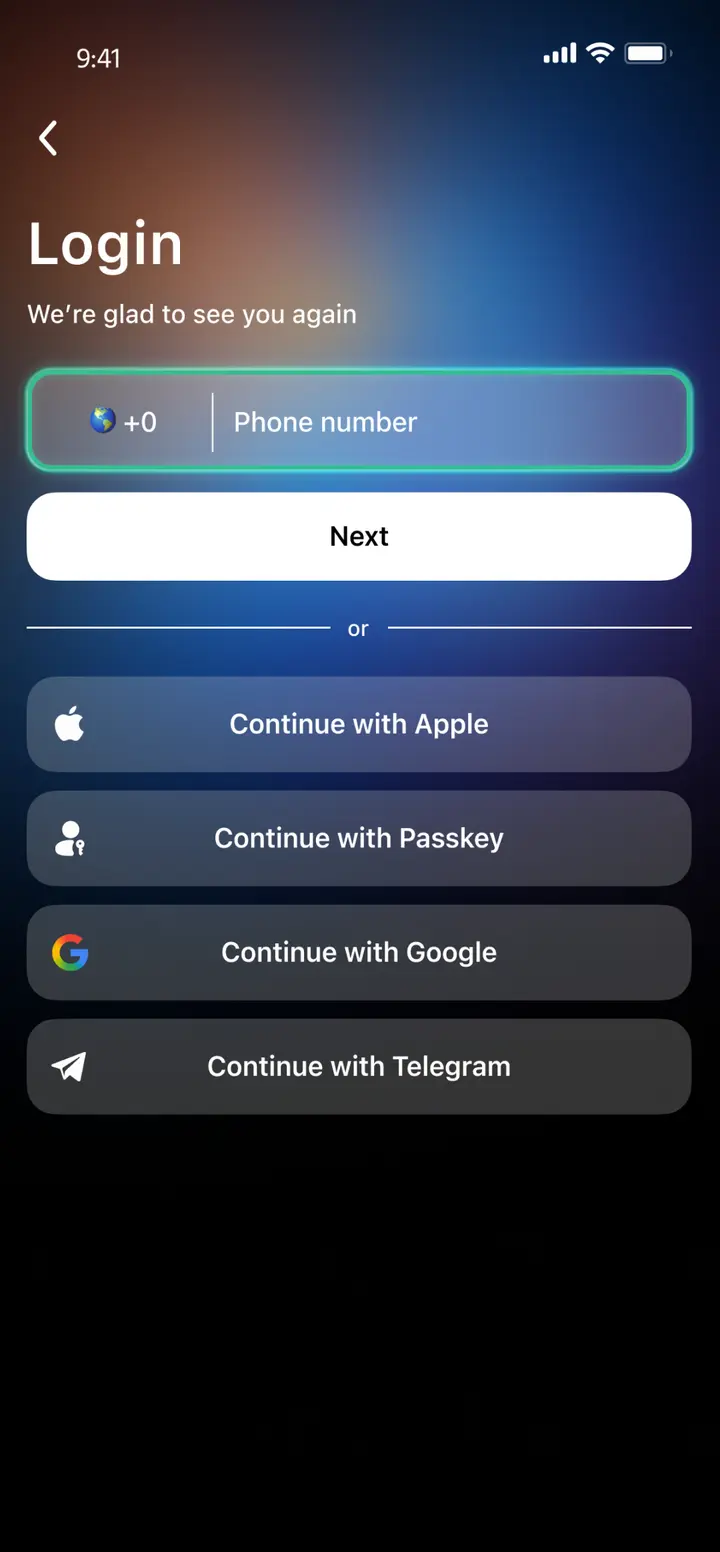
Enter your phone number
Register your phone number.
- 3
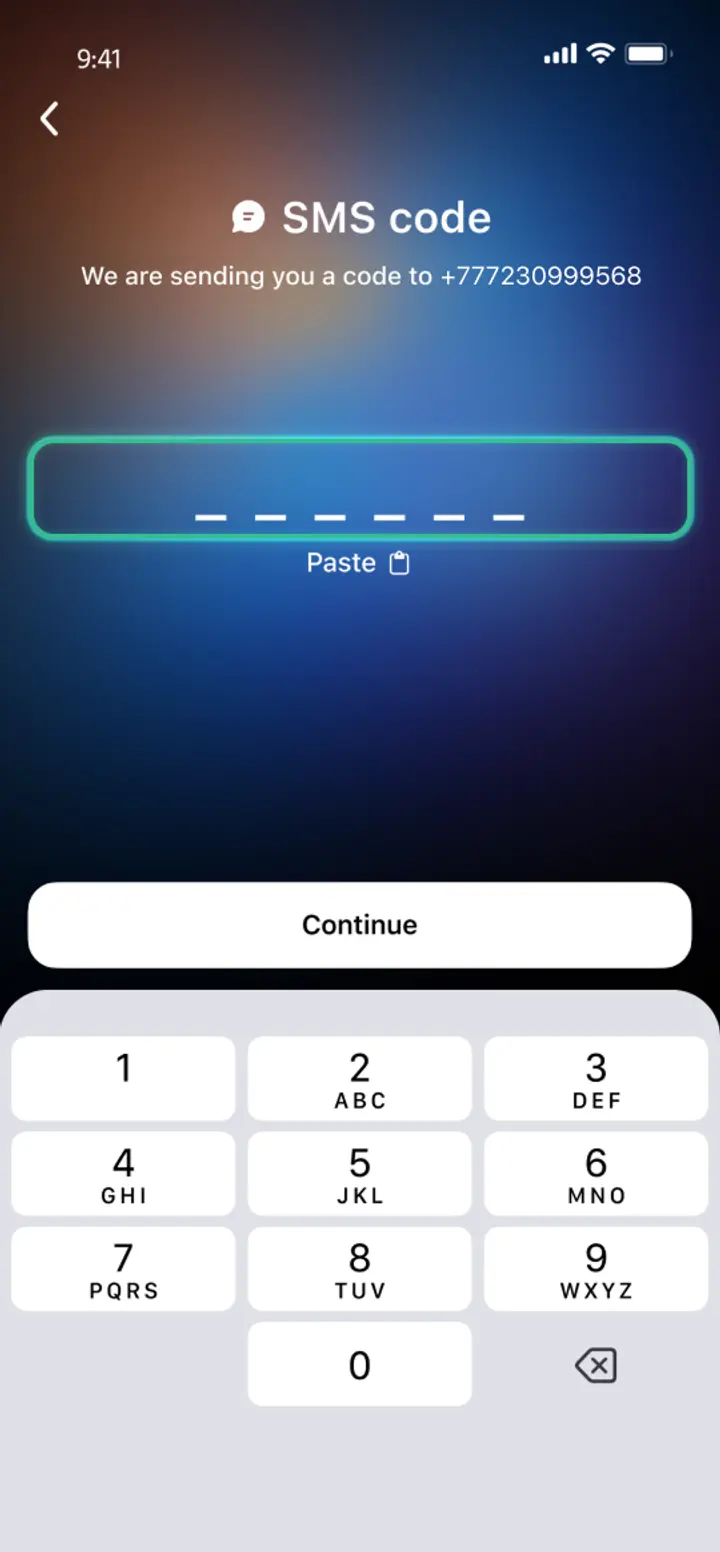
Confirm your number
Confirm your mobile number via a phone call or SMS.
- 4
All set
Enter the remaining details and start using the app.
Advantages of Trustee Plus
Cost-Effectiveness and Transparency
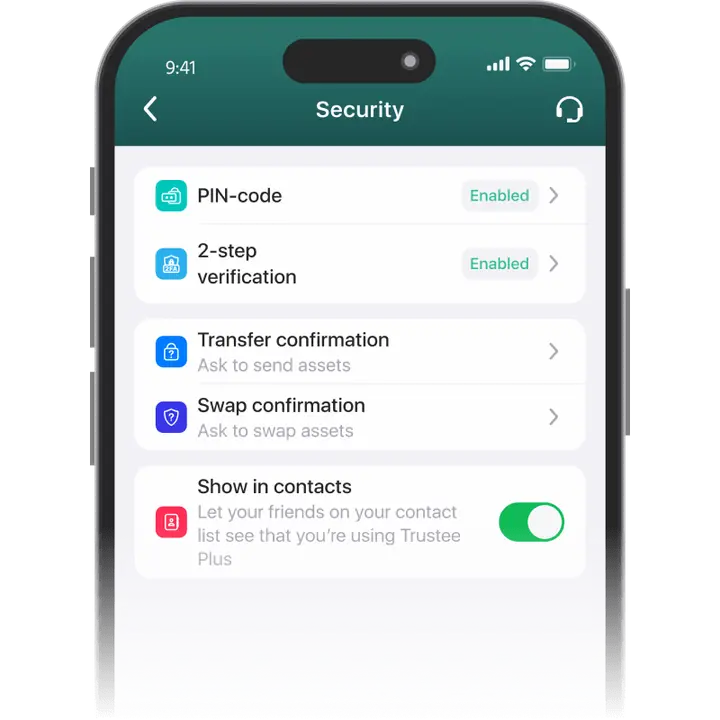
- Free and quick registration with easy verification
- Exchange commission of just 0.5%, with no hidden fees
- Always up-to-date and favorable exchange rates for all operations
- Free transfers and top-ups
Flexibility
- Support for various cryptocurrencies: BTC, ETH, and others
- One account with multiple methods: SOL, ERC20, BEP20, and more
- Exchange cryptocurrencies and fiat seamlessly
- Free instant swaps of stablecoins between each other
How to Use POL Wallet?


What is Polygon (POL)?

FAQ
What is a Polygon Wallet?
Polygon Wallet is a software platform for managing POL tokens. The list of basic functions of such a wallet should include secure storage, asset transfer, buying cryptocurrency from a credit card, and selling it. The best Polygon Wallets offer additional features: exchange, market observer, cryptocurrency card. One such wallet is the Trustee Plus.
How to Get a Polygon Wallet?
Today there is a Polygon Wallet for PC, smartphones and as a standalone device. Mobile wallets are usually free and do not require any special knowledge to work. To get the mobile wallet, go to AppStore or GooglePlay from your phone and search for “the Trustee Plus”, then follow the instructions.
How to Create a Polygon Wallet?
Unlike desktop, online and hardware wallets, mobile services are optimal in terms of security and convenience. These are the ones we recommend for Polygon (POL). To create a Polygon Wallet, use the Trustee Plus mobile app. All you need to do is install it and sign up. All functions will be available immediately after verification.
What is a Polygon Wallet Address?
The cryptocurrency address is required for user balance information and POL transfers from other addresses. Never write the cryptocurrency address manually – use a copy or the QR code feature to retrieve the address. To do this, install Polygon Wallet from the Trustee Plus and use QR and other features, including phone number transfers.
How to Recover a Polygon Wallet?
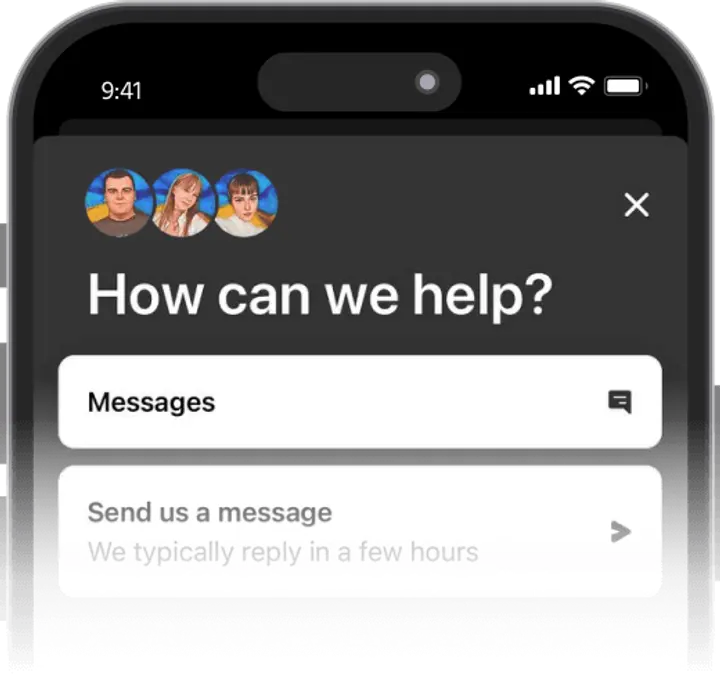
The Polygon Wallet recovery method depends on the service you are working with. In most cases a special key is required for recovery. If it is not stored separately, all funds will be lost with the loss of the device. With the Trustee Plus this is not a problem – you just need to contact support and follow the instructions.
How to Send Polygon to Another Wallet?
Polygon was launched to address the high commissions of the Ethereum. Transfers in Polygon are much faster and more economical, but Polygon Wallet from the Trustee Plus takes benefits of POL to the next level. It allows you to transfer instantly with zero fees between wallet users. Select POL in the app, then “Transfer” and follow the instructions.


Install Trustee Plus - a crypto wallet with payment card!
All the benefits in one app



