



























USDC (BEP-20) wallet
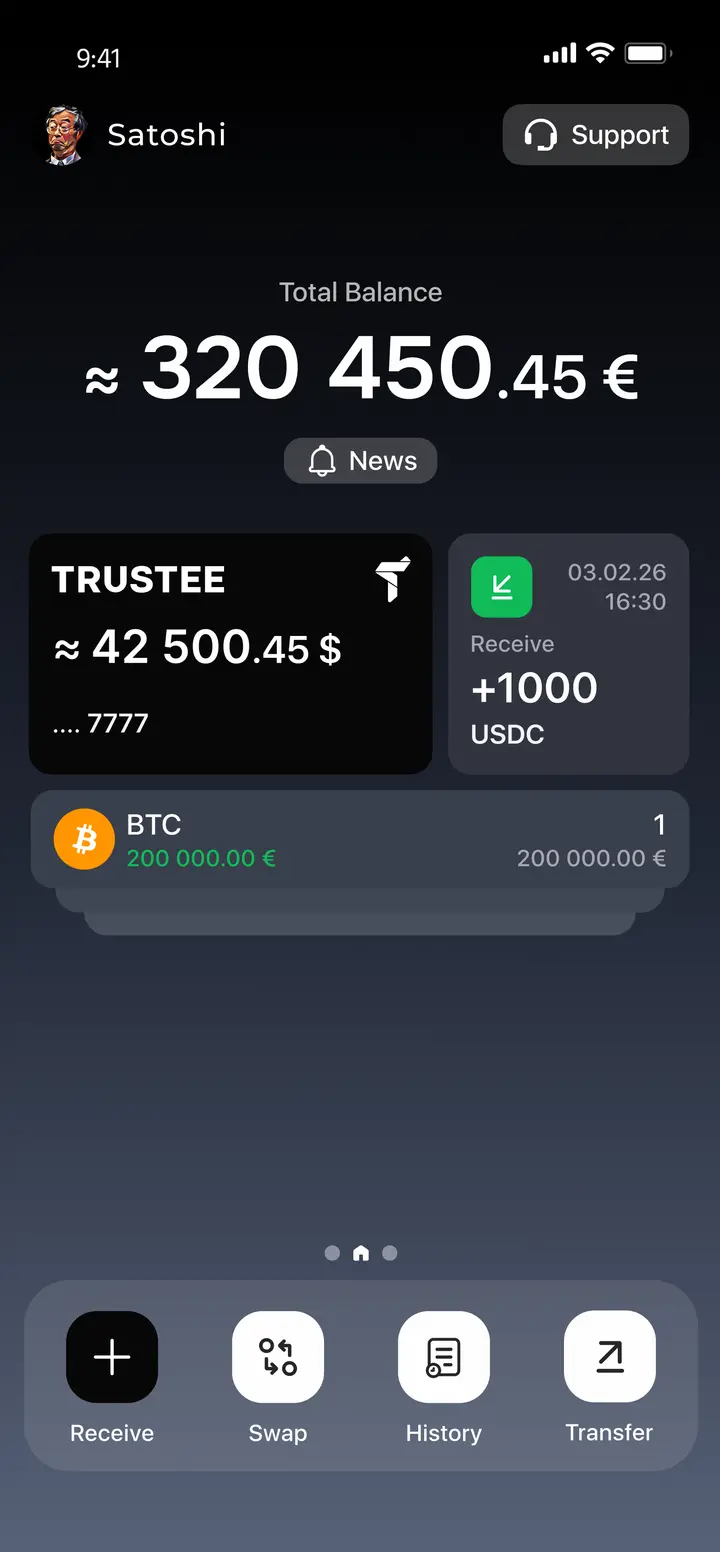
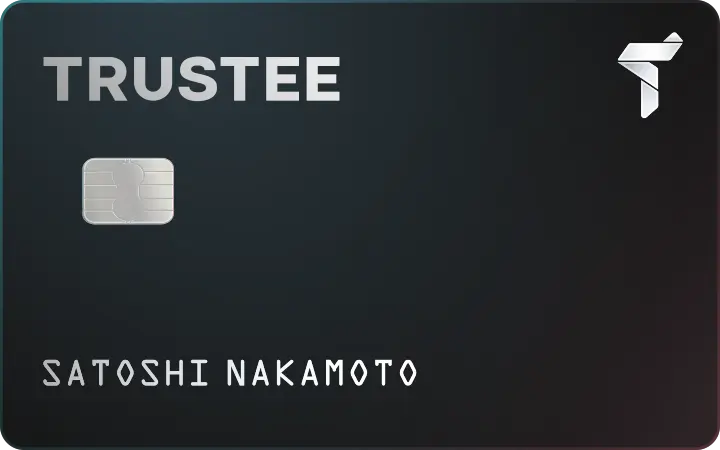
Use the USDC stablecoin on Binance Smart Chain (BEP-20) without any hassle. With the Trustee wallet, you can easily buy USDC (BEP-20) directly from your European bank card, swap it with no hidden fees, and quickly transfer funds to your bank card. Fast! Convenient! Reliable!
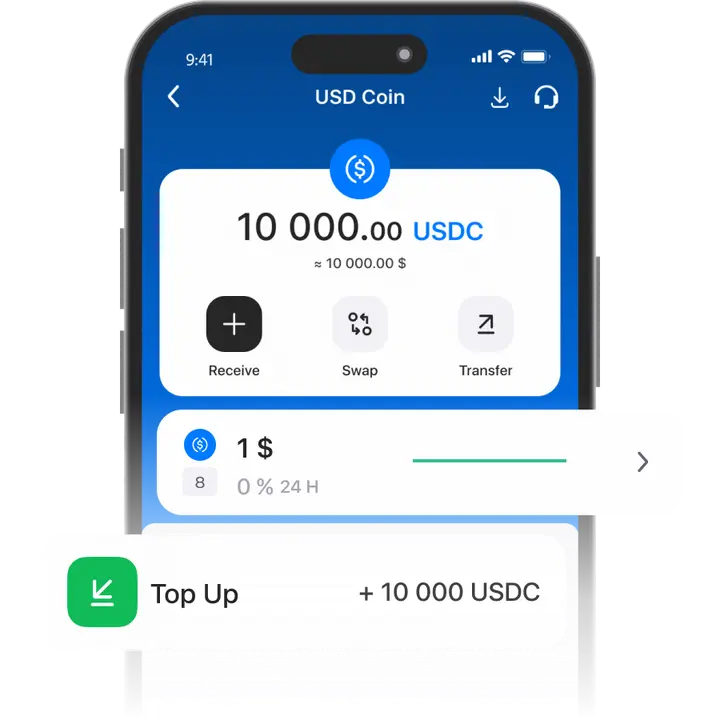
How to create a USDC (BEP-20) wallet
- 1
Download and install Trustee Plus
Installing the Trustee Plus crypto wallet on your phone takes just a few minutes.
- 2
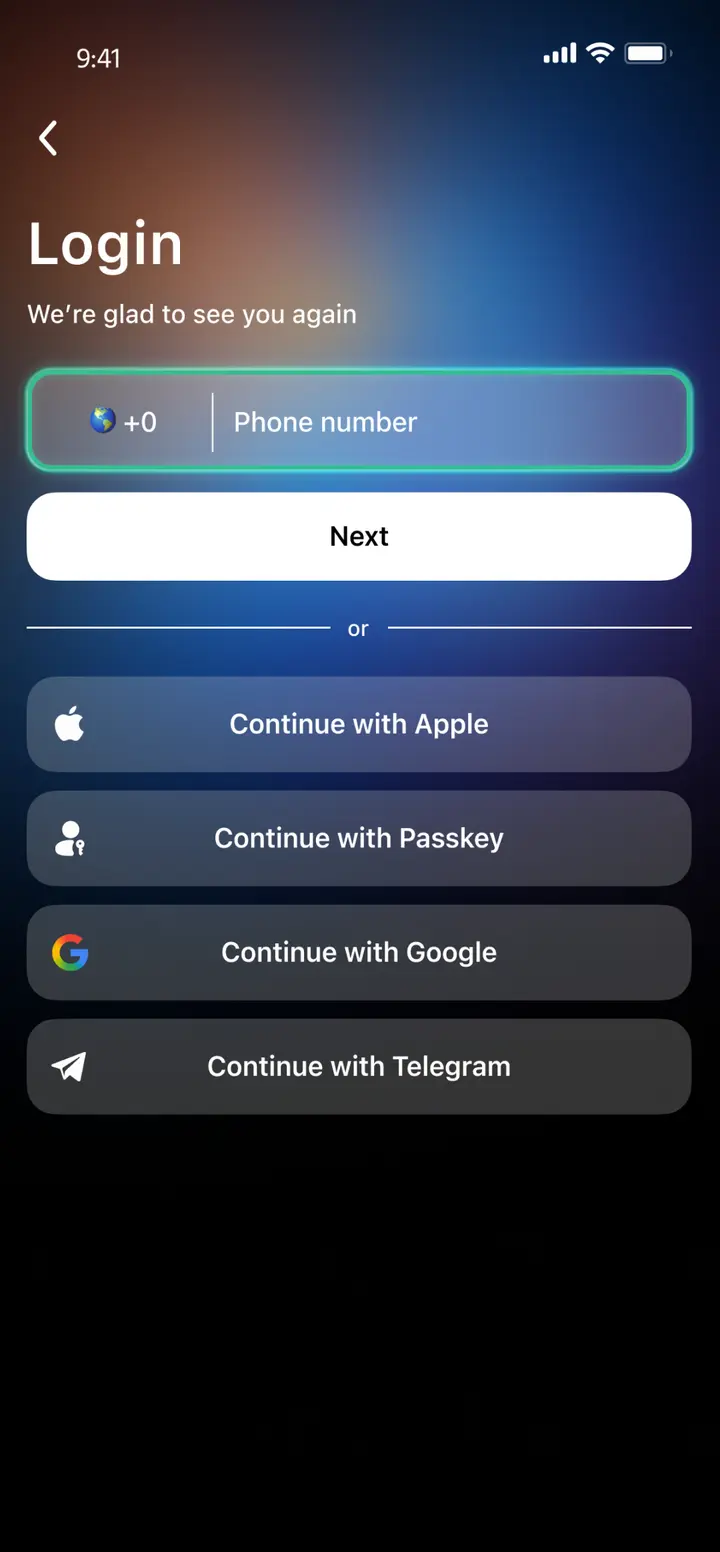
Enter your phone number
Register your phone number.
- 3
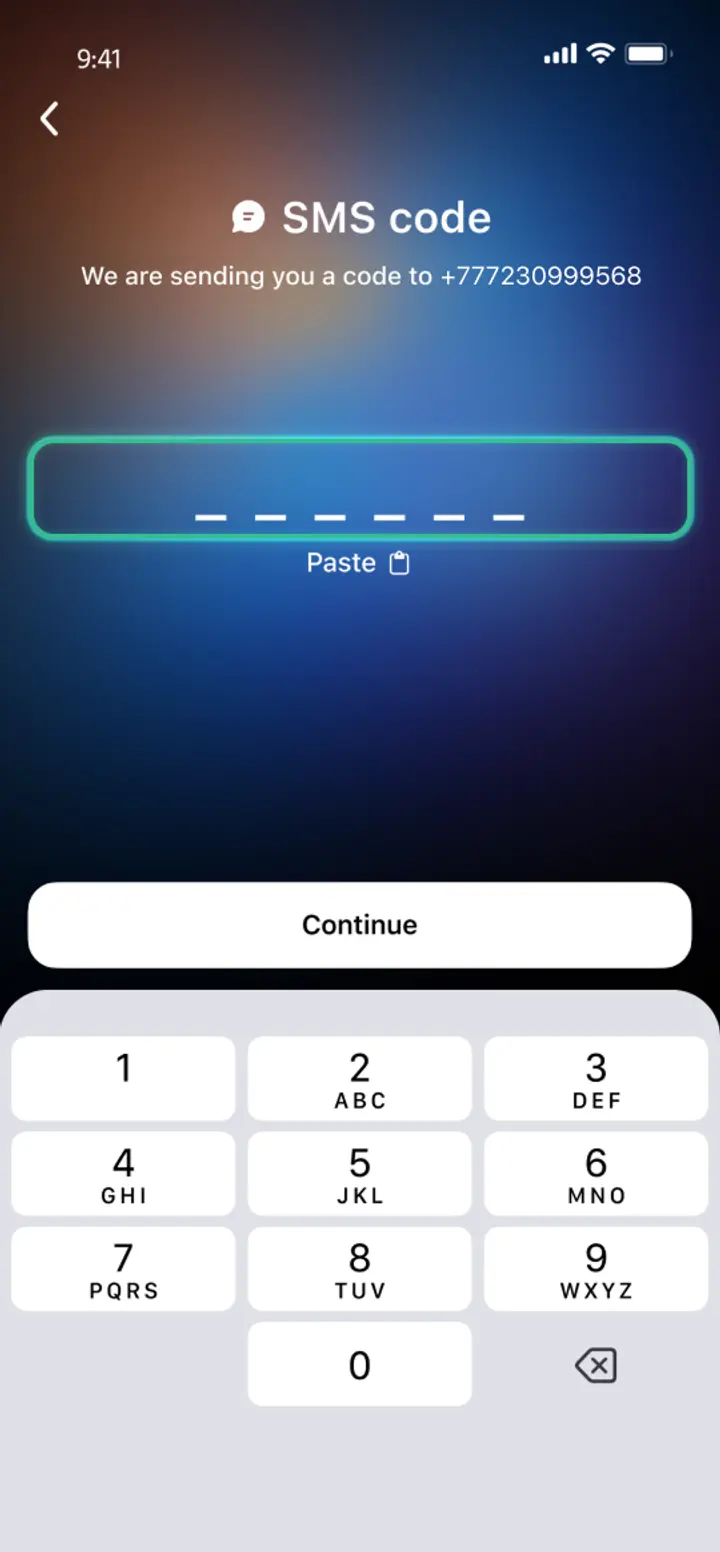
Confirm your number
Confirm your mobile number via a phone call or SMS.
- 4
All set
Enter the remaining details and start using the app.
Advantages of Trustee Plus
Cost-Effectiveness and Transparency
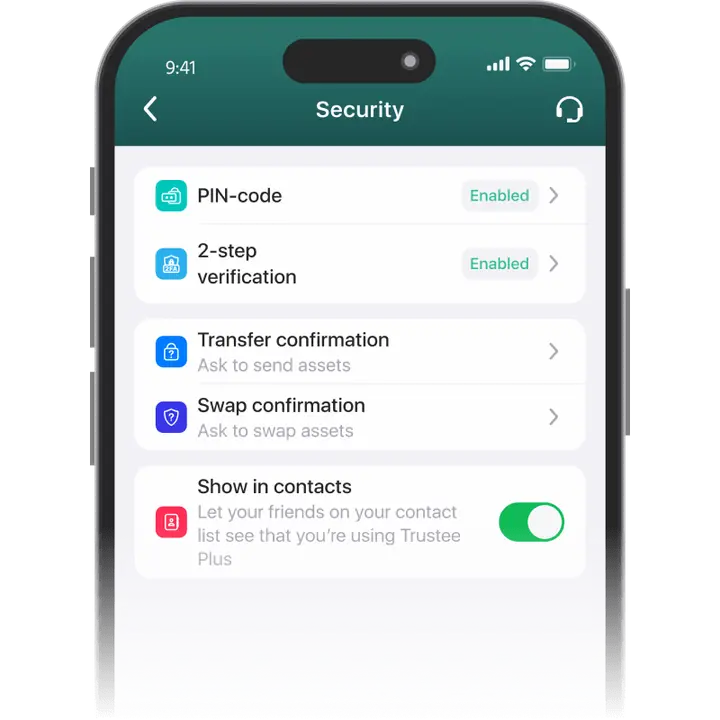
- Free and quick registration with easy verification
- Exchange commission of just 0.5%, with no hidden fees
- Always up-to-date and favorable exchange rates for all operations
- Free transfers and top-ups
Flexibility
- Support for various cryptocurrencies: BTC, ETH, and others
- One account with multiple methods: SOL, ERC20, BEP20, and more
- Exchange cryptocurrencies and fiat seamlessly
- Free instant swaps of stablecoins between each other
How to use a USDC (BEP-20) wallet


What is the USDC (BEP-20) stablecoin?
USDC on BEP-20 is a stable cryptocurrency pegged 1:1 to the US dollar that runs on the Binance Smart Chain (BSC). The token is issued by Circle and backed by reserves held in accounts at regulated U.S. financial institutions. BSC provides fast block confirmations (around 3 seconds) and low transaction fees, making USDC on BEP-20 convenient for everyday transfers, paying for goods and services, and participating in BNB Chain–based DeFi services. The BEP-20 version of USDC is compatible with many popular wallets and is used on leading decentralized platforms such as PancakeSwap. Its popularity is driven by quick processing, low costs, and broad support across the BSC ecosystem.

FAQ
What is the USDC in BEP20?
USDC in BEP-20 is the USDC stablecoin issued on BNB Smart Chain (formerly Binance Smart Chain) under the BEP-20 token standard. It’s pegged to the US dollar at a 1:1 ratio and is designed for fast, low-fee transfers.
Which wallet supports USDC?
Trustee Plus supports USDC and works with popular token standards, including ERC-20 (Ethereum) and BEP-20 (BNB Smart Chain).
How to create BEP20 wallet
In Trustee Plus, you don’t need to manually create a separate BEP-20 wallet. Install the app and sign up, then open USDC and choose the option to receive funds. Select “Wallet address” and pick the BEP-20 (BNB Smart Chain) network — after that you’ll see your address and a QR code for receiving USDC.
BEP20 wallet address list
There is no universal “BEP-20 address list” in Trustee Plus — your receiving address is unique to your wallet. To view and share it:
- Receive
- Select the asset (e.g., USDC)
- Wallet address
- Сhoose BEP-20.
Important: the network must match on both the sender and receiver side — otherwise funds may be lost.
Does USDC support BEP20?
Yes. Trustee Plus supports USDC on the BEP-20 (BNB Smart Chain) network.


Install Trustee Plus - a crypto wallet with payment card!
All the benefits in one app



