



























Ripple (XRP) Wallet
With the Ripple wallet app from Trustee Plus, you can securely store and manage Ripple (XRP) from anywhere online.
Wondering what wallet for Ripple to choose? Download the official XRP wallet now and access:
- Over 30 available assets
- Competitive exchange rates
- Crypto transfers between addresses
- Direct bank card withdrawals and XRP purchases with euros

How to create a Ripple (XRP) wallet
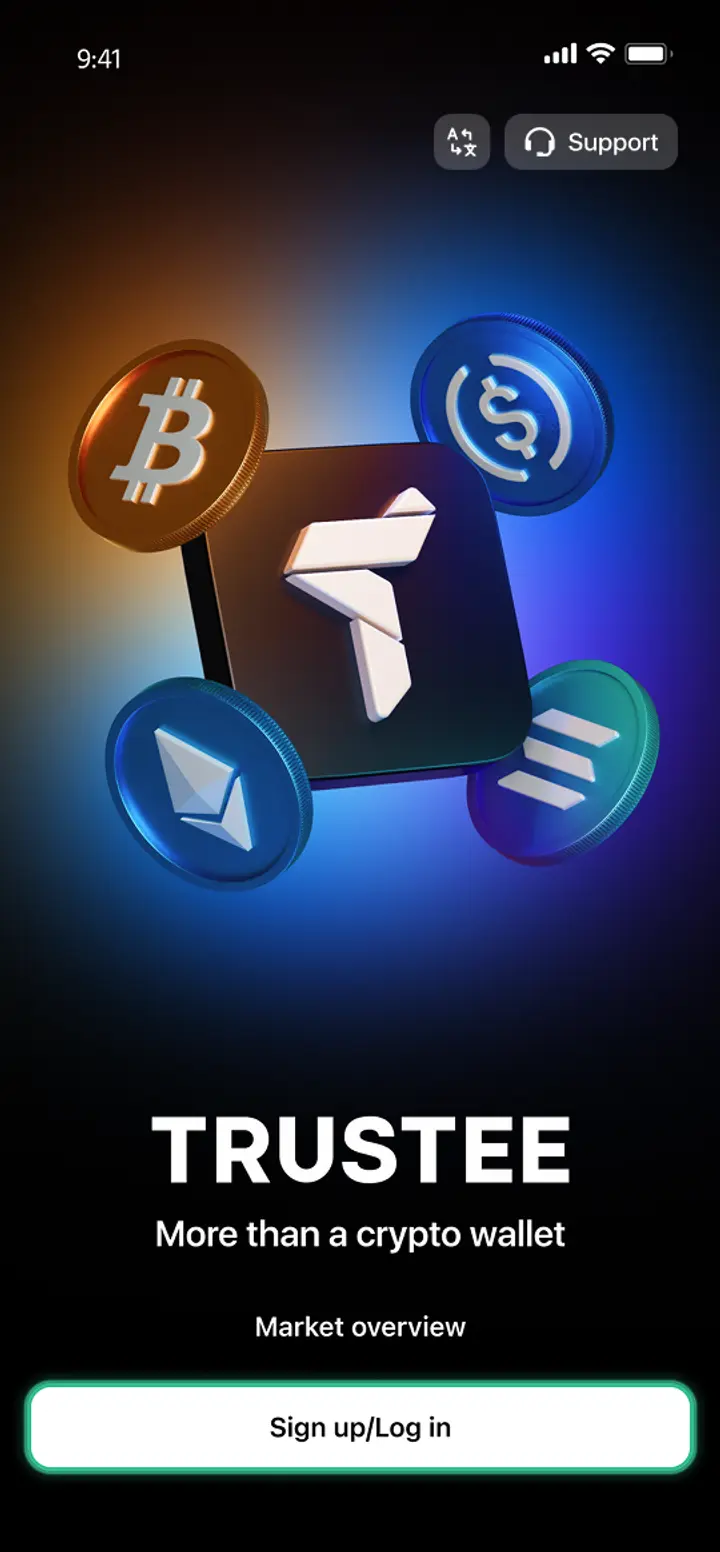
- 1
Download and install Trustee Plus
Installing the Trustee Plus crypto wallet on your phone takes just a few minutes.
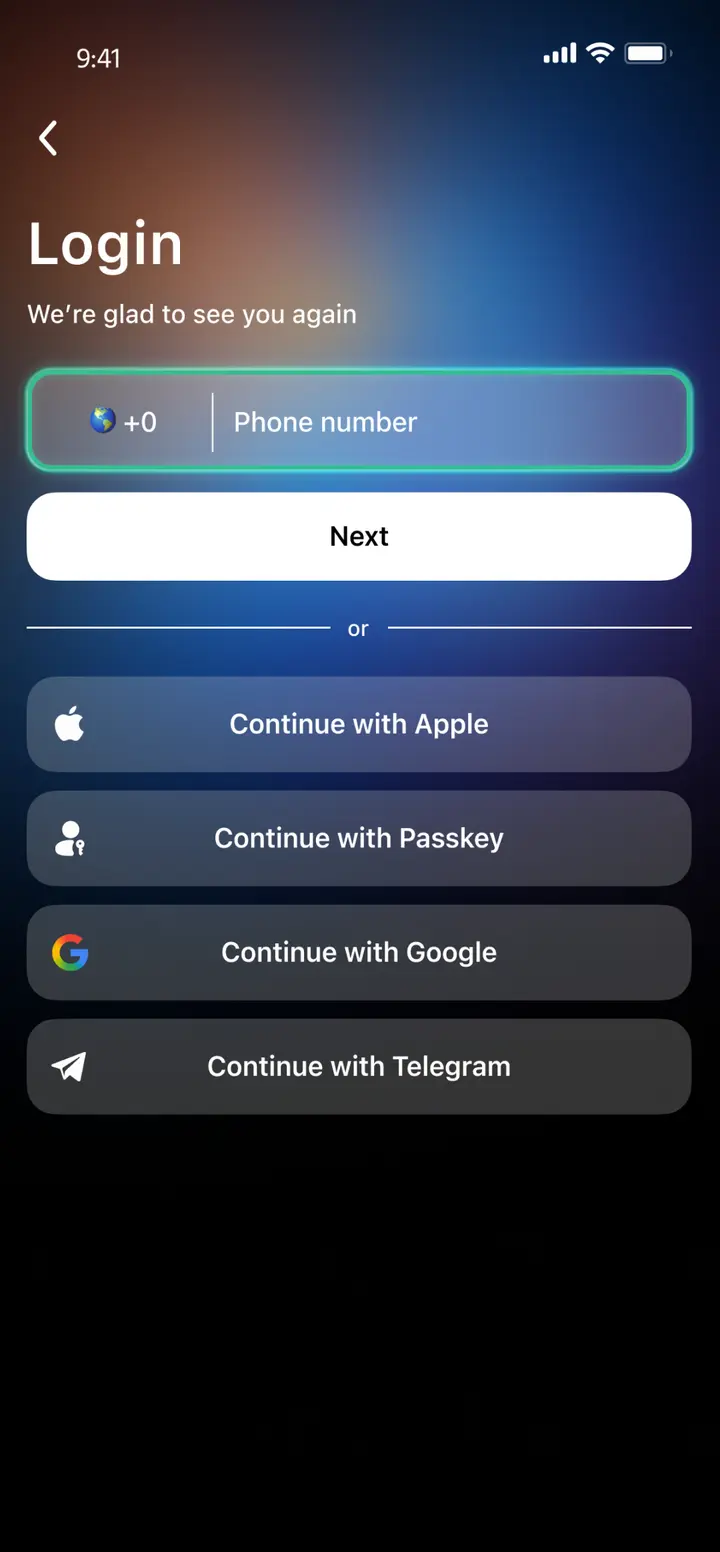
- 2
Enter your phone number
Register your phone number.
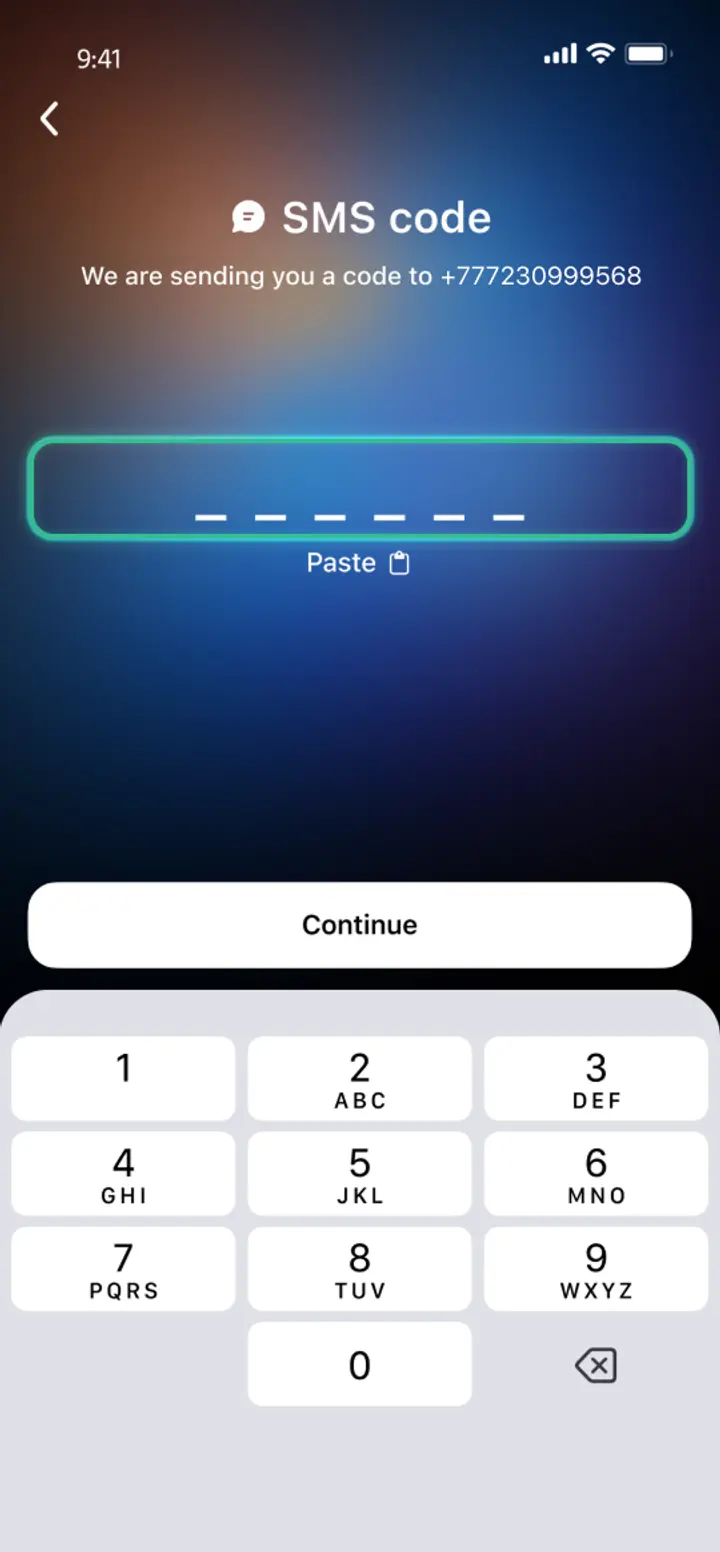
- 3
Confirm your number
Confirm your mobile number via a phone call or SMS.
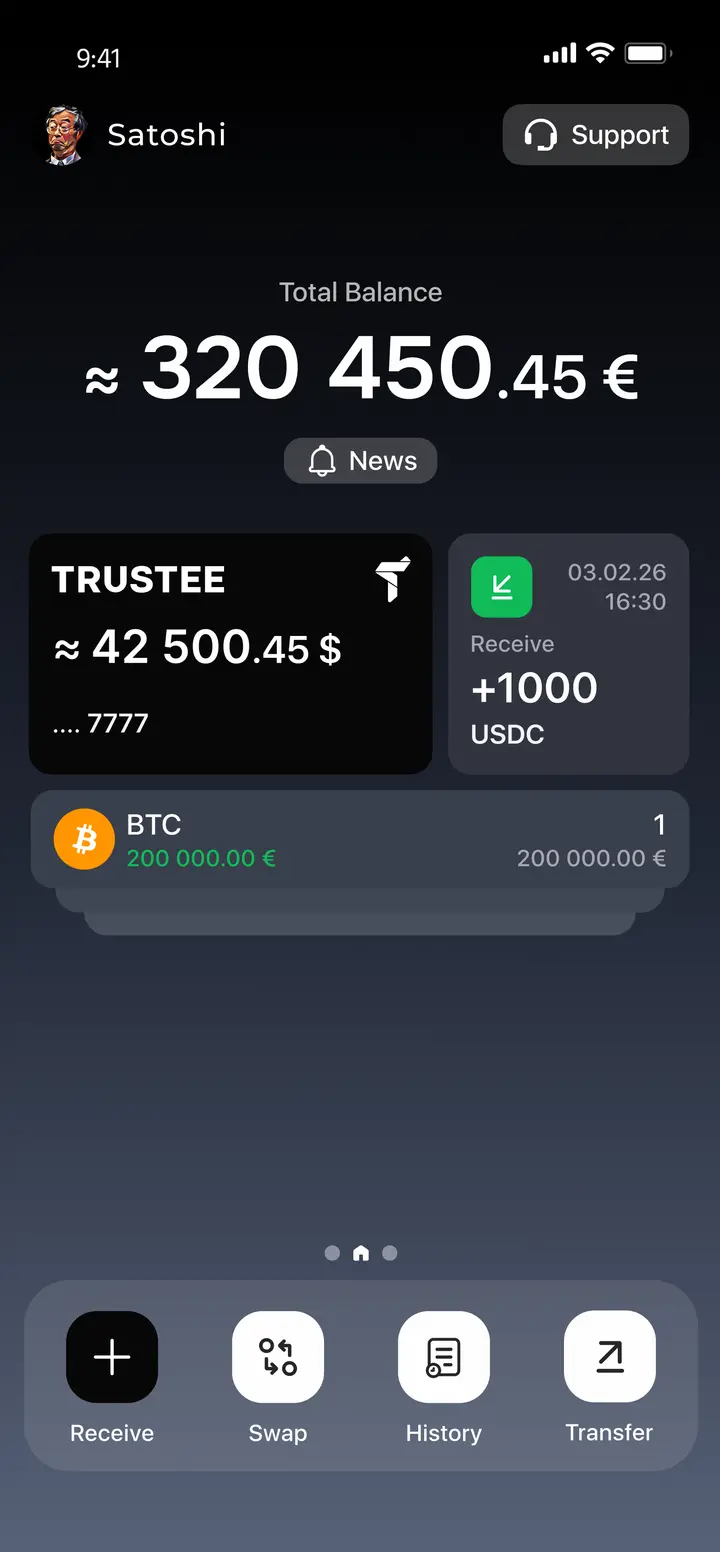
- 4
All set
Enter the remaining details and start using the app.
Advantages of Trustee Plus
Cost-Effectiveness and Transparency
- Free and quick registration with easy verification
- Exchange commission of just 0.5%, with no hidden fees
- Always up-to-date and favorable exchange rates for all operations
- Free transfers and top-ups
Flexibility
- Support for various cryptocurrencies: BTC, ETH, and others
- One account with multiple methods: SOL, ERC20, BEP20, and more
- Exchange cryptocurrencies and fiat seamlessly
- Free instant swaps of stablecoins between each other
How to Use XRP Wallet


What is Ripple (XRP)

FAQ
What is a Ripple Wallet?
A Ripple Wallet app is a service for managing XRP cryptocurrency: storing, receiving, sending, buying and selling it. The best Ripple Wallets today support not only XRP, but also other currencies for instant exchanges and fast operations on the crypto market. One such wallet is the Trustee Plus.
How to Get a Ripple Wallet?
You don’t need any special knowledge to get a Ripple Wallet. All you have to do is installing the Trustee Plus on your smartphone and follow the instructions for a quick registration and verification. After that, the wallet is ready for the first transaction. All kinds of transactions are simple and take only a few steps.
How to Create a Ripple Wallet?
To create a XRP Wallet, all you need is the Internet and a smartphone:
- go to the AppStore or Google Play from your phone;
- find the Trustee Plus and start the free installation;
- enter your phone number and complete your registration. Once done, verify and open up access to profitable transactions and low fees.
What is a Ripple Wallet Address?
The cryptocurrency address of your Ripple Wallet is the address for you to receive funds from other users. It is also used to retrieve account status and related transactions. With wallets such as the Trustee Plus, you can receive funds not only by address, but also by phone number and QR.
How to Recover a Ripple Wallet?
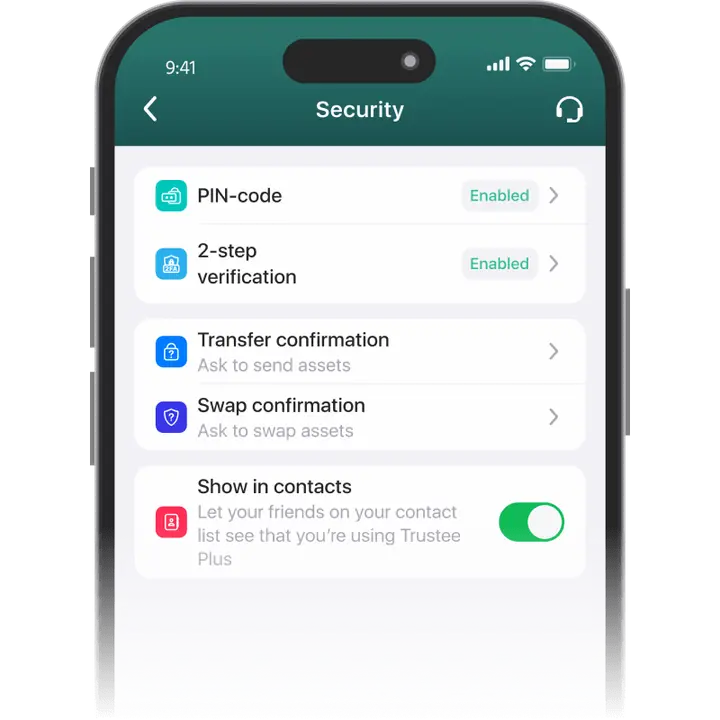
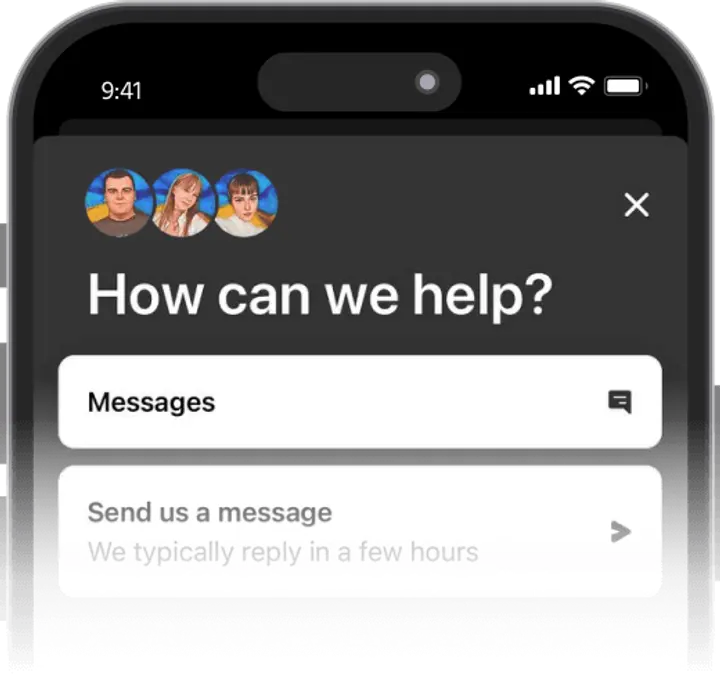
To restore a Ripple (XRP) Wallet in the Trustee Plus service, contact support and follow the instructions. Technical support is available at any time of the day or night. To avoid the need for recovery, the service offers security settings: TouchID or FaceID connection, two-factor authentication via e-Mail and Google Authenticator.
How to Send Ripple to Another Wallet?
To send XRP to another wallet, you need its crypto-address. To send XRP to the Ripple Wallet in the Trustee Plus, go to the XRP menu and select “Transfer”. In the “Transfer by Crypto-address” section, paste the recipient’s address or scan the QR. You can also transfer funds to another Trustee user by phone number or profile ID.


Install Trustee Plus - a crypto wallet with payment card!
All the benefits in one app



