



























USDC POL (Polygon) Wallet
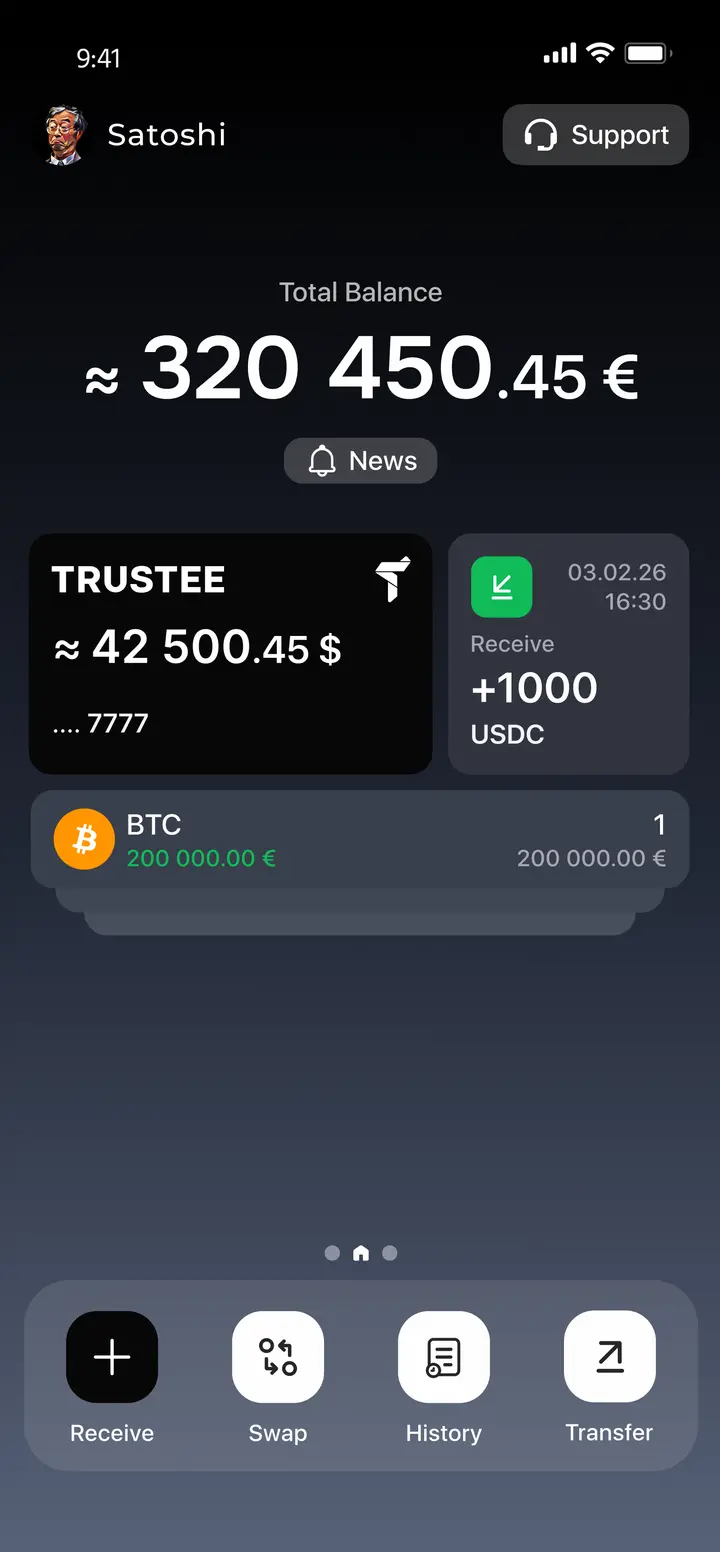
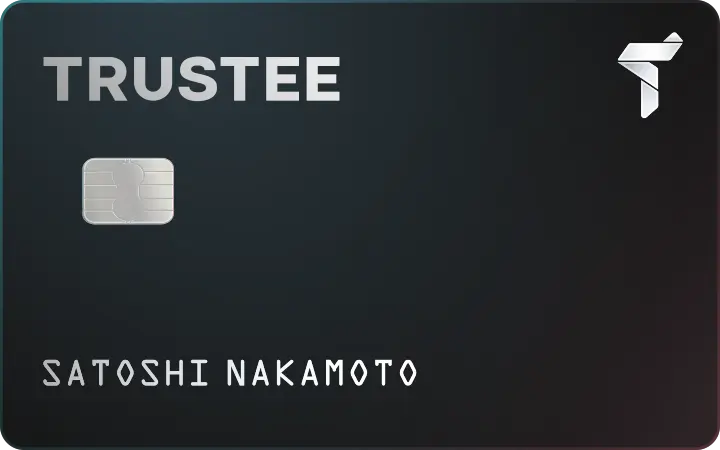
The USDC (Polygon) wallet in the Trustee app is a convenient solution for storing and using the stablecoin on the Polygon network. You can buy USDC (Polygon), exchange it with no fees right in the app, and withdraw funds to bank cards. The Polygon network enables near-instant transactions with minimal fees.
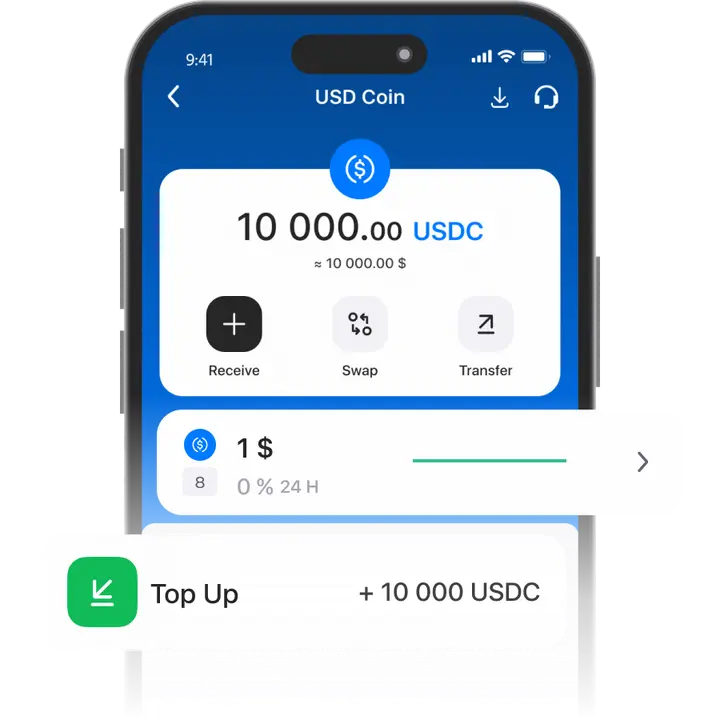
How to create a USDC POL wallet
- 1
Download and install Trustee Plus
Installing the Trustee Plus crypto wallet on your phone takes just a few minutes.
- 2
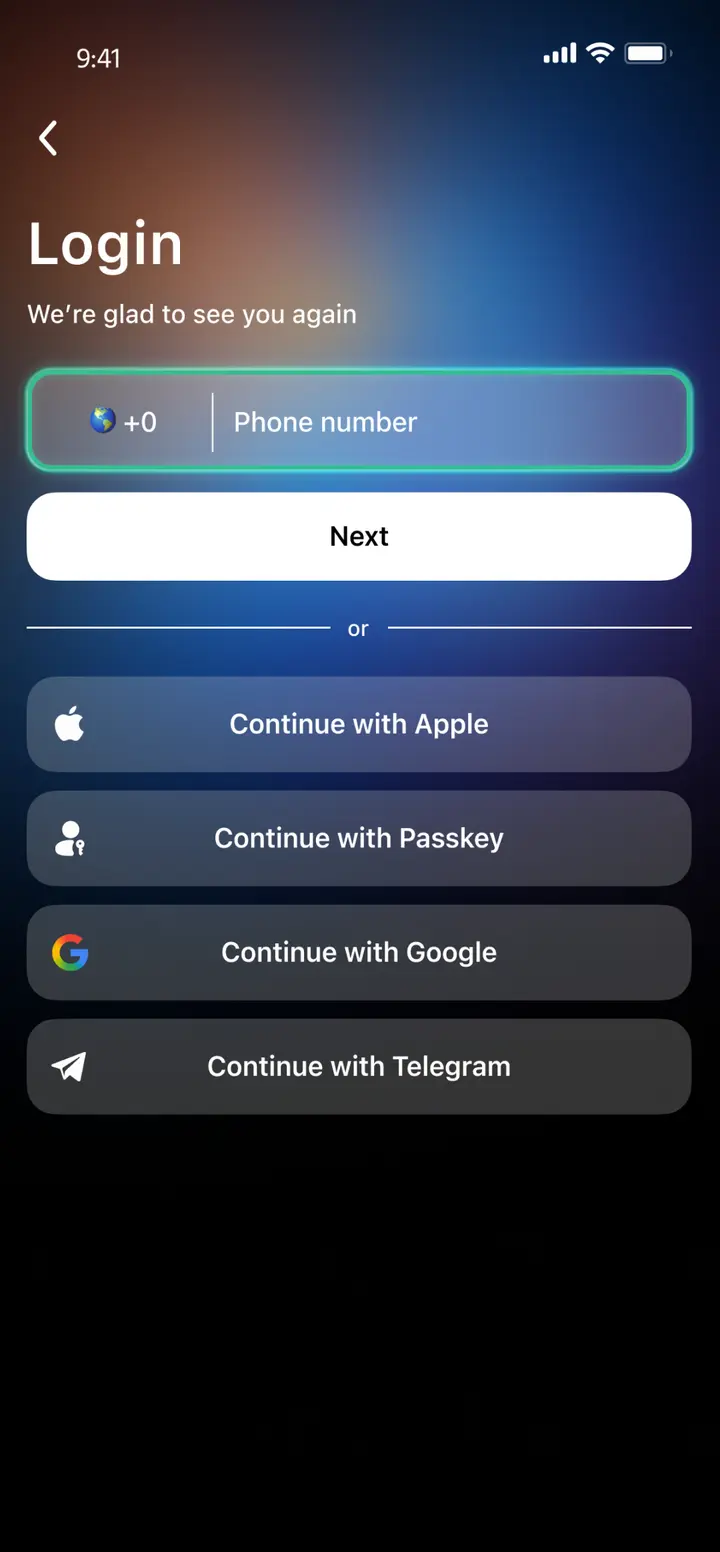
Enter your phone number
Register your phone number.
- 3
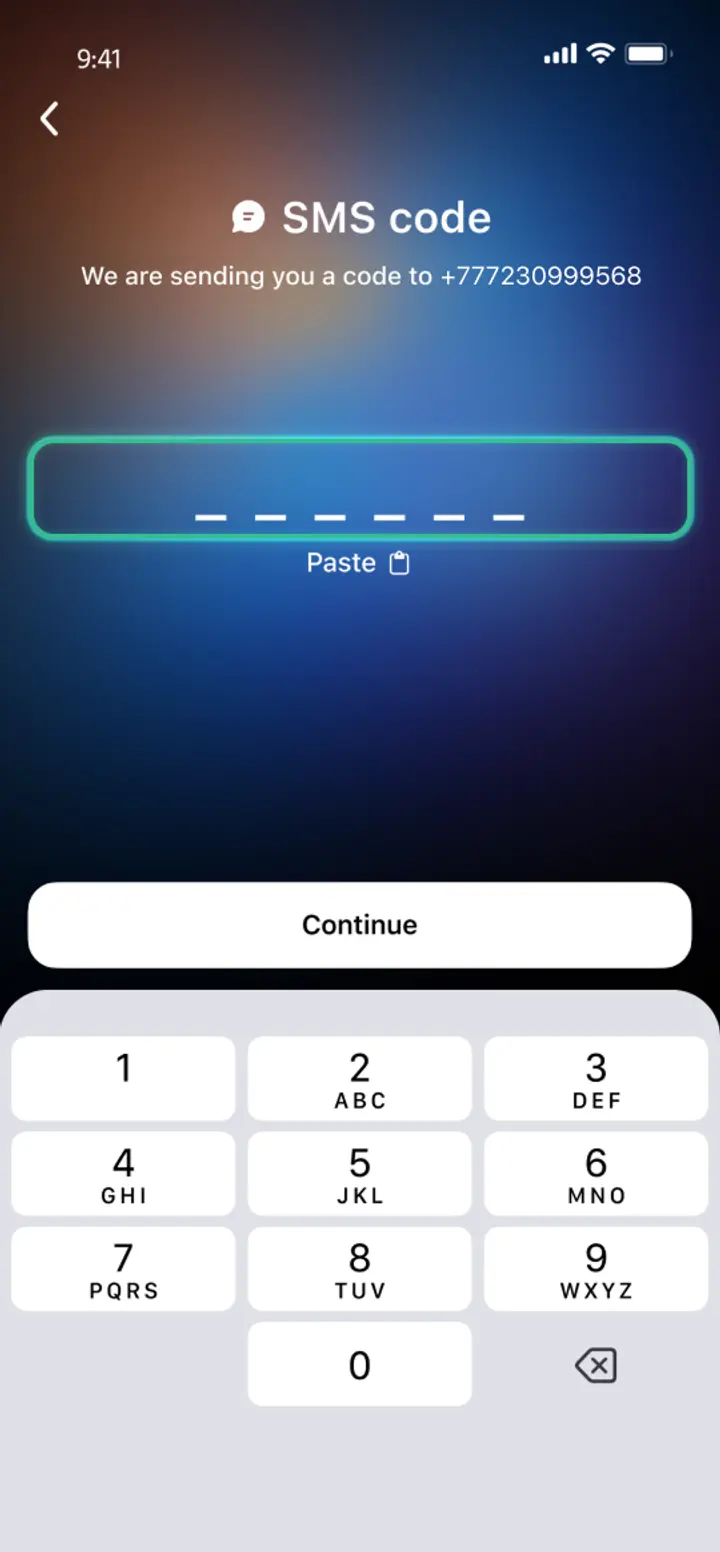
Confirm your number
Confirm your mobile number via a phone call or SMS.
- 4
All set
Enter the remaining details and start using the app.
Advantages of Trustee Plus
Cost-Effectiveness and Transparency
- Free and quick registration with easy verification
- Exchange commission of just 0.5%, with no hidden fees
- Always up-to-date and favorable exchange rates for all operations
- Free transfers and top-ups
Flexibility
- Support for various cryptocurrencies: BTC, ETH, and others
- One account with multiple methods: SOL, ERC20, BEP20, and more
- Exchange cryptocurrencies and fiat seamlessly
- Free instant swaps of stablecoins between each other

Trustee Plus User Reviews

How to use a USDC POL wallet


What is USDC on Polygon?
USDC on the Polygon blockchain is a stablecoin pegged to the U.S. dollar at a 1:1 ratio. Its issuer is Circle, which holds fiat reserves in accounts at U.S. banks. Polygon (formerly Matic) is a scalable, Ethereum-compatible network with fees under $0.01 and a transaction confirmation time of about 2 seconds.

Thanks to its compatibility with DeFi apps (Aave, QuickSwap), USDC POL is actively used for trading, staking, lending, and payments. It’s an optimal choice for those who want to preserve stable value while operating within the Polygon ecosystem with minimal costs.

FAQ
What is the USDC Polygon wallet?
A USDC Polygon (USDC POL) wallet in Trustee Plus is a wallet for using USDC on the Polygon network. With it, you can store USDC on Polygon, buy USDC (Polygon), exchange it in-app, and withdraw to bank cards (via the app’s flow).
Is USDC on Polygon safe?
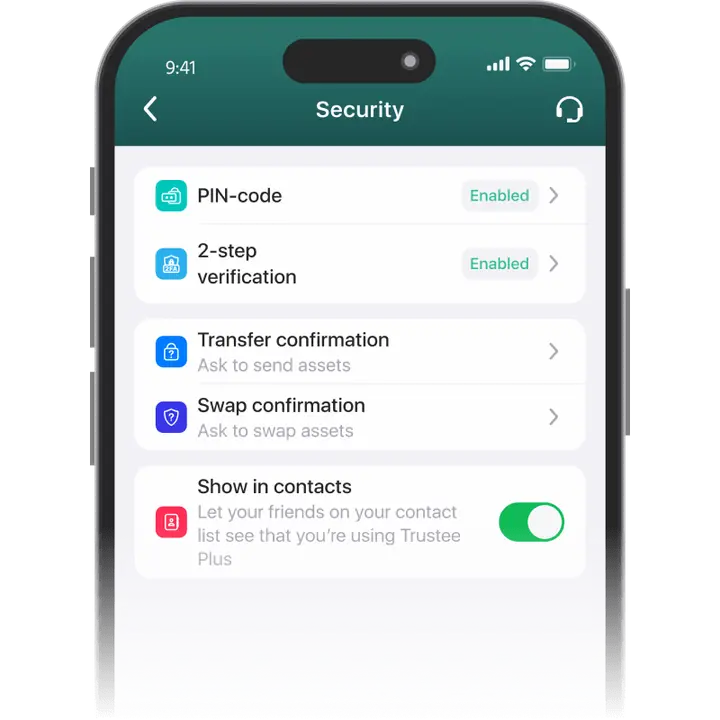
USDC on Polygon is a USD-pegged stablecoin (1:1). It’s issued by Circle, with reserves held in U.S. bank accounts. In Trustee Plus, we add extra protection on the app level with Face ID and two-factor authentication (2FA), and we also rely on decentralized security protocols to help keep your assets protected.
How to convert POL to USDC?
In Trustee Plus you can convert assets via Swap: press “Swap”, select POL in the “You pay” field and USDC (or USDC POL / USDC on Polygon, if that option is shown) in the “You get” field, then confirm. Trustee Plus states swaps are done in seconds with a 0.5% exchange fee for cryptocurrencies (and 0% for stablecoins where applicable).
How to get USDC on Polygon?
You have two common options in Trustee Plus:
- Buy USDC on Polygon directly in the app (enter the amount and pay with a bank card).
- Top up by sending USDC POL from an exchange or another wallet that supports Polygon — Trustee Plus provides the wallet address and in-app guidance.


Install Trustee Plus - a crypto wallet with payment card!
All the benefits in one app



