



























Stellar (XLM) Wallet
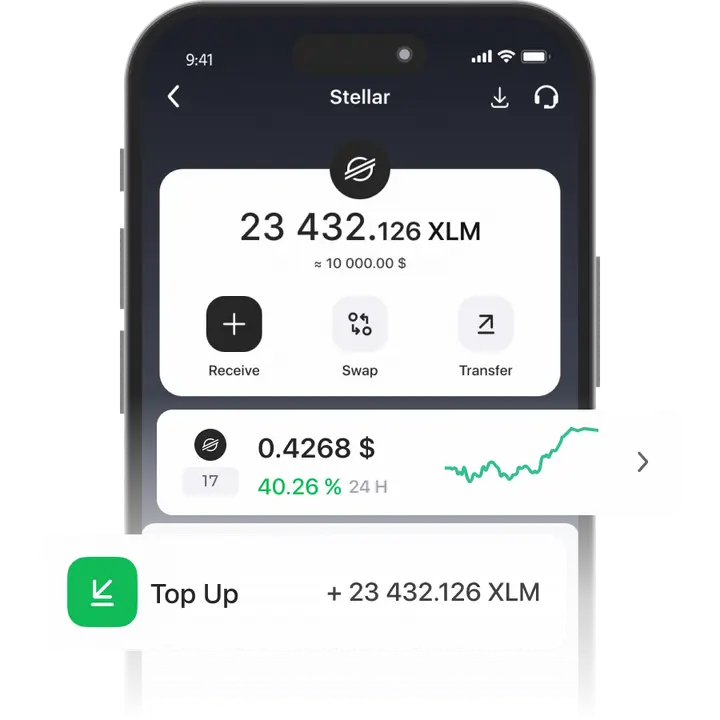
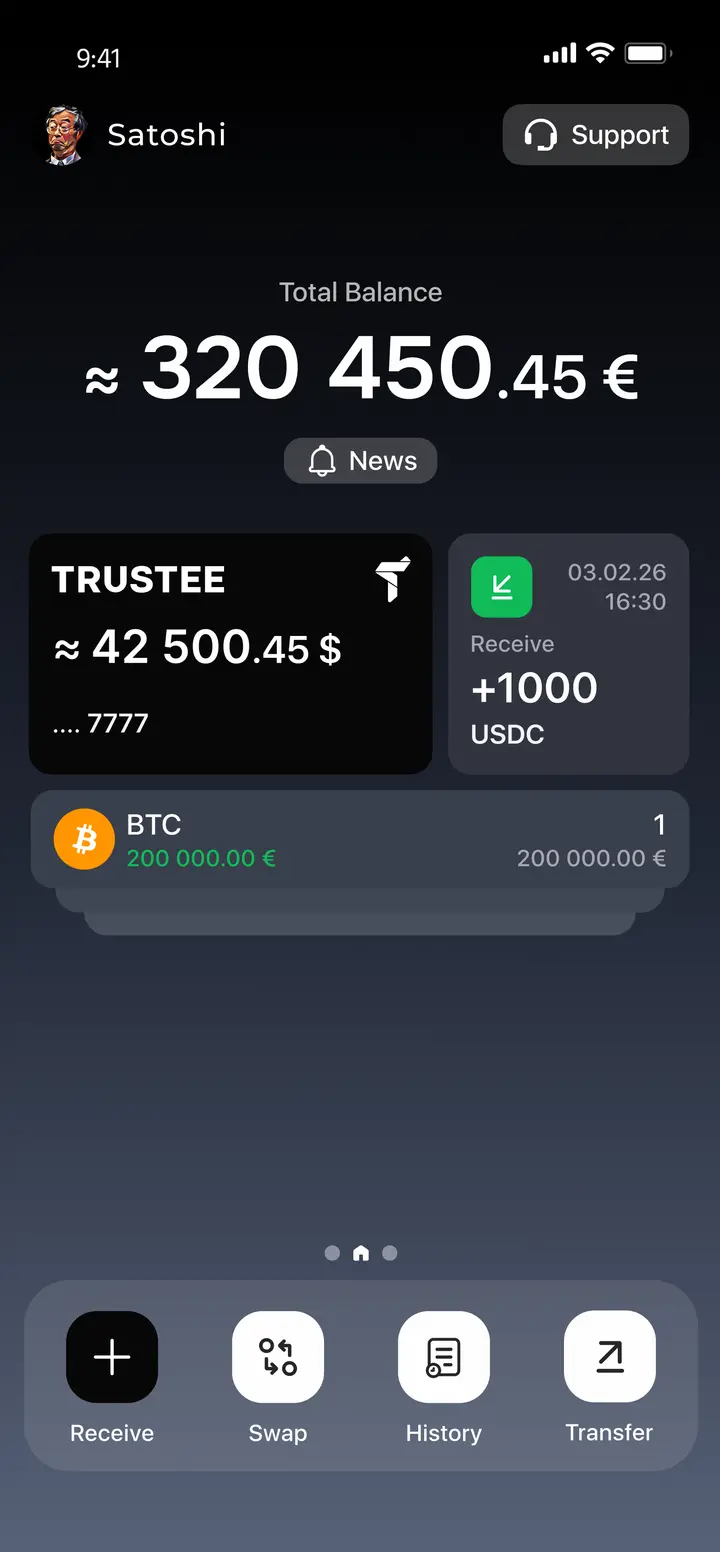
Trustee Plus is a universal official Stellar wallet, allowing you to store and manage Stellar (XLM) and other assets with ease. Download the Stellar wallet now to instantly transfer and exchange XLM.
- Instantly transfer and exchange XLM.
- Buy and withdraw funds to any European bank card in euros!
How to create Stellar (XLM) wallet
- 1
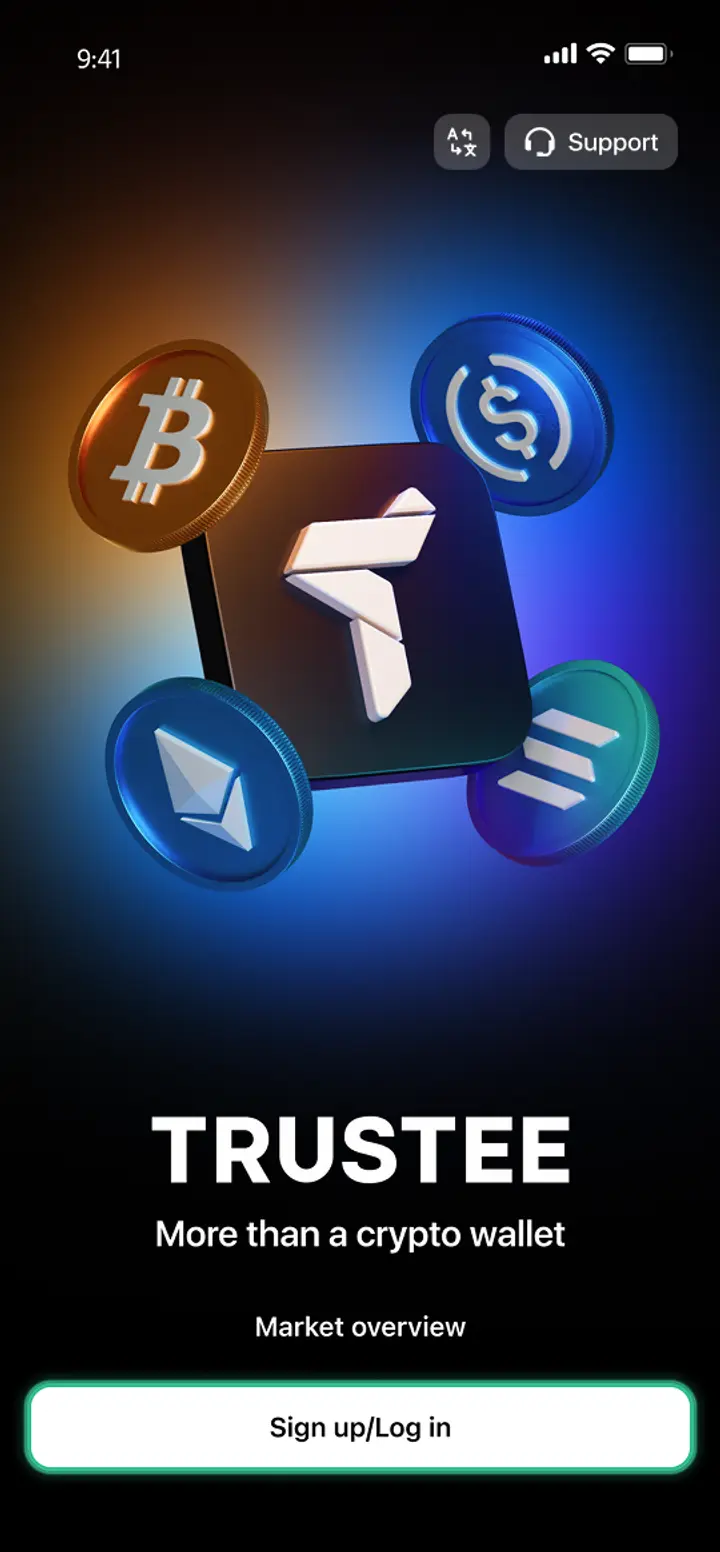
Download and install Trustee Plus
Installing the Trustee Plus crypto wallet on your phone takes just a few minutes.
- 2
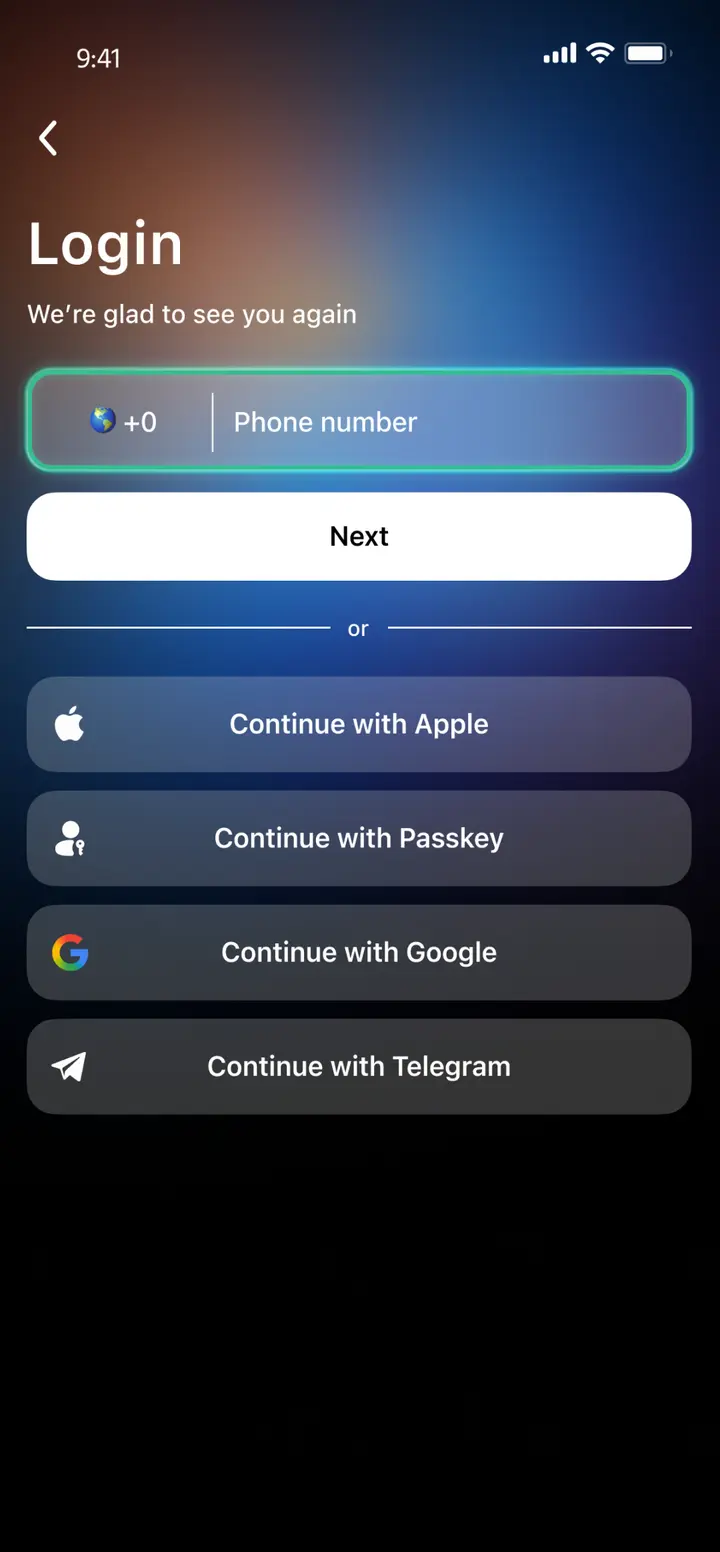
Enter your phone number
Register your phone number.
- 3
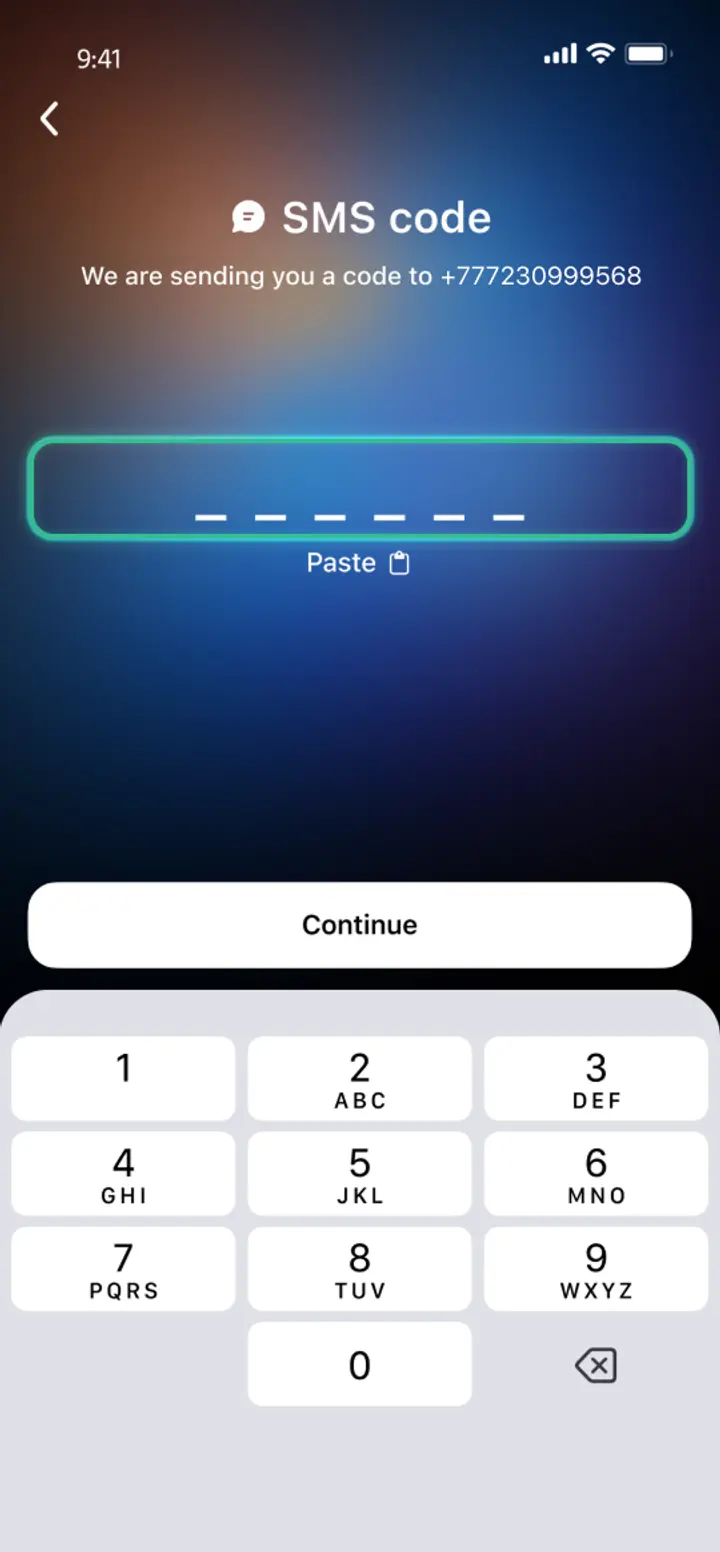
Confirm your number
Confirm your mobile number via a phone call or SMS.
- 4
All set
Enter the remaining details and start using the app.
Advantages of Trustee Plus
Cost-Effectiveness and Transparency
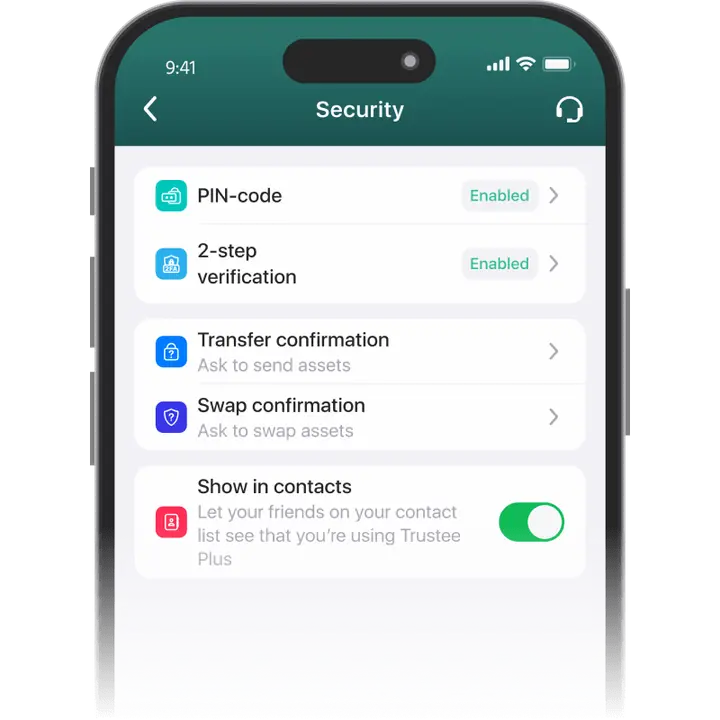
- Free and quick registration with easy verification
- Exchange commission of just 0.5%, with no hidden fees
- Always up-to-date and favorable exchange rates for all operations
- Free transfers and top-ups
Flexibility
- Support for various cryptocurrencies: BTC, ETH, and others
- One account with multiple methods: SOL, ERC20, BEP20, and more
- Exchange cryptocurrencies and fiat seamlessly
- Free instant swaps of stablecoins between each other
How to Use XLM Wallet?


What is Stellar (XLM)?

FAQ
What is a Stellar Wallet?
Stellar is a protocol for currency transactions whose native coin is XLM. The Wallet for Stellar (XLM) is a piece of software that allows you to store and transfer an asset, buy it and use it for transactions and settlements around the world. The Trustee Plus cryptocurrency wallet supports over thirty assets, including Stellar.
How to Get a Stellar Wallet?
To use Stellar, you need to choose a convenient wallet with favorable terms for purchases and other transactions. The Trustee Plus service – Wallet for Stellar and 30+ other currencies – is a great option for you. To get it, install it from the app shop and then follow the instructions.
How to Create a Stellar Wallet?
To create a Stellar Wallet, follow the steps below:
- download the Trustee Plus mobile service on any Android or iOS smartphone;
- register by confirming the action with an SMS code;
- complete the verification conditions – you will then have access to your XLM wallet and thirty more cryptocurrencies in one app.
What is a Stellar Wallet Address?
The Stellar Wallet address is a long set of characters that serves as your wallet address. Other Stellar users can use it to send you XLMs. A small fee will be charged for each transaction. But if you use the Trustee Plus service, there will be zero fee for transfers between users of the Trustee.
How to Recover a Stellar Wallet?
In the event that you lose device with the Stellar Wallet from the Trustee Plus, to do this:
- install the service on your new device by downloading it for free from the app store;
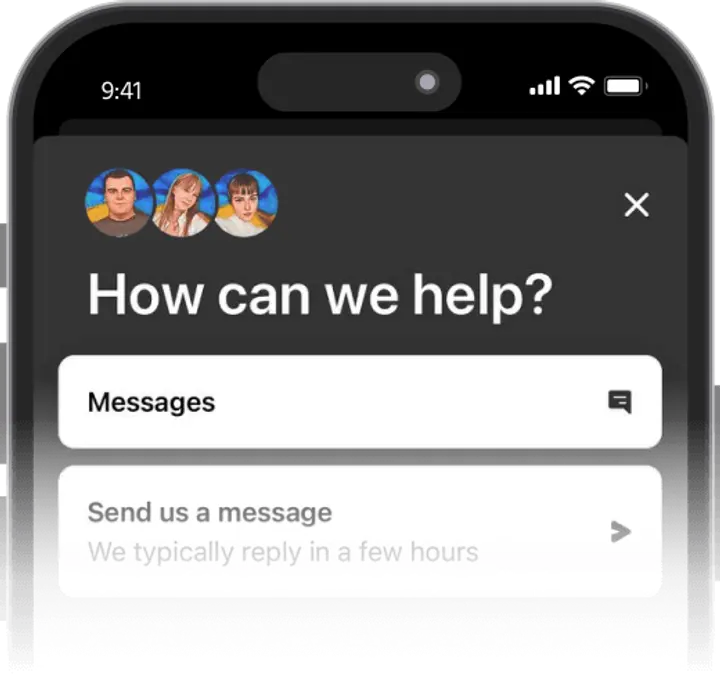
- in the registration menu, click on the icon in the top right corner to contact support;
- follow the instructions and regain access to your funds.
How to Send Stellar to Another Wallet?
To send XLMs to another Stellar Wallet you need the recipient’s crypto-address and some XLM in your account. Ask the recipient to send you the address as a text or QR code, this is available on the Trustee Plus service. You can also use it to fund your XLM account with a credit card from any European bank.


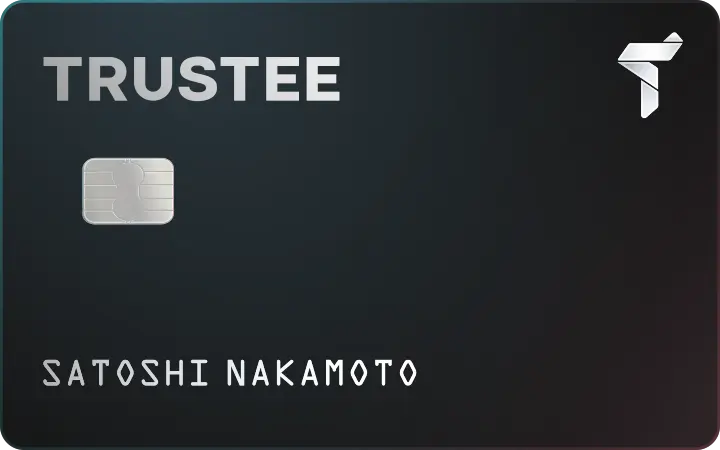
Install Trustee Plus - a crypto wallet with payment card!
All the benefits in one app



