



























Buy Solana (SOL)
Buy Solana online from your phone with Trustee Plus. Use a credit or debit card, review the purchase details before confirmation, and keep your SOL balance ready in the app.
Trustee Plus Benefits


Convenient payment method
How to buy SOL with a card?
- 1
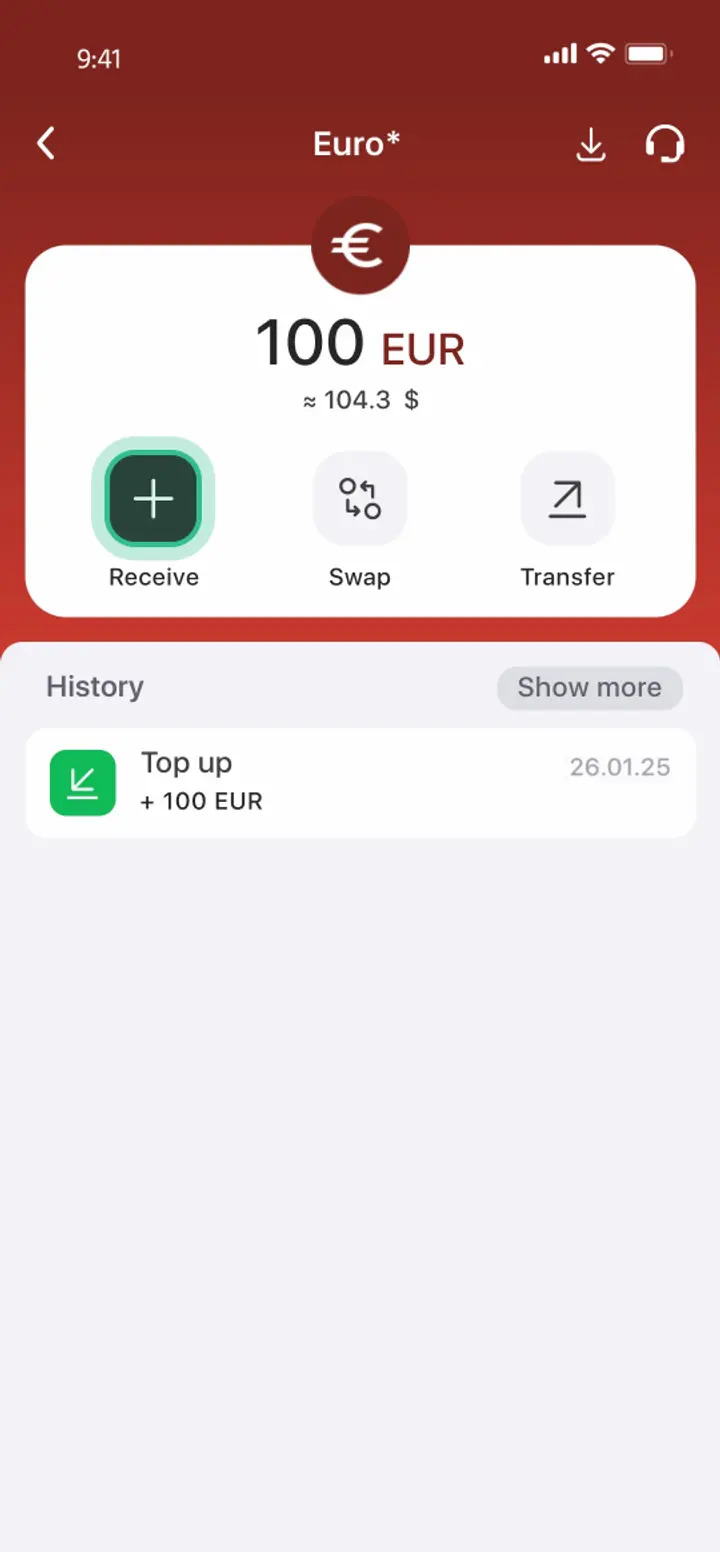
Replenish Your EUR Deposit
Select “Receive” on the main screen and tap “EUR.” You can use a euro card for the deposit.
- 2
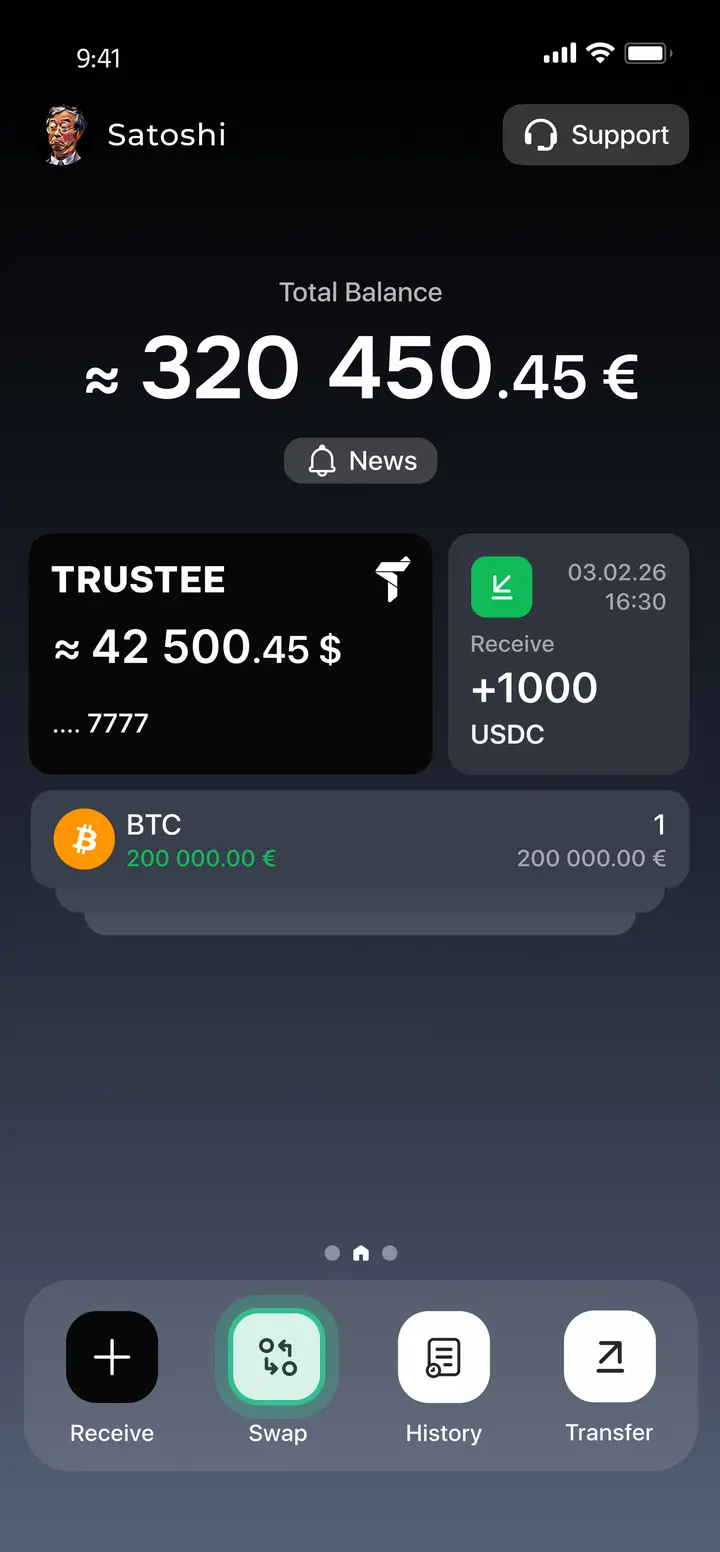
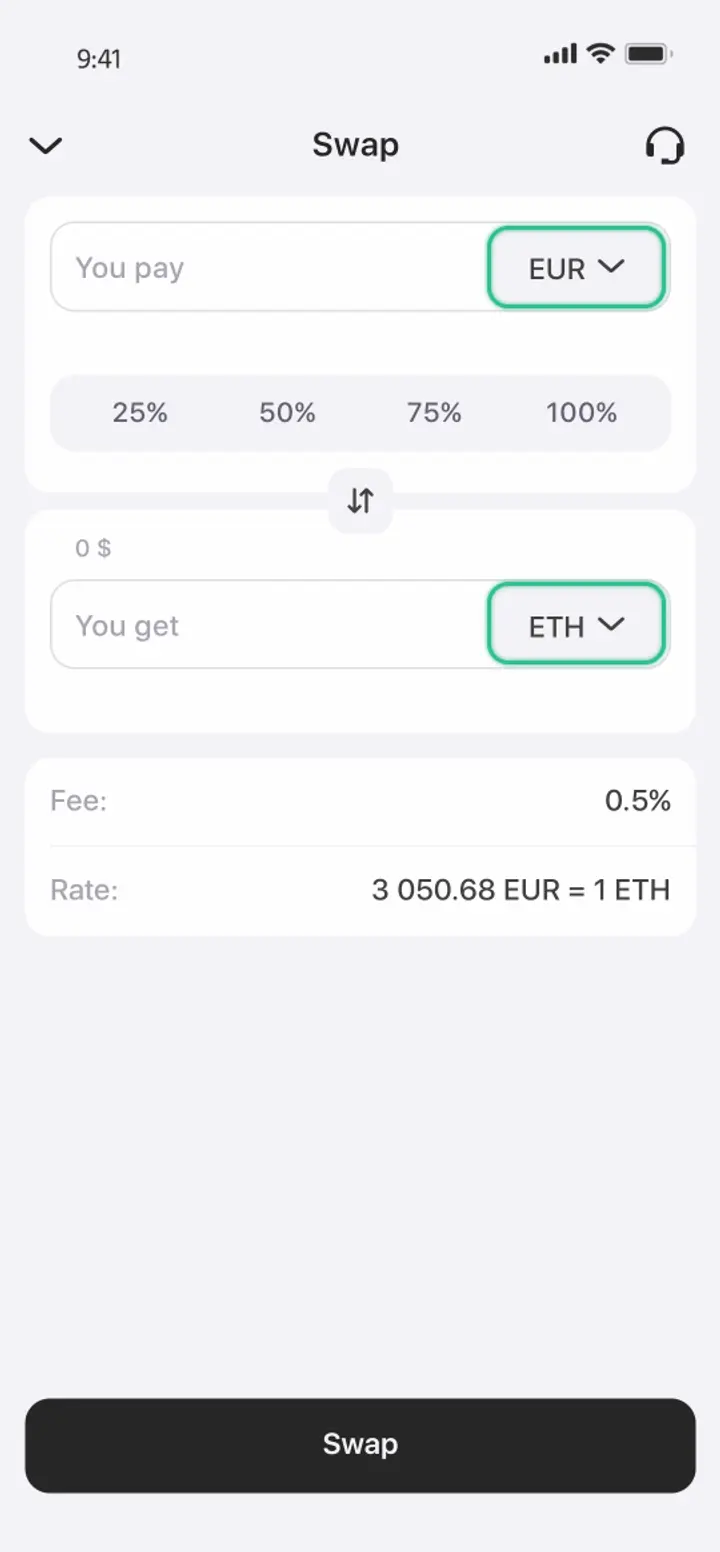
Tap the “SWAP” button on the main screen of the app
- 3
Select the EUR-SOL pair
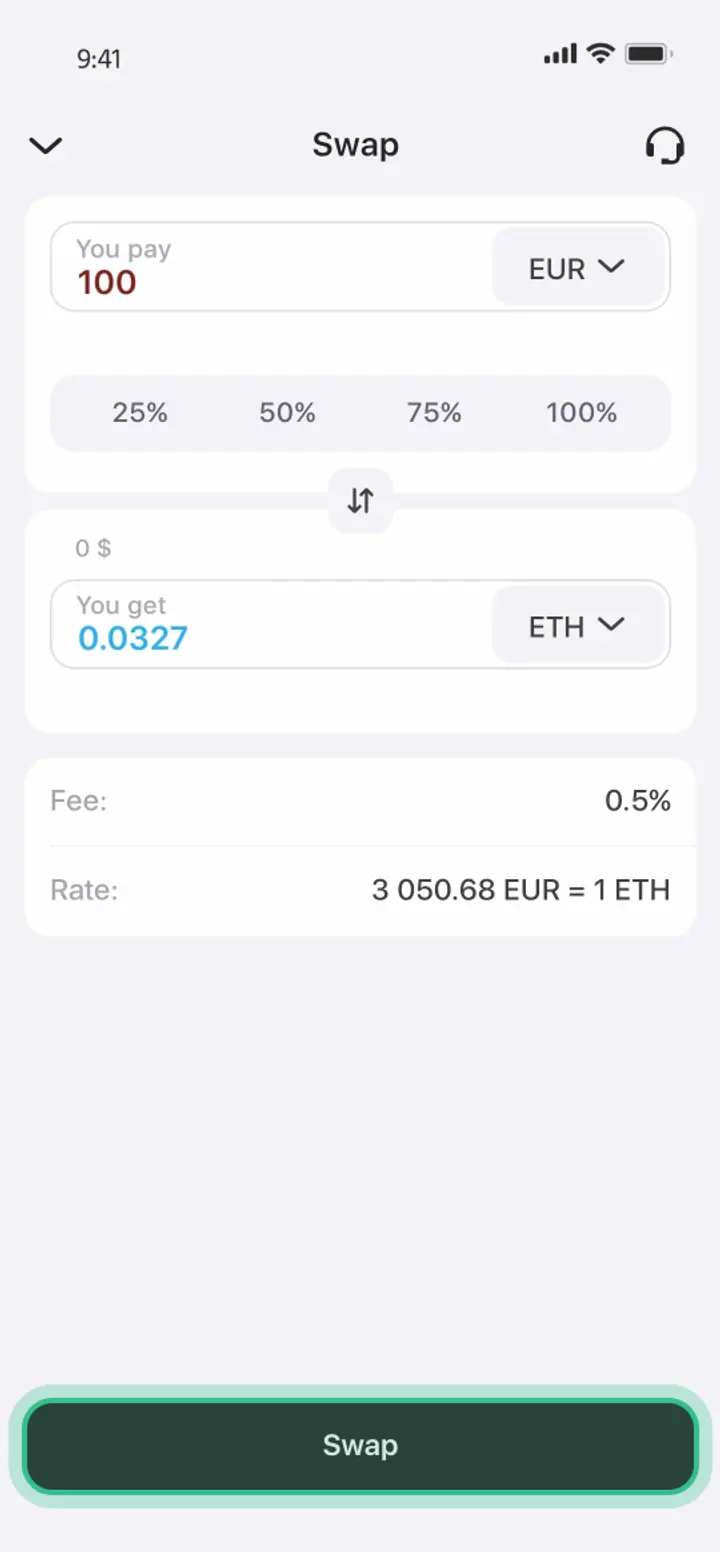
In the “You pay” field, choose EUR, and in the “You get” field, choose SOL.
- 4
Tap the “Swap” button at the bottom of the app screen
Asset protection and storage technologies

How to use Solana?


User reviews

Frequently Asked Questions
How to buy Solana with a credit or debit card?
To buy Solana with a credit or debit card in Trustee Plus, use your card to add funds and purchase SOL in the app. If your card currency is different from the purchase currency, your bank or card issuer may apply its own conversion before the balance is credited. New users have to complete registration and account verification before buying Solana.
Where to buy Solana online?
You can buy SOL online in Trustee Plus directly from your phone. The app lets you purchase Solana, keep it in your balance, and use the same app for storage, exchange, transfers, or withdrawals.
What should I check before buying SOL?
Before buying SOL, check the current Solana price, the amount you want to buy, and the final amount shown before confirmation. The Solana price chart can help you follow market changes before making a purchase.
Where is SOL stored after purchase?
After purchase, SOL appears in your Trustee Plus balance. You can keep it in your Solana wallet, monitor your balance in the app, and decide later whether to exchange, send, or withdraw it.
Can I buy SOL online from my phone?
Yes. You can buy SOL online from your phone using Trustee Plus. The app lets you purchase Solana, keep your SOL balance in one place, and later use it for exchange, transfers, or withdrawals.


