



























Dogecoin (DOGE) Wallet
Create an official Dogecoin wallet online with Trustee Plus:
- A convenient service with exchange functions and profitable DOGE buying and selling;
- 0% commission for transfers to other Trustee users or by phone number.
With Trustee Plus, setting up a Dogecoin wallet is as simple as possible – completely free and without long registration.
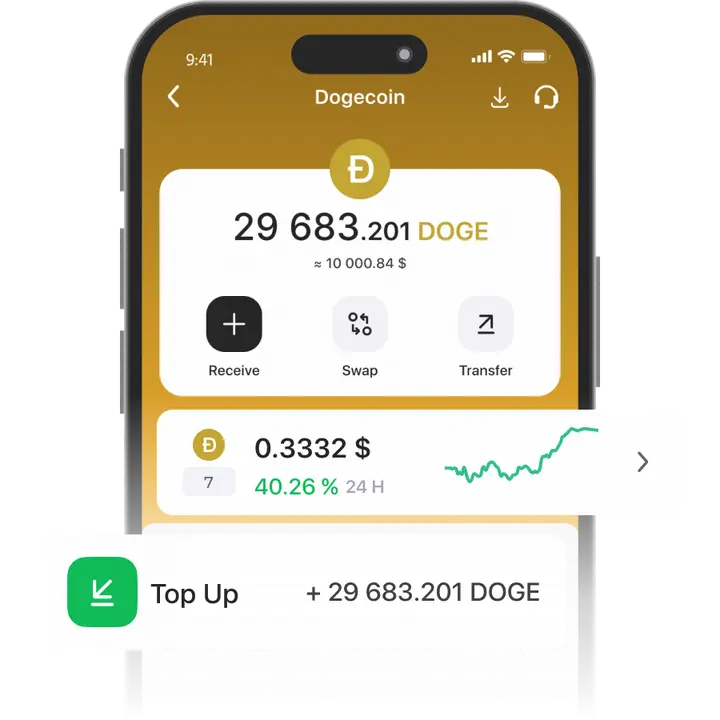
How to create a Dogecoin Wallet
- 1
Download and install Trustee Plus
Installing the Trustee Plus crypto wallet on your phone takes just a few minutes.
- 2
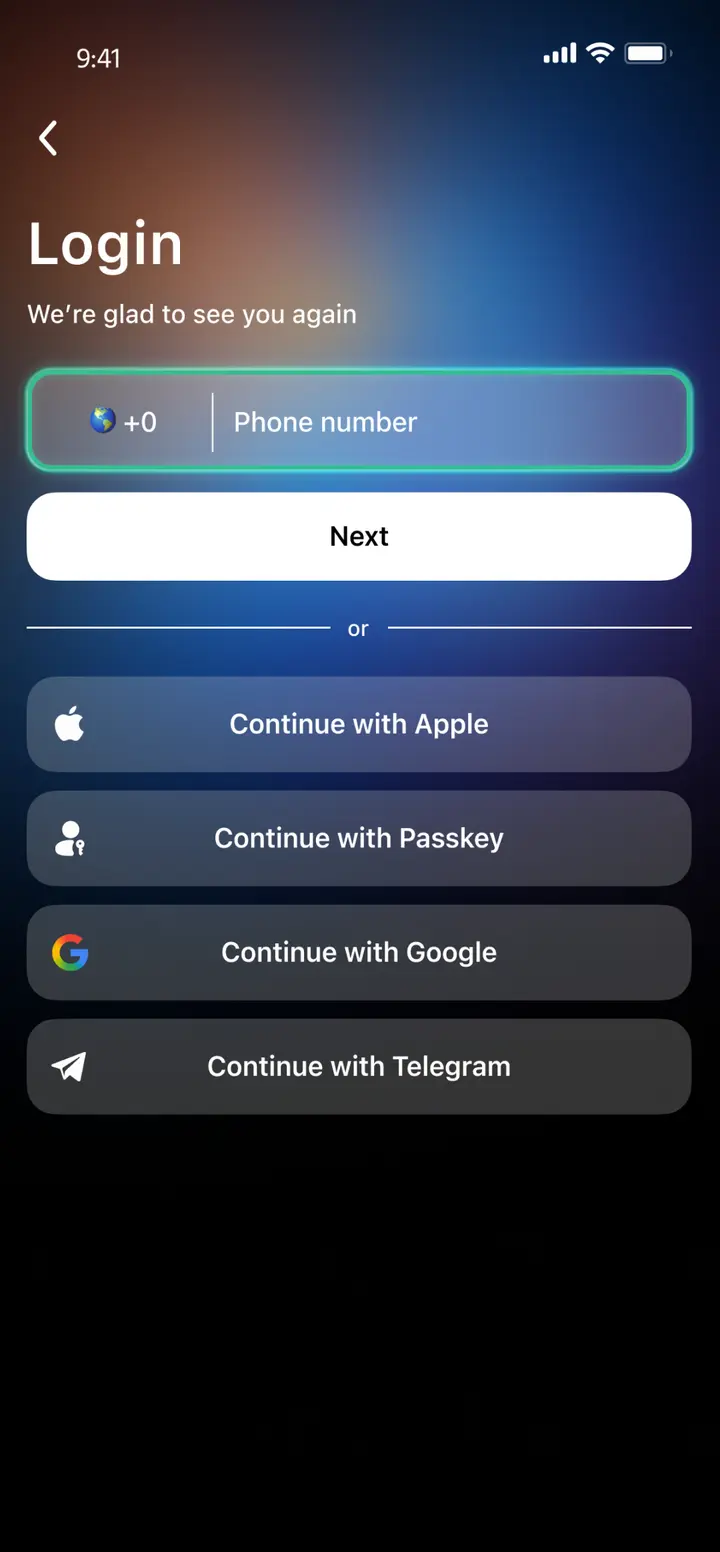
Enter your phone number
Register your phone number.
- 3
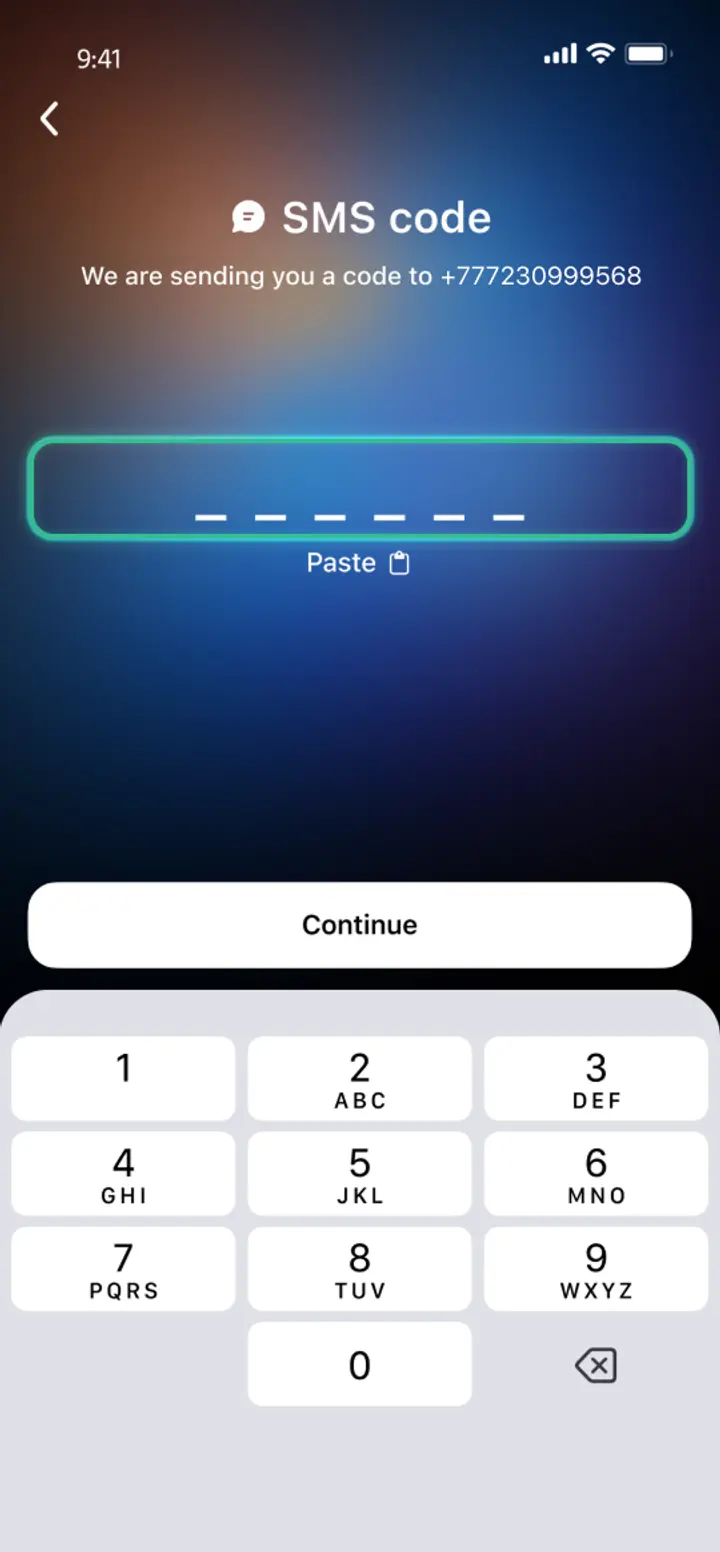
Confirm your number
Confirm your mobile number via a phone call or SMS.
- 4
All set
Enter the remaining details and start using the app.
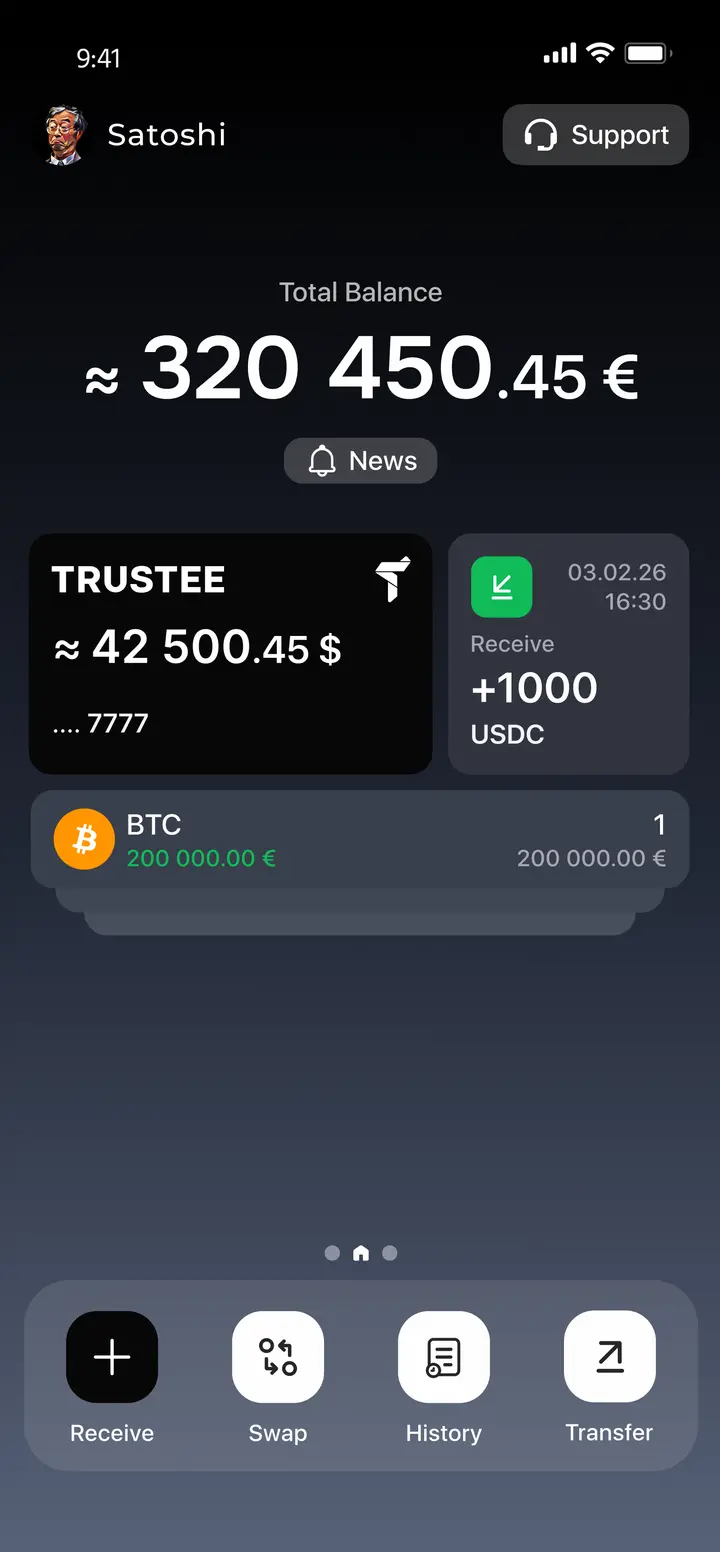
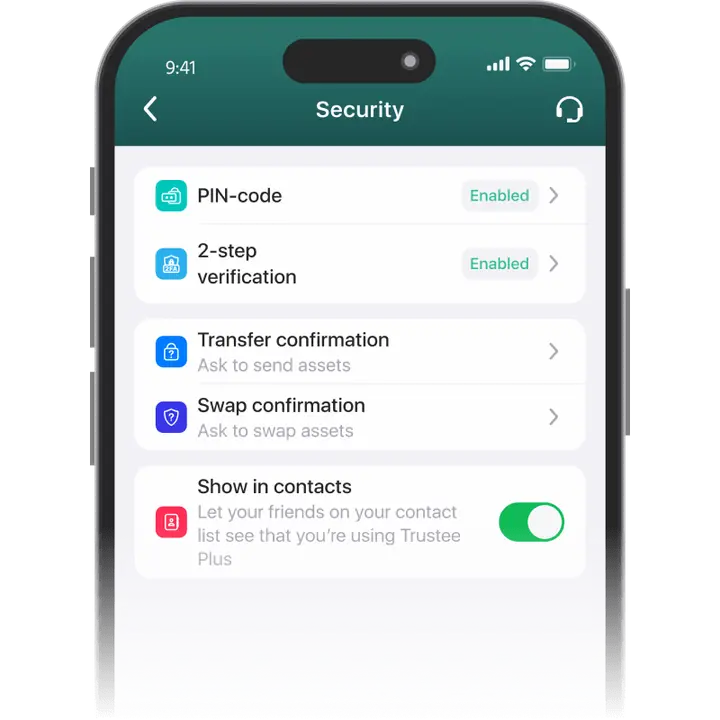
Advantages of Trustee Plus
Cost-Effectiveness and Transparency
- Free and quick registration with easy verification
- Exchange commission of just 0.5%, with no hidden fees
- Always up-to-date and favorable exchange rates for all operations
- Free transfers and top-ups
Flexibility
- Support for various cryptocurrencies: BTC, ETH, and others
- One account with multiple methods: SOL, ERC20, BEP20, and more
- Exchange cryptocurrencies and fiat seamlessly
- Free instant swaps of stablecoins between each other
How to Use a DOGE Wallet App?




What is a Dogecoin (DOGE) wallet?
Dogecoin is a cryptocurrency launched in 2013 as a fork of Litecoin and inspired by the Doge internet meme. It operates on its own blockchain and is designed for peer-to-peer transactions, enabling users to transfer digital value without intermediaries. Over time, Dogecoin became widely used for online payments, tipping, and community-driven initiatives within the crypto ecosystem.
A Dogecoin wallet is a digital application used to store, send, and receive DOGE tokens on the Dogecoin network. It manages the private keys required to authorize transactions and provides access to token balances recorded on the blockchain. Depending on the type of wallet, users can interact with the network through software, mobile apps, or hardware devices.

FAQ
What is a Dogecoin Wallet?
The Dogecoin Wallet is a wallet for storing, managing, buying and selling Dogecoins. There are many kinds of wallets – hardware, online, desktop – but the most convenient and secure are mobile wallets. For example, a service like the Trustee Plus allows you to set up the level of security for your wallet and buy DOGE with a credit card.
How to Get a Dogecoin Wallet?
You can get the Dogecoin Wallet absolutely free. To do so, search for Trustee Plus – a service for managing DOGE and 30+ other cryptocurrency assets – in your smartphone app shop. In just a few minutes – after registration and verification – you’ll have access to all kinds of lucrative cryptocurrency transactions.
How to Create a Dogecoin Wallet?
To create a Dogecoin Wallet you only need a smartphone with internet access, five minutes of free time and zero specialty knowledge. Install Trustee Plus for free from the AppStore or GooglePlay and follow the instructions. In just a few clicks you will have a Dogecoin Wallet ready to transfer, buy and sell DOGE.
What is a Dogecoin Wallet Address?
The Dogecoin Wallet address is a special code that you can use to receive DOGE from another address. To do this in Trustee Plus, click on “Top up” and select DOGE. Then copy the address and send it or use the “Share” function and send the address as a QR.
How to Recover Dogecoin Wallet?
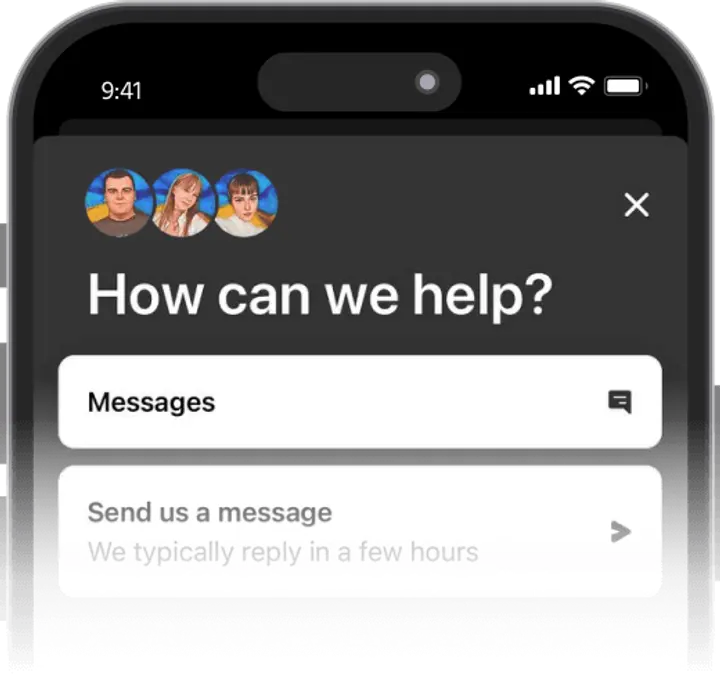
To restore Dogecoin Wallet in the Trustee Plus app, please contact support. It is available 24/7 and can be accessed from any menu by clicking on the Trustee icon. Unlike other wallets, recovery in the Trustee Plus does not depend on the safety of the mnemonic phrase, the loss of which threatens the loss of your funds.
How to Send Dogecoin to Another Wallet?
In Dogecoin Wallet, you can transfer DOGE to another wallet on the recipient’s cryptocurrency address – the speed and commission for the transfer will depend on network congestion. In the Dogecoin Wallet from Trustee Plus, DOGE transfers between wallet users are instant and the fee will be 0%.


Install Trustee Plus - a crypto wallet with payment card!
All the benefits in one app



