HomeCrypto WalletUSD Coin (USDC ERC-20) Wallet

USD Coin (USDC ERC-20) Wallet

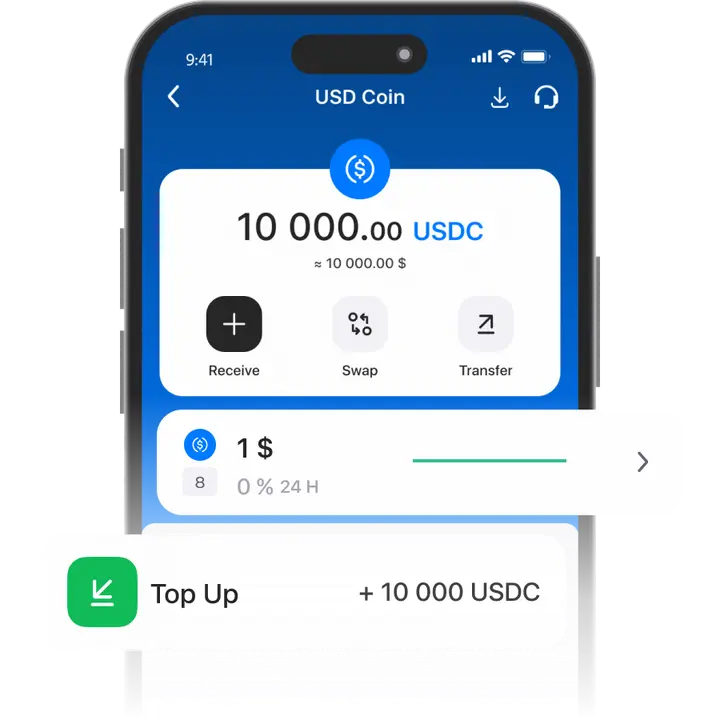
A USDC wallet offers a stable exchange rate pegged to the US dollar, making it easy to use cryptocurrency without worrying about high volatility.

Trustee Plus provides the simplest way to manage USDC—no special knowledge needed, just a smartphone with internet access!
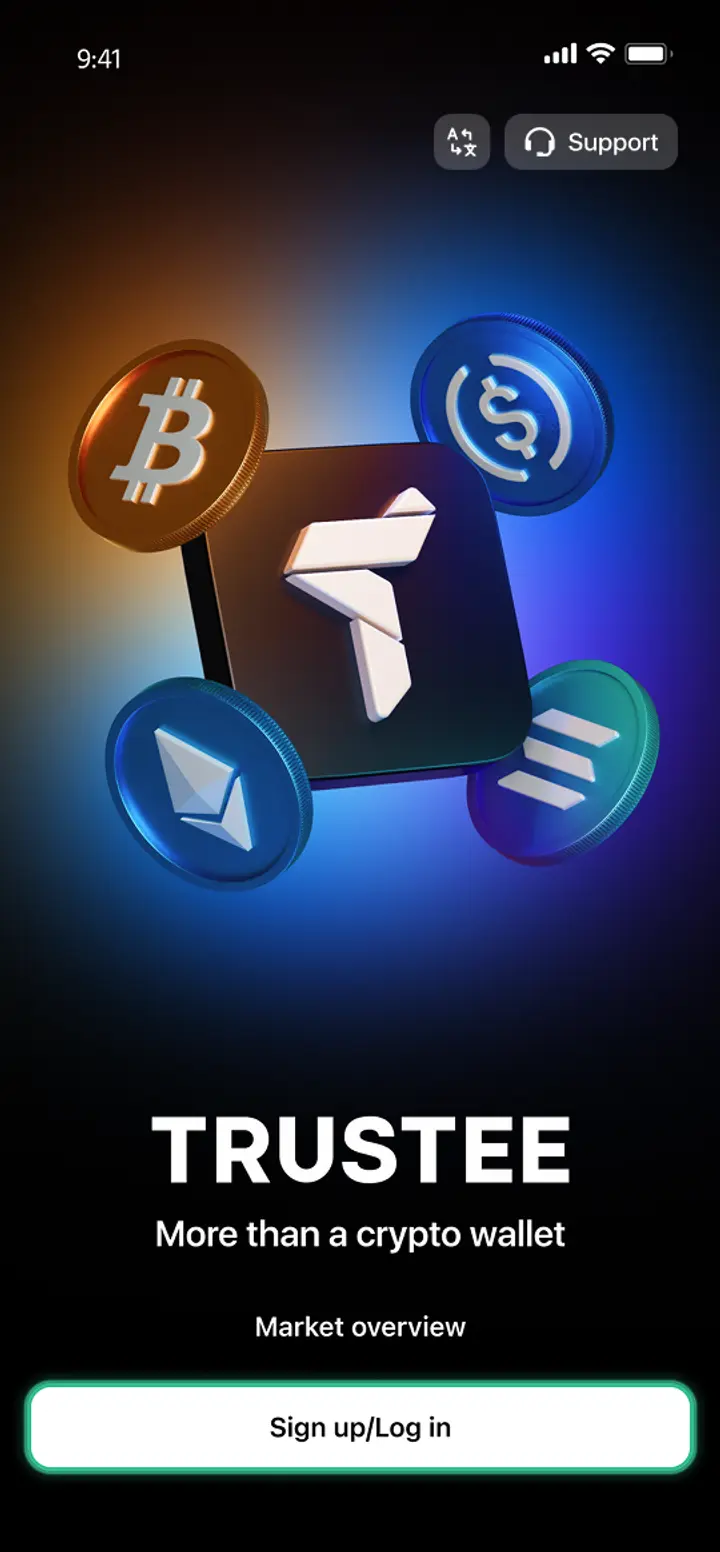
Download the Trustee Plus app
Download APK file
phone

How to create a USDC ERC-20 wallet

  • 1

    Download and install Trustee Plus

    Installing the Trustee Plus crypto wallet on your phone takes just a few minutes.


  • 2

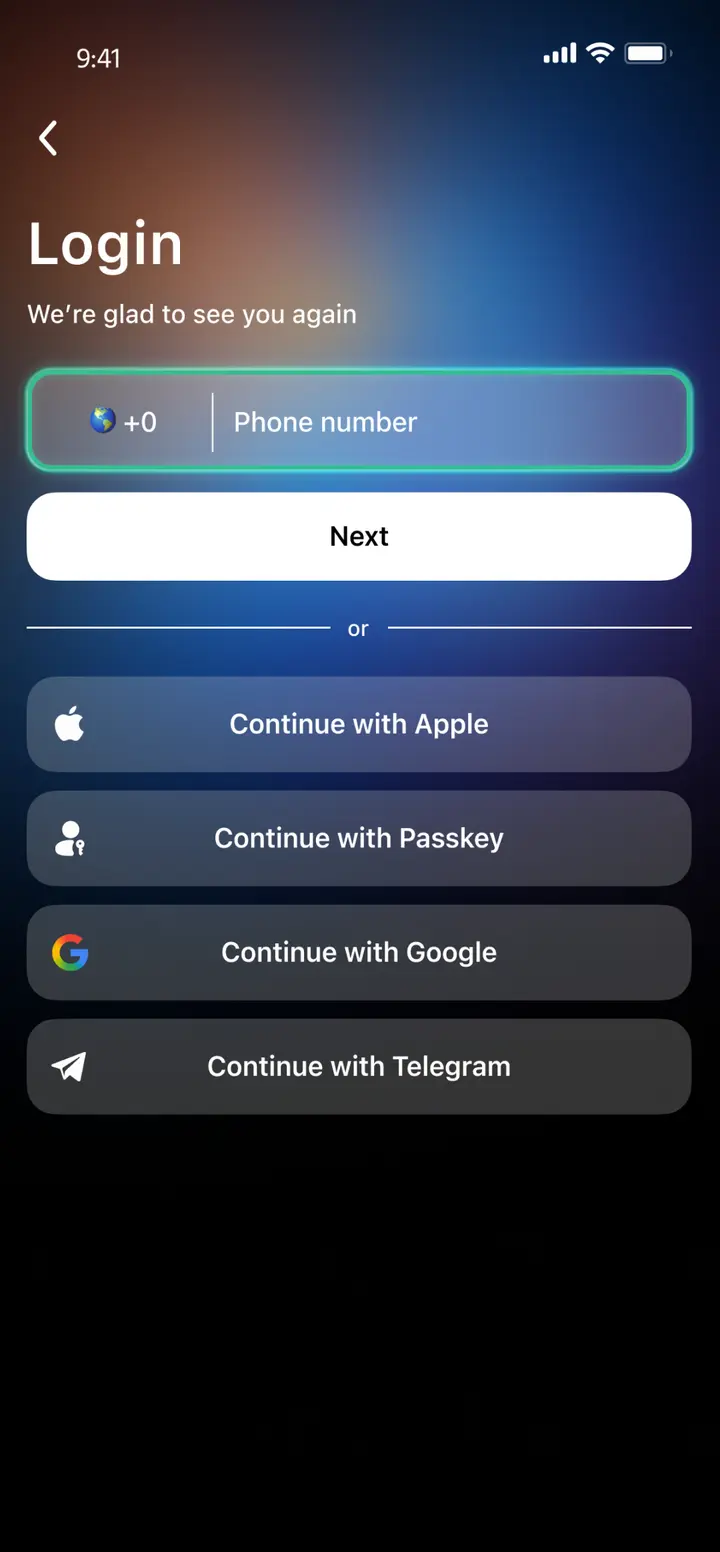
    Enter your phone number

    Register your phone number.

  • 3

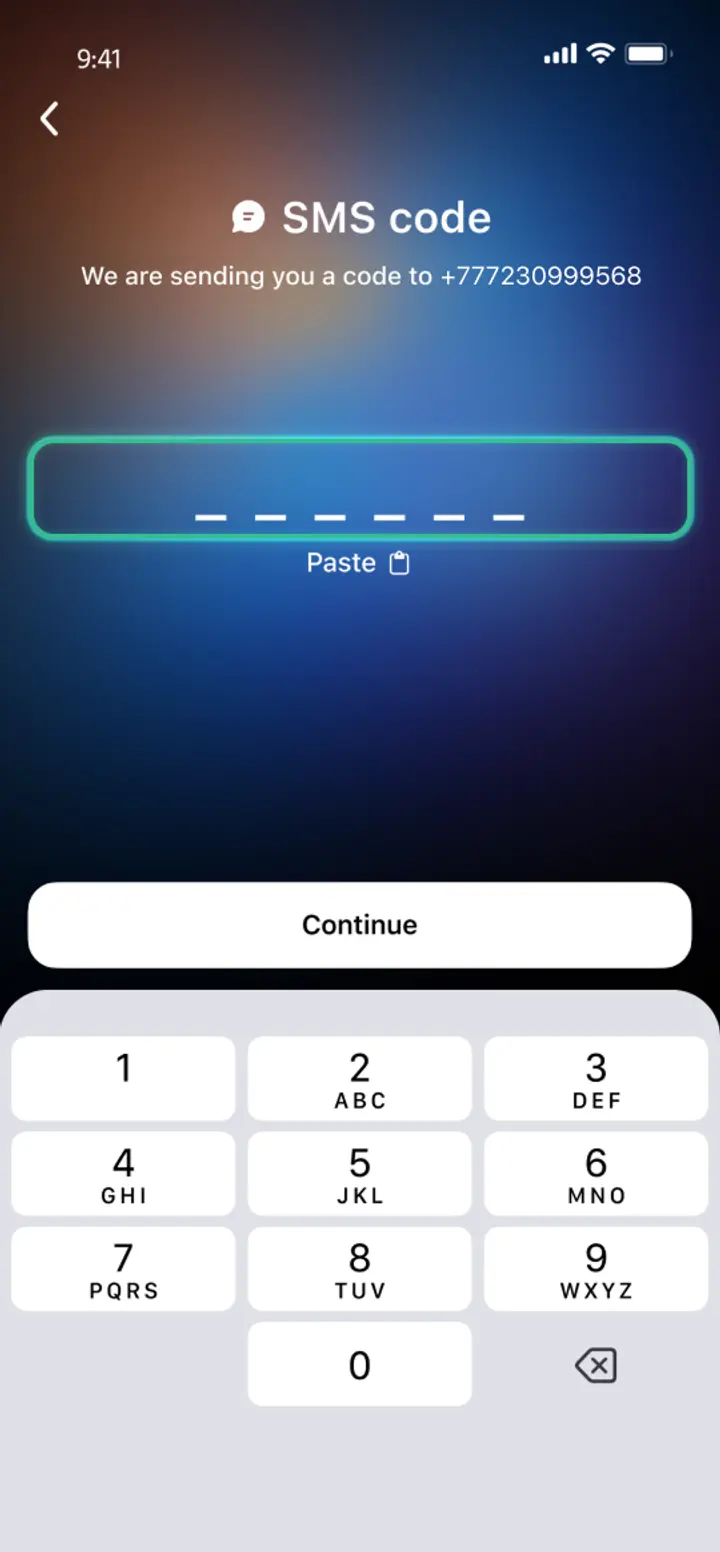
    Confirm your number

    Confirm your mobile number via a phone call or SMS.

  • 4

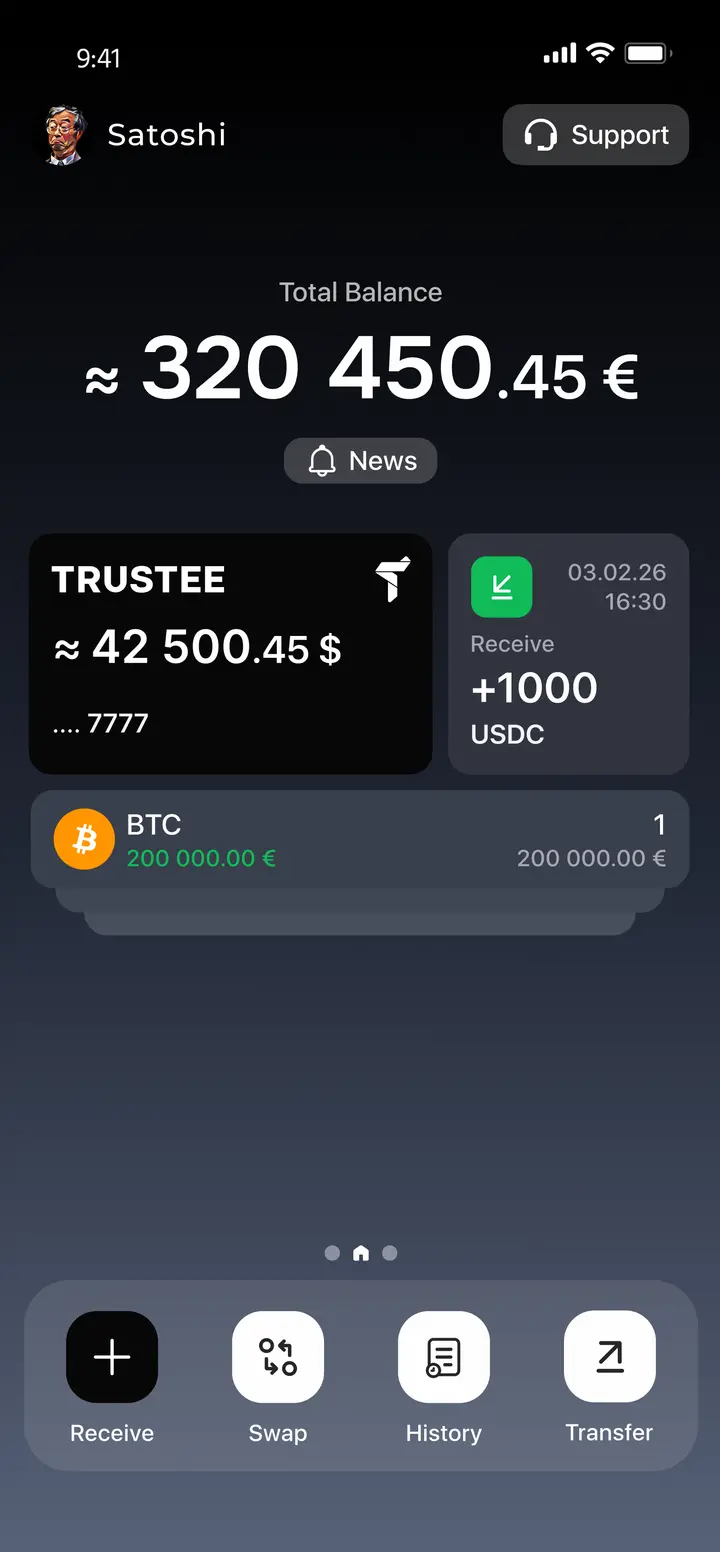
    All set

    Enter the remaining details and start using the app.
Image
Image
Image
Image

Advantages of Trustee Plus

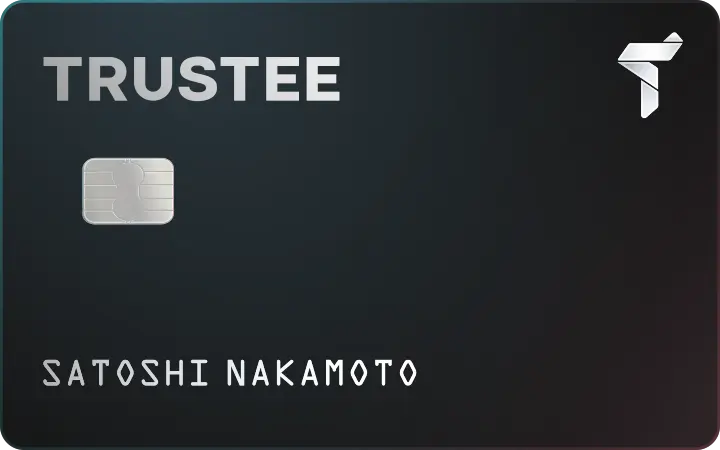
Crypto card in Trustee PlusPay for your purchases with Apple Pay / Google Pay — 0% fees on payments.
banner-img

Cost-Effectiveness and Transparency

  • Free and quick registration with easy verification
  • Exchange commission of just 0.5%, with no hidden fees
  • Always up-to-date and favorable exchange rates for all operations
  • Free transfers and top-ups

Flexibility

  • Support for various cryptocurrencies: BTC, ETH, and others
  • One account with multiple methods: SOL, ERC20, BEP20, and more
  • Exchange cryptocurrencies and fiat seamlessly
  • Free instant swaps of stablecoins between each other
User-Friendly
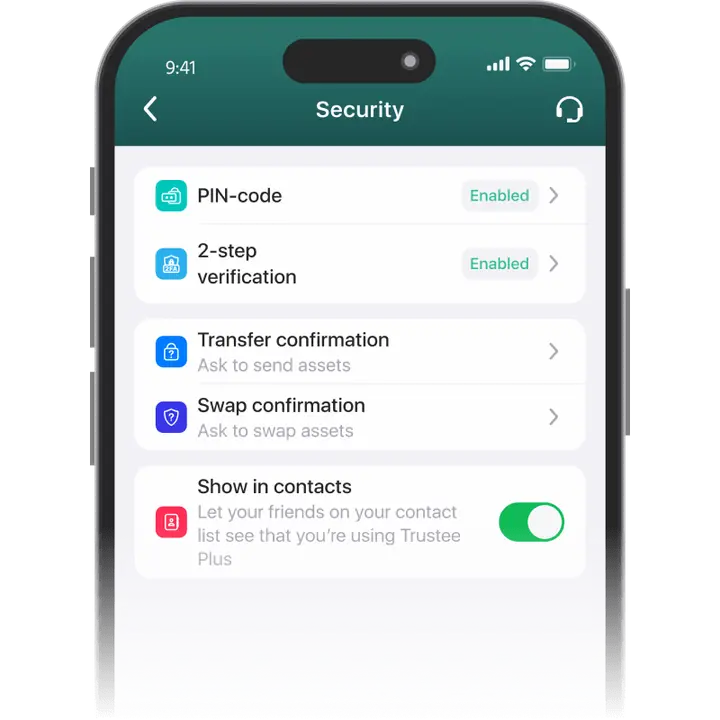
  • Intuitive interface in Trustee Plus
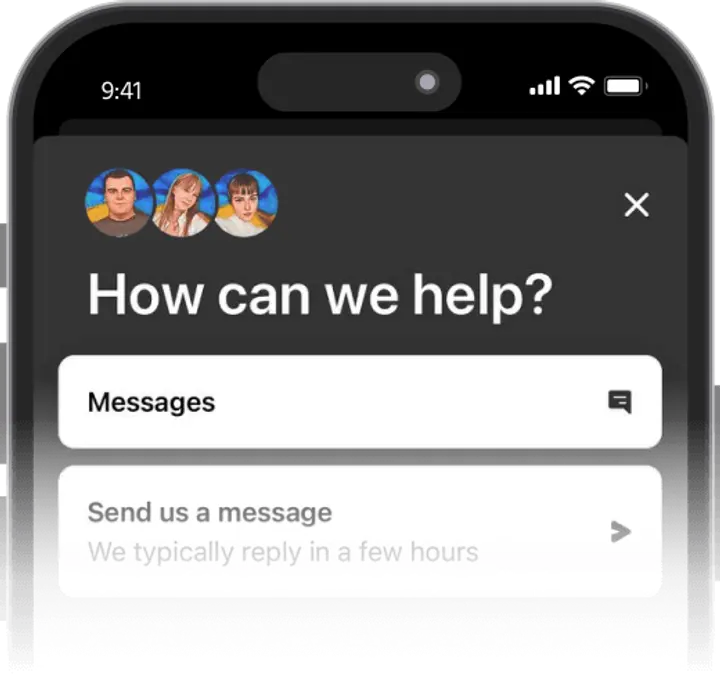
  • Friendly customer support without chatbots
banner-img

User Reviews of Trustee Plus

App Store
Google Play
Ihor Stadnyk
I have spent for a long time looking for a good multifunctional service. Some features could be found in different apps and used together, but I couldn’t find a platform that combined everything in one place.
Oleksii
What can I say? I have tested deposits and withdrawals twice — everything works fine. Customer support responds quickly and helps with all inquiries.
Yehor Petrov
Trustee Plus is especially appealing for beginners. The app allows you to buy Bitcoin and other cryptocurrencies in just a few clicks.
Ihor Stadnyk
I have spent for a long time looking for a good multifunctional service. Some features could be found in different apps and used together, but I couldn’t find a platform that combined everything in one place.
Oleksii
What can I say? I have tested deposits and withdrawals twice — everything works fine. Customer support responds quickly and helps with all inquiries.
Yehor Petrov
Trustee Plus is especially appealing for beginners. The app allows you to buy Bitcoin and other cryptocurrencies in just a few clicks.
Ihor Stadnyk
I have spent for a long time looking for a good multifunctional service. Some features could be found in different apps and used together, but I couldn’t find a platform that combined everything in one place.
Oleksii
What can I say? I have tested deposits and withdrawals twice — everything works fine. Customer support responds quickly and helps with all inquiries.

How to use USDC ERC20 wallet

how-to-icon
Buy USDC ERC-20
To buy USDC ERC20 from Trustee Plus, all you need is a Visa or Mastercard payment card.
how-to-icon
Withdraw USDC ERC-20
Withdrawing USD Coin ERC20 is easy to any Visa or Mastercard payment card
how-to-icon
Exchange USDC ERC-20
With Trustee Plus, you can transfer and exchange USDC under favorable conditions and at real-time rates. Transfers between wallet users and stablecoin exchanges are instant and always commission-free.
how-to-icon
USDC ERC-20 Payments
In addition to transfers, exchanges, and purchases, Trustee Plus allows you to make payments using a crypto card. This convenient tool lets you pay for purchases without withdrawing assets to a bank card.

What is USDC ERC20 stablecoin

USDC ERC20 is a stable cryptocurrency (stablecoin) pegged to the US dollar at a 1:1 ratio and issued on the Ethereum blockchain according to the ERC20 standard. The advantages of USDC ERC20 include: 1. Stability: The 1:1 peg to the US dollar ensures value stability. 2. Widespread support: USDC ERC20 is supported by many exchanges and wallets, making it easy to exchange and store. 3. Transparency: Regular audits and publication of reports ensure a high level of transparency.
photo

FAQ

  • What is a USDC Wallet?

    USDC Wallet is a piece of software designed to handle USDC stablecoin. USD Coin is issued in several networks, which means that the wallet can support USDC of different standards. A wallet such as the Trustee Plus supports USDC of the most popular standards – ERC-20 (Ethereum network) and BEP-20 (BNB Smart Chain).

  • How to Get a USDC Wallet?

    To get a USD Coin Wallet for transferring and buying stablecoins you need to:

    • install the Trustee Plus for free and register with your phone number;
    • verify your account to get access to all types of transactions;
    • find out all the advantages of the Trustee: exchange of stablecoins with 0% fee, cryptocurrency card payments with 0% fee etc.
  • How to Create a USDC Wallet?

    To create a USDC Wallet, you need to choose a wallet that suits all your requirements. It should be convenient and secure, multi-currency and multi-functional. A great option is the Trustee Plus, which offers 0% fee stablecoin exchange and other great deals. To install it, simply search the AppStore or GooglePlay for the Trustee Plus.

  • What is a USDC Wallet Address?

    A USDC wallet address is the cryptocurrency equivalent of an account number, allowing you to receive stablecoins from other users. To find out your address in the Trustee Plus app, go to the USDC management section and click “Top Up”. Then select the standard of the Stablecoin – ERC-20 or BEP-20 – and copy the address or send the QR code.

  • How to Recover USDC Wallet?

    The only recovery method in many wallets is a mnemonic phrase. Its loss along with the device means loss of funds with no chance of recovery. In innovative USDC Wallets, such as the Trustee Plus, keyless recovery is possible. Install the app on the other device and contact support. They will tell you all the next steps.

  • How to Send USDC to Another Wallet?

    To send stablecoins to another USDC Wallet, find out the recipient’s crypto-address. It must match the issuing network – ERC-20 or BEP-20. USDC of one standard cannot be sent to the other network. In the Trustee Plus, select USDC and “Transfer”, specify the standard and the transfer amount. Copy the address or scan the QR code of recipient.

Install Trustee Plus - a crypto wallet with payment card!

All the benefits in one app

coin-3
mobile-app
coin-2coin-1
This website uses cookiesIn order to ensure the functionality of the Website and to prepare a statistical analysis of the website visitors' navigation methods, we use cookies. Manage preferences