























USDT TRC20 (Tether) Wallet
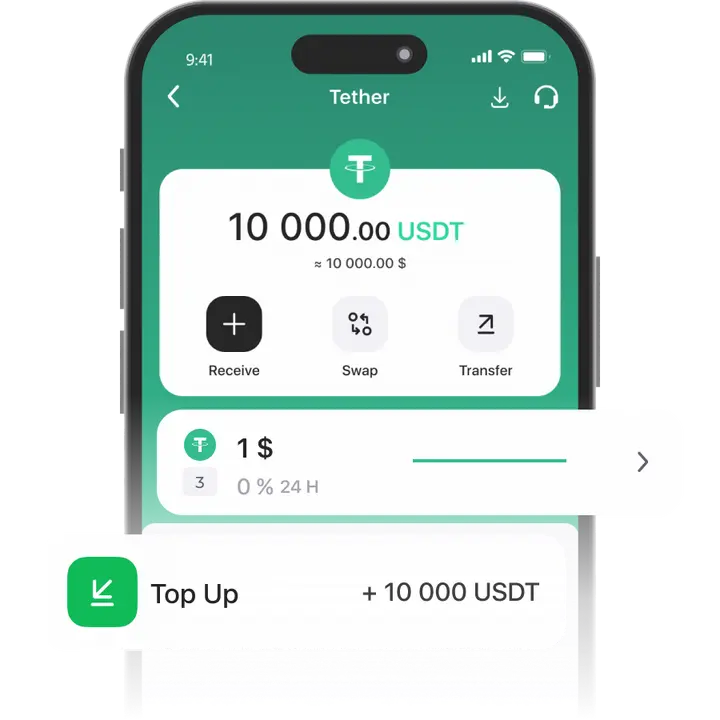
A USDT TRC-20 crypto wallet with direct withdrawals to your card! All transactions with Tether (USDT) on the Tron (TRC-20) network are instant and secure.
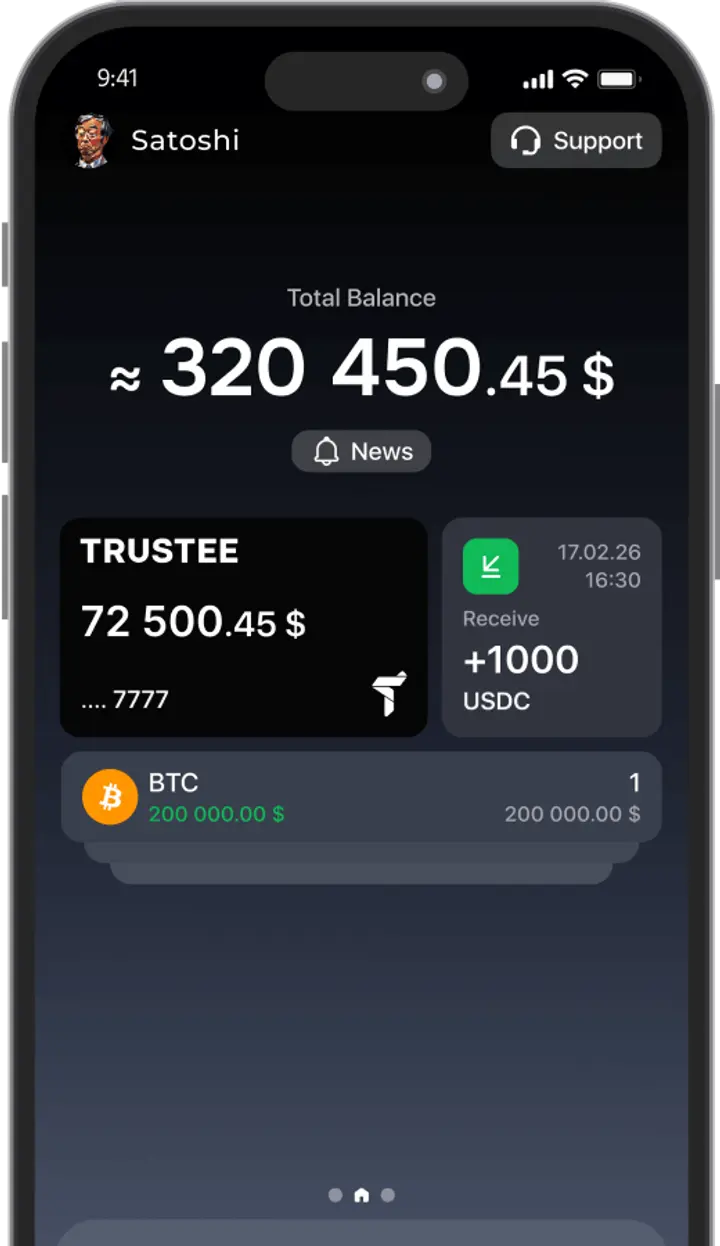
Trustee Plus allows you to create a USDT Tether wallet in minutes:
- Fund your balance in any convenient way.
- Withdraw USDT to fiat at the best exchange rate.
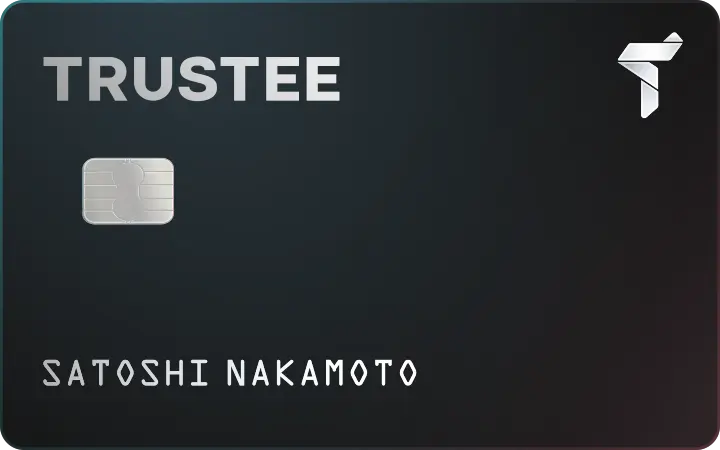
- Pay for purchases with USDT using a payment card.
How to create USDT TRC-20 wallet?
- 1
Download and install Trustee Plus
Installing the Trustee Plus crypto wallet on your phone takes just a few minutes.
- 2
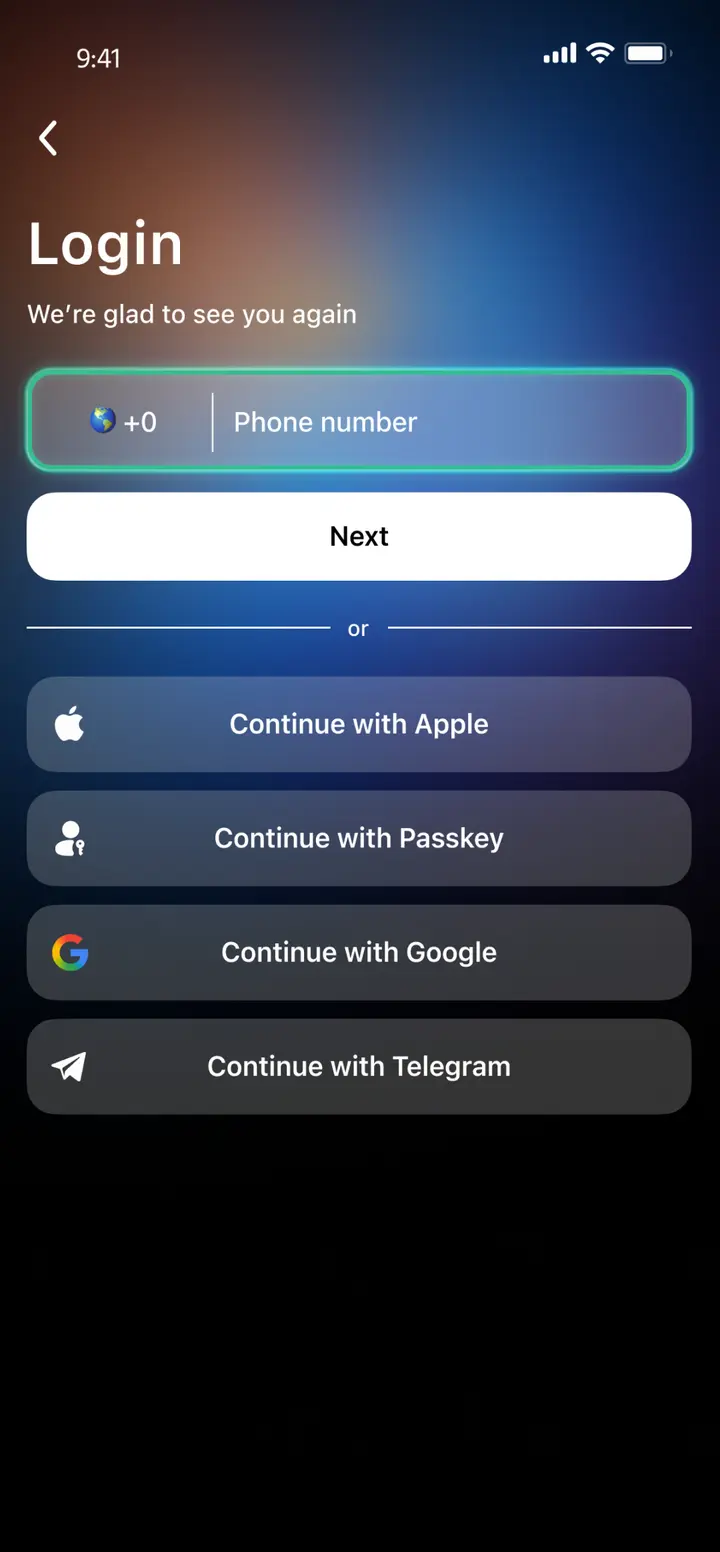
Enter your phone number
Register your phone number.
- 3
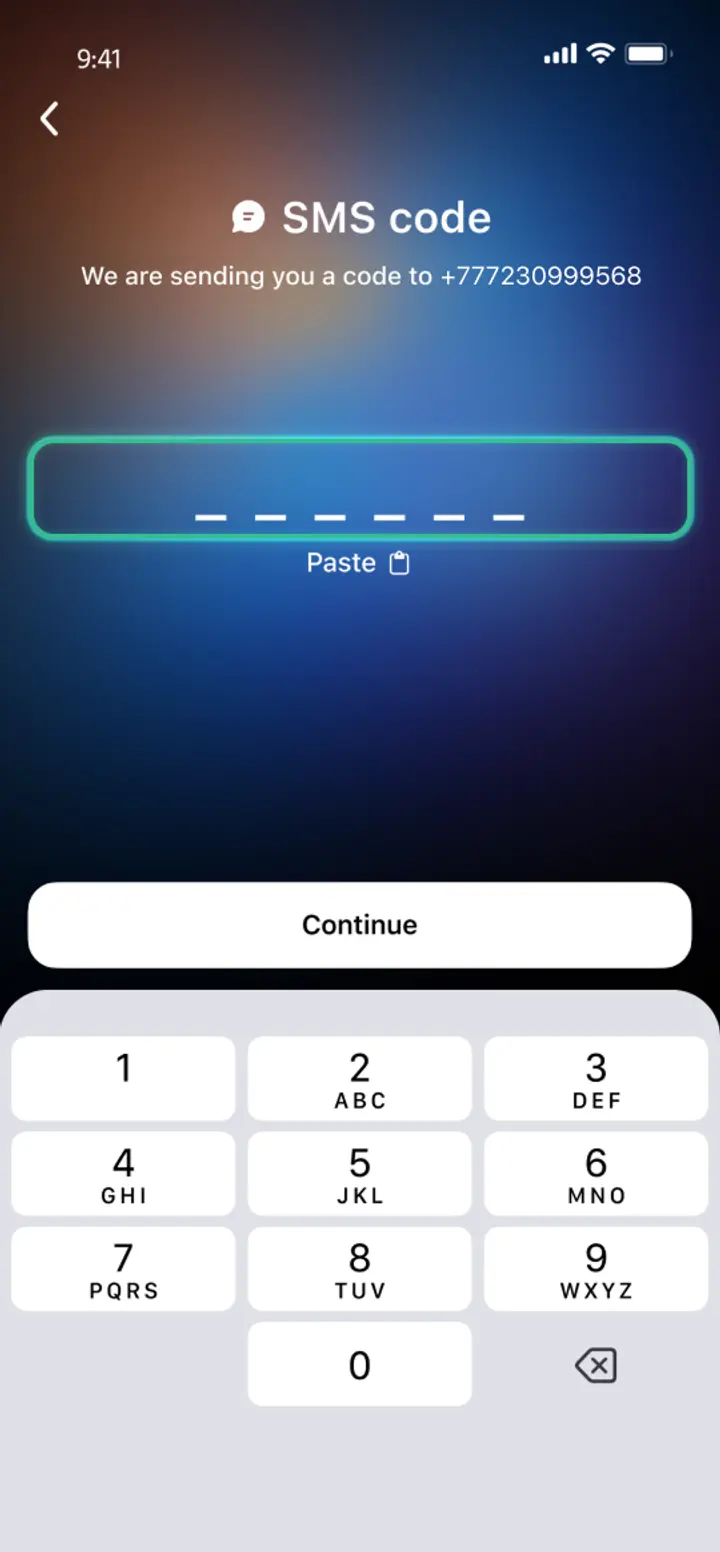
Confirm your number
Confirm your mobile number via a phone call or SMS.
- 4
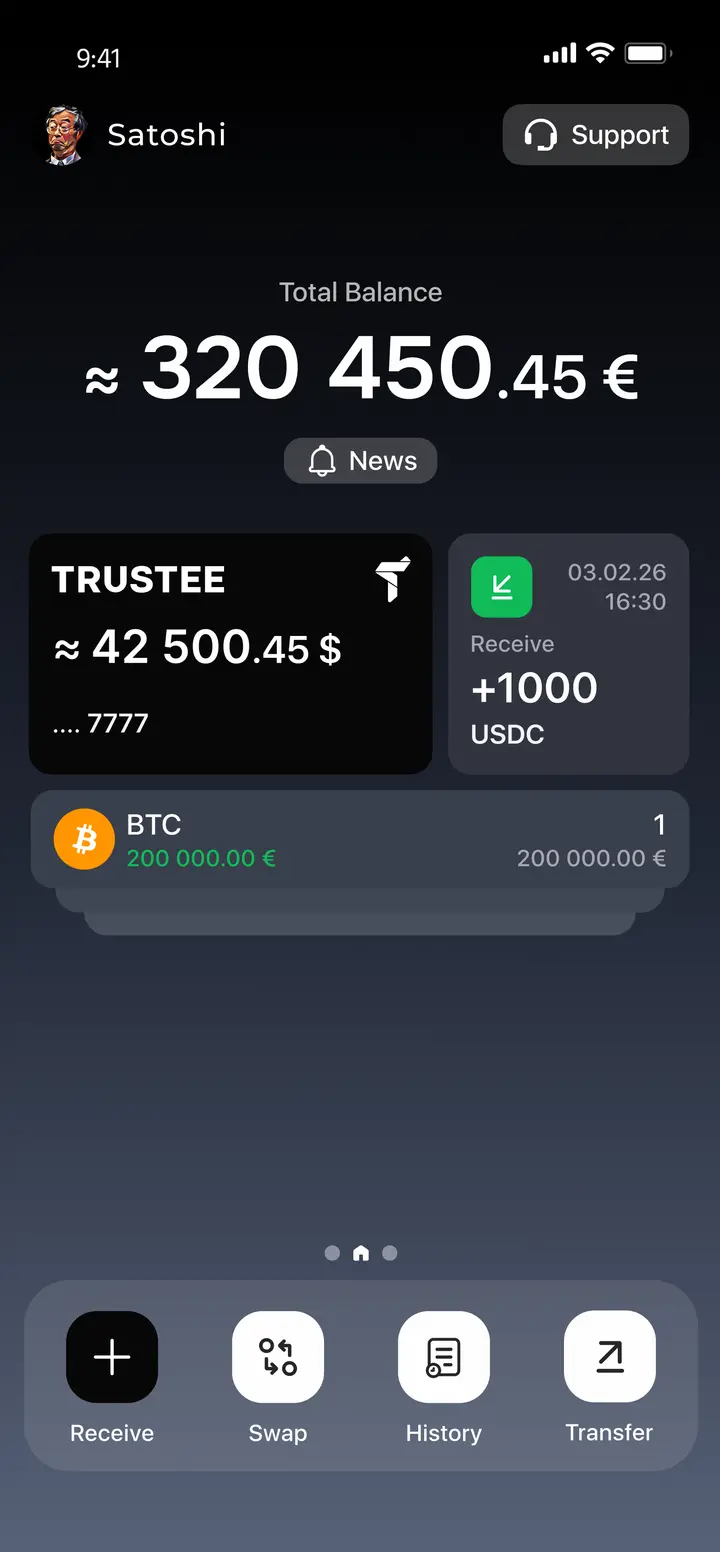
All set
Enter the remaining details and start using the app.
Advantages of Trustee Plus
Cost-Effectiveness and Transparency
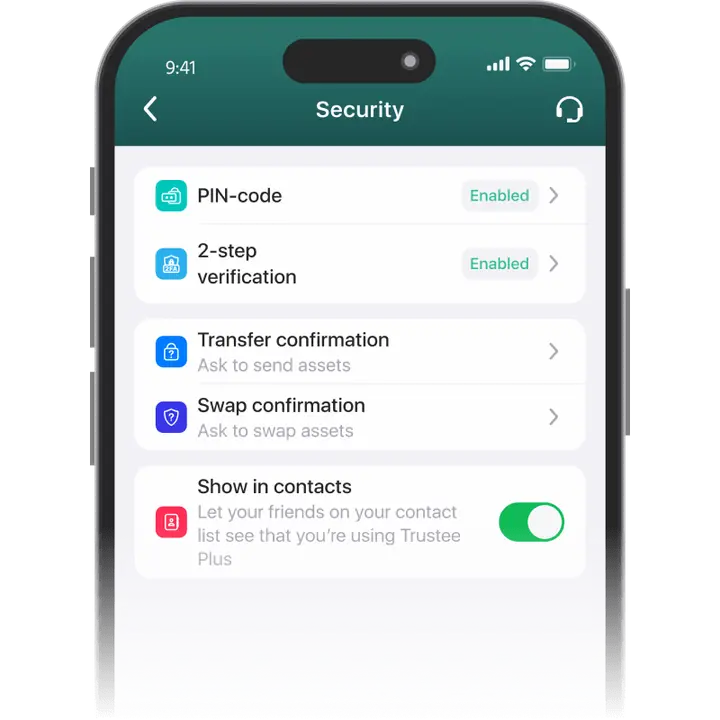
- Free and quick registration with easy verification
- Exchange commission of just 0.5%, with no hidden fees
- Always up-to-date and favorable exchange rates for all operations
- Free transfers and top-ups
Flexibility
- Support for various cryptocurrencies: BTC, ETH, and others
- One account with multiple methods: SOL, ERC20, BEP20, and more
- Exchange cryptocurrencies and fiat seamlessly
- Free instant swaps of stablecoins between each other
How to Use a Tether TRC-20 Wallet?


What is a TRC20 Wallet?
FAQ
What is the difference between ERC20 and TRC20?
A TRC-20 address is a unique alphanumeric wallet identifier that other users can use to send you USDT on the TRC-20 network.
To find it, follow these steps:
Find the USDT asset tab on the main screen of Trustee Plus; Open it and tap “Receive”; Select the Tether TRC-20 network; Copy the address, which is an alphanumeric code; Share the address with the sender in any convenient way.
You can also share your address as a QR code using the “Share” button.
All Tether network standards have different wallet addresses. When sending TRC-20 USDT, you should carefully check that the selected network and the entered wallet address are correct. If funds are sent to the wrong address or network, they may be lost.
Should I convert USDT between networks?
How to withdraw USDT TRC-20 to a card?
To withdraw USDT to a card in Trustee Plus, open your USDT balance and choose the available withdrawal option. If you received USDT via TRC-20, you do not need to convert it manually before withdrawing funds to a bank card.
In Trustee Plus, USDT works as a unified balance. This means you can receive USDT through TRC-20, ERC-20, BEP-20, and then use the available withdrawal methods in the app. When sending USDT to another crypto wallet, always check that the selected network matches the recipient’s address.
How to check USDT TRC20 transaction?
You can check the USDT TRC-20 transaction directly on the asset page or by finding it in the transaction history by clicking on the “History” button. By selecting a specific transaction, you will find out its type, creation date, status, received/sent amount and sender address.
What is the Tron network fee (TRC20)?
Trustee Plus does not charge fees for Tron transfers.
For instant transfers with a phone number, the Trustee Plus commission will also be 0%. And the user will receive funds even before installing the application.
What USDT networks are available in Trustee Plus?
Trustee Plus supports USDT in several popular networks, including USDT TRC20, USDT ERC20, USDT BEP20, USDT Polygon. When receiving or sending Tether, always make sure that the selected network matches the network used by the sender or recipient.


Install Trustee Plus - a crypto wallet with payment card!
All the benefits in one app