



























How to connect to OpenSea using Trustee Wallet
To connect to OpenSea using Trustee do the following steps:
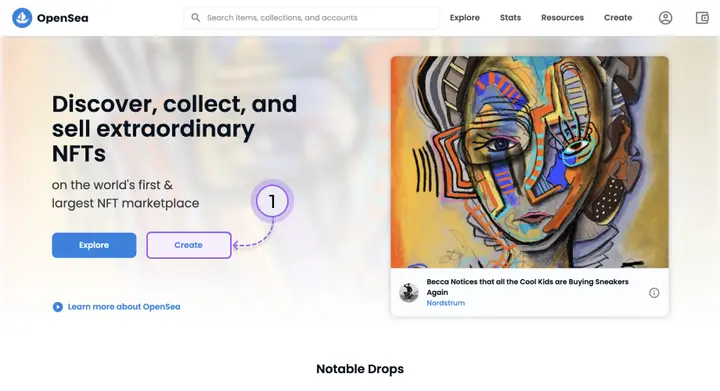
- On the OpenSea website, on the home page, click “Create”.
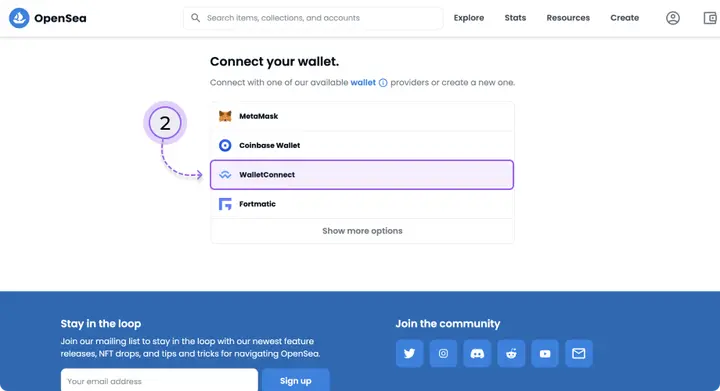
2. Select “WalletConnect” from the list.
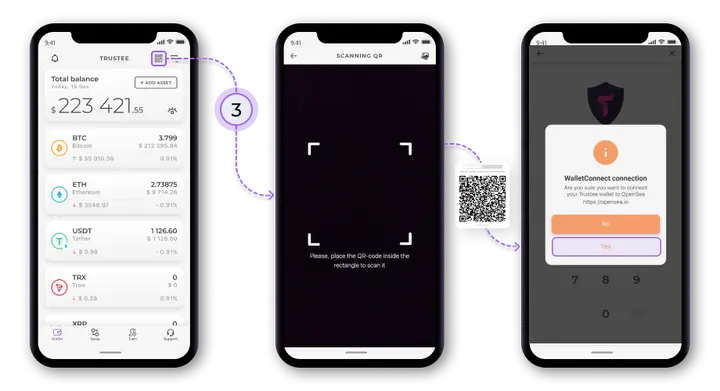
3. Scan the QR code using the Trustee Wallet app (the icon in the upper right corner of the home screen).
4. Tap “Yes” after the system generates a Wallet Connect Session Request.
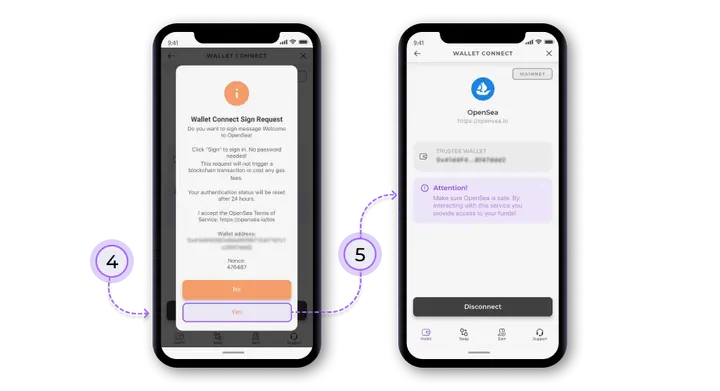
5. You are connected to OpenSea and can make transactions with NFT.
Useful instructions:
Install Trustee Plus - a crypto wallet with payment card!
All the benefits in one app




This website uses cookiesIn order to ensure the functionality of the Website and to prepare a statistical analysis of the website visitors' navigation methods, we use cookies. Manage preferences