



























Passkey in Trustee Plus: the New Password-Free Security Standard
- Trustee

- 3 min
- 0
- 207
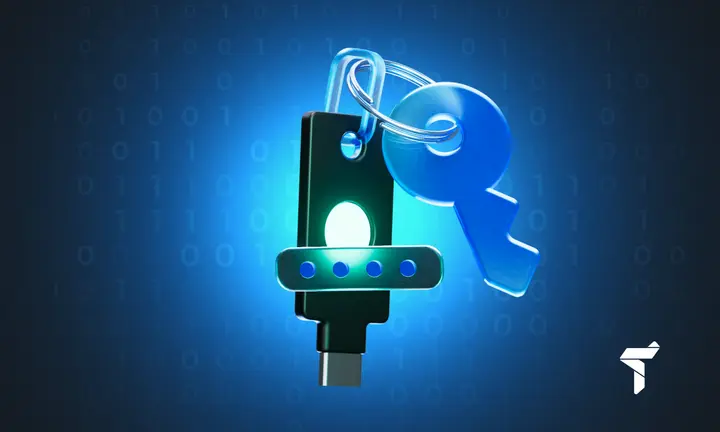
Trustee Plus is launching an updated login system with full Passkey support — the most secure way to access an account without passwords or SMS codes. The technology is based on cryptographic keys and biometrics, delivering protection that cannot be observed, forged, or intercepted.
What Passkey Is and Why It Replaces Passwords
A Passkey is a modern authentication method built on a pair of private and public cryptographic keys. The private key is stored locally on the user’s device and is never transmitted over the network, while login confirmation is performed via Face ID, Touch ID, or PIN.
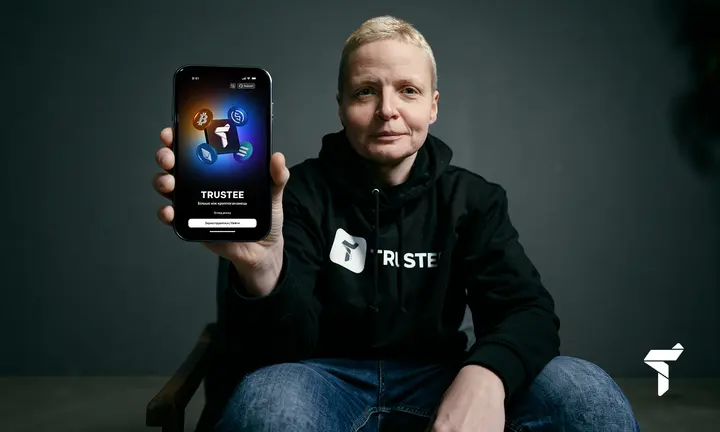
“For us, Passkey is not just another login option. It’s the next stage in the evolution of security — combining native experience, speed, and a level of protection impossible to achieve with traditional passwords or even 2FA. Access to the wallet becomes both simpler and significantly more secure. This is exactly the kind of experience we want to deliver to our users: intuitive, modern, and technologically uncompromising.”
— Kseniya Zhytomyrska, CTO of Trustee Plus
5 Key Advantages of Passkey in Trustee Plus
- Maximum security
- Complete immunity to phishing
- Instant biometric login
- Automatic cross-device synchronization
- No passwords and no SMS codes
A Passkey is generated on the user’s device and cannot be used on phishing websites. Not even the device owner has access to the private key — eliminating any possibility of copying or theft.
How to Set Up Passkey in Trustee Plus
To enable the new authentication method:
- Update the app.
- Link your email or Google Authenticator in the Two-Step Verification section.
- Open Login Methods and select Passkey.
- Choose your storage option (your phone’s default password manager, a cloud account, or a physical security key).
- Confirm the action with a code sent to your email — your Passkey will then be created.
After setup, daily login becomes automatic — via Face ID or PIN, with no additional codes.
What to Do If Your Phone Is Lost
If your Passkey is synchronized, access can be restored through your Apple ID, Google Account, or another cloud account. Local keys (stored on a single device or a USB hardware token) cannot be recovered.
Update now and enjoy a safer, smoother experience!
Share :


Related materials
Install Trustee Plus - a crypto wallet with payment card!
All the benefits in one app



