




























One of the key crypto token standards is BEP-20 – a universal token format designed for the Binance Smart Chain (BSC) blockchain. This standard ensures token interoperability, fast transactions, and low fees, making it popular among the crypto community and DeFi projects.
In this article, you will learn what BEP-20 is and its significance in the crypto world, its main operating principles, popular tokens using this standard, and how to use it in practice.
What Is BEP-20 and Why It Matters
BEP-20 was developed as an equivalent to ERC-20 for the Ethereum blockchain, but optimised for high throughput and low fees. This standard defines rules for creating and transferring tokens on the Binance Smart Chain (BSC), ensuring compatibility with various wallets and applications.
One of BEP-20’s key strengths is its flexibility. Developers can create custom tokens for any purpose – from launching DeFi projects to gaming assets. The standard also makes it easy to swap tokens between BSC and other blockchains via the Binance Bridge.
BSC processes transactions significantly faster than Ethereum and offers much lower fees, making it attractive for launching new crypto projects.
Popular Tokens Using the BEP-20 Standard
BNB (Binance Coin) – the main cryptocurrency of the Binance ecosystem, used for paying fees on BSC.
Other notable BEP-20 tokens include:
-
CAKE, the native token of the PancakeSwap decentralized exchange—a key player in the DeFi sector.
-
DOGE and LTC, versions of popular cryptocurrencies adapted for BSC.
-
UNI, the token of Uniswap, also available as a BEP‑20 version on Binance Smart Chain.
- USDT BEP-20, Tether issued on the BNB Smart Chain. It lets users send and receive USDT through the BEP-20 network.
How to Create and Fund a USDT BEP-20 Wallet in Trustee Plus: Step‑by‑Step
-
Download the Trustee Plus app from Google Play or the App Store.
-
Register a new wallet, verify your phone number, and complete identity verification if needed.
-
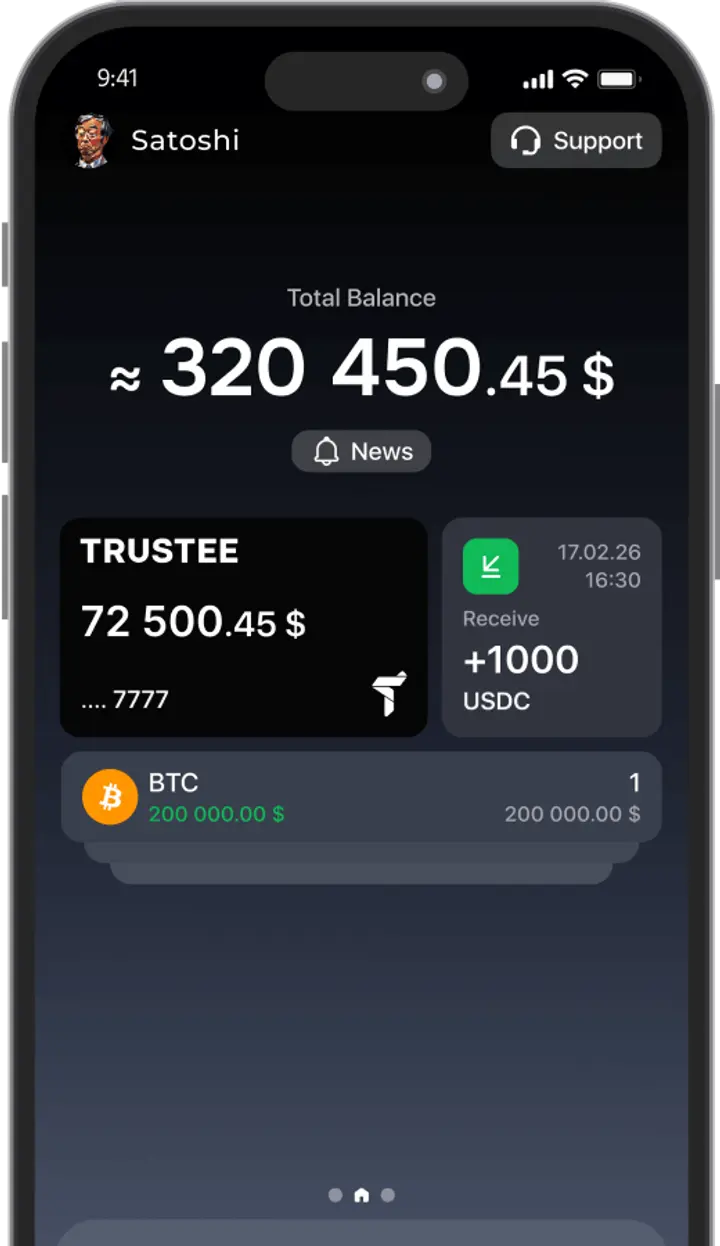
Find the required cryptocurrency (e.g., USDC), open its menu, choose “Deposit”, select the BEP‑20 standard, and copy the wallet address.
-
Copy your BEP‑20 address and transfer USDC from an exchange or another wallet. Ensure the transaction uses Binance Smart Chain to avoid loss of funds.
-
Check your balance—your wallet will update automatically once the transaction is complete.
BEP-20 vs Other Token Standards
-
ERC‑20
The ERC‑20 standard, developed for Ethereum, remains the most widely used token standard. Its main advantage is broad integration with dApps and exchanges. However, high transaction costs and low throughput significantly limit its scalability.
-
TRC‑20
TRC‑20 is the token standard for the Tron network. Its main advantage is very low or even zero transaction fees and high processing speed. Tron’s design caters to mass-market users, which makes TRC‑20 popular for small, frequent transactions.
-
SPL
SPL is Solana’s token standard, offering extremely high throughput (up to 65,000 TPS) and minimal fees.
Pros and Cons of Using BEP-20
Advantages:
-
Low fees. BSC transaction costs are around $0.10 on average, compared to tens of dollars on Ethereum.
-
High speed. Binance Smart Chain can process up to 160 transactions per second versus ~15 TPS on Ethereum.
-
Compatibility. BEP‑20 is supported by popular wallets like Trustee Plus.
-
Binance ecosystem. BEP‑20 tokens are easily used in DeFi apps, DEXs like PancakeSwap, and via Binance Bridge.
-
Developer flexibility. Creating BEP‑20 tokens is fast and cost‑effective, appealing for new crypto projects.
Drawbacks:
-
Centralization concerns. Although BSC claims decentralization, most nodes are controlled by Binance.
-
Infrastructure limitations. BSC’s ecosystem still lags behind Ethereum in integrations.
-
Fraud risks. Low entry barriers lead to many dubious token launches, posing risks to investors.
The Future of BEP-20 and Its Development Prospects
BEP-20 has significant potential thanks to active support for Binance Smart Chain.
-
Ecosystem expansion. In 2024, Binance announced plans to integrate BSC with new blockchains, expanding the BEP-20 token footprint.
-
Growth of DeFi and NFTs. Demand for DeFi products and NFTs using BEP-20 tokens will drive adoption. Platforms like PancakeSwap, Uniswap, Venus, and others are already seeing increased activity.
-
Network improvements. BSC is working on reducing node centralization and increasing validator count, which will boost user trust.
-
Innovation. BEP-20 is likely to support more advanced smart contracts and Layer‑2 solutions, further lowering fees.