



























Where to find transaction details
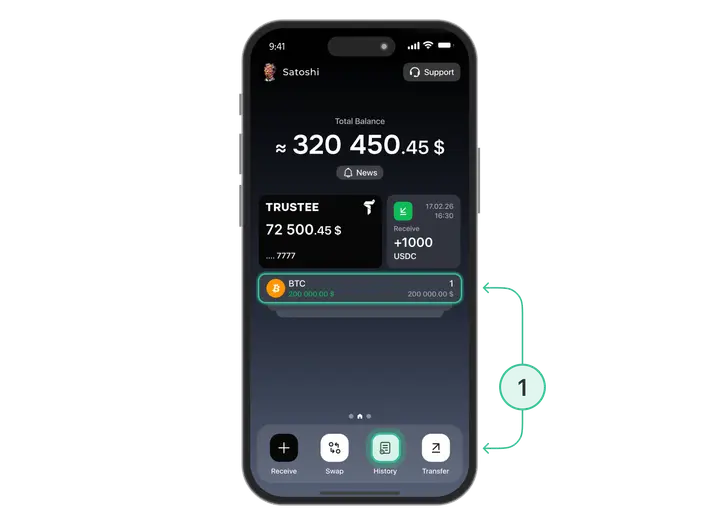
In the Trustee Plus, you can find out the details of any transaction made since the creation of your account. To do this:
- On the main screen or in the menu of the chosen currency, click on the “History” button;
- Find the transaction by time it was made and click on it.
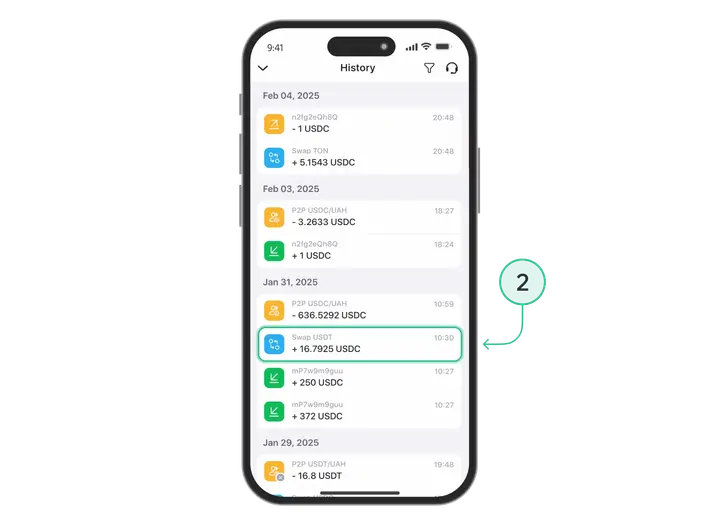
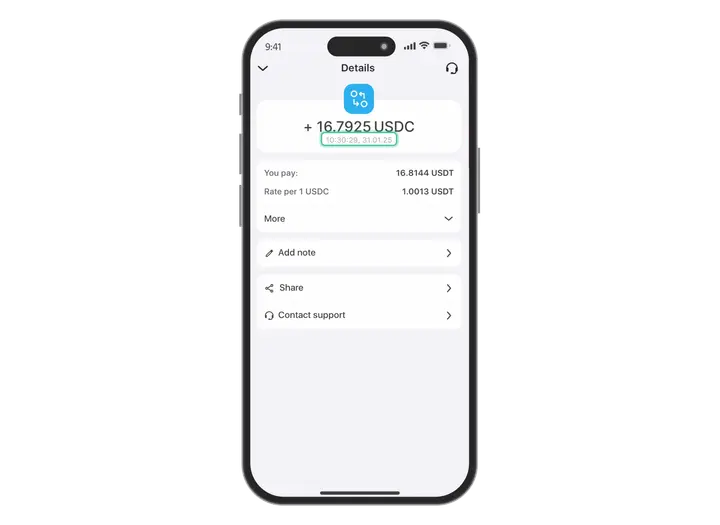
You will see the details of each transaction:
- Status and date of transfer, exchange or receipt of funds;
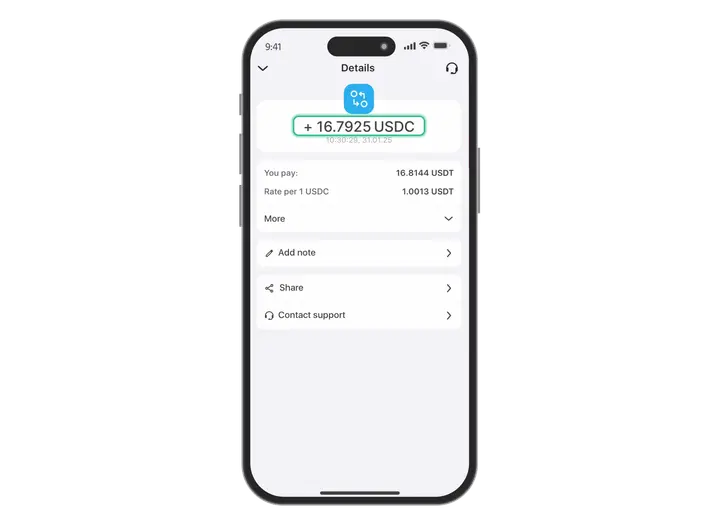
- Amount in the chosen currency and in euro;
- The sender’s login or address, transaction ID and sending method.
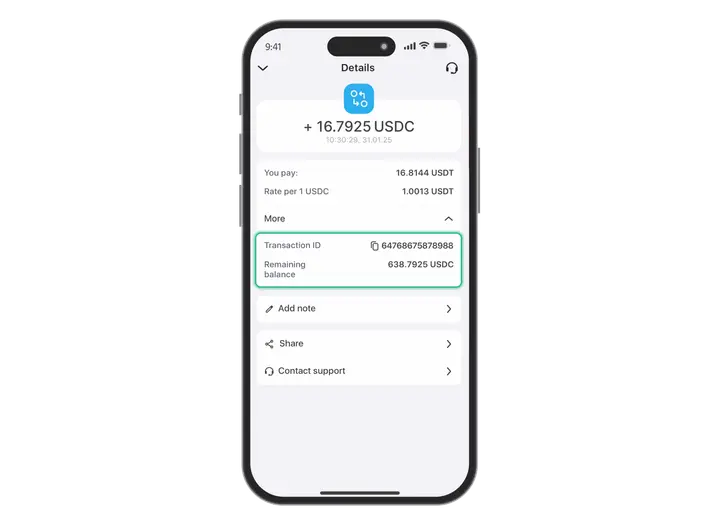
In the menu of each transaction, you can also leave a comment, response or use one of the functions: “Reply with a payment”, “Refund”, “Share”.
Install Trustee Plus - a crypto wallet with payment card!
All the benefits in one app




This website uses cookiesIn order to ensure the functionality of the Website and to prepare a statistical analysis of the website visitors' navigation methods, we use cookies. Manage preferences