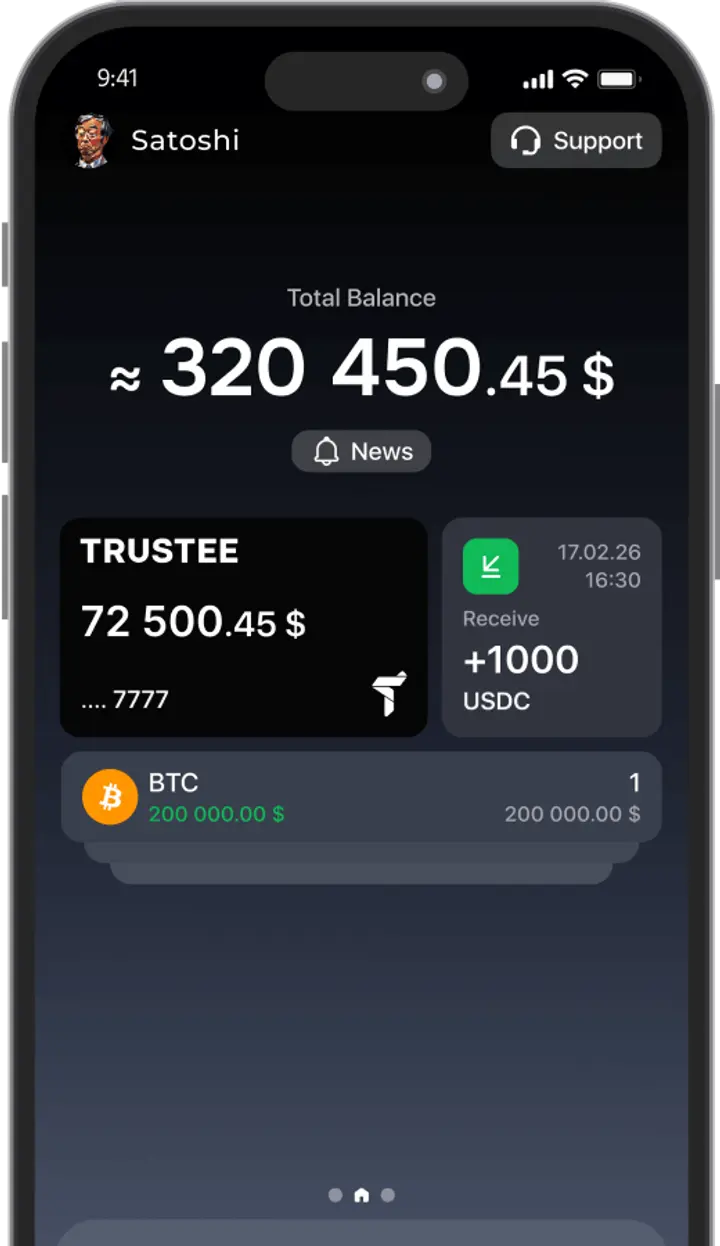






























Imagine you have €50,000 and want to invest it in something solid — like Apple stocks, BlackRock ETFs, or the S&P 500.
But here’s the catch: traditional funding methods can be slow, costly, or simply not built for large amounts.
So, how do you fund your IBKR account with crypto?
A simple, fast, and secure solution: Trustee Plus.
A fully EU-compliant crypto wallet with a built-in IBAN account.
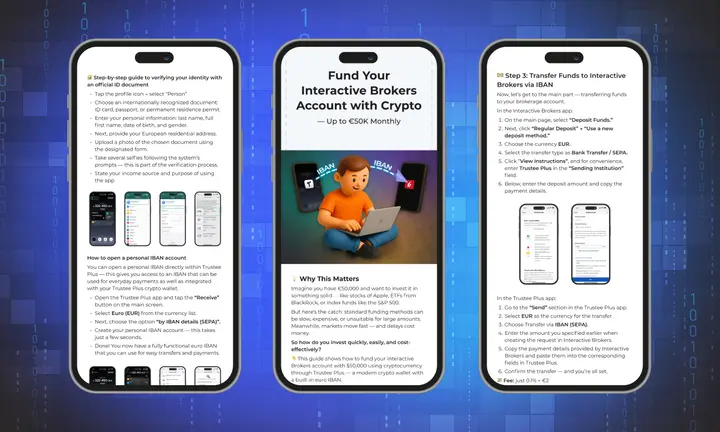
1. Install Trustee Plus
Download the Trustee Plus app for iOS or Android, create an account, and complete a quick verification.
2. Deposit your crypto
Top up your Trustee Plus wallet with any popular cryptocurrency: USDT, BTC, ETH, USDC, etc. No fees — all crypto deposits to Trustee Plus are completely free.
3. Create your personal IBAN in Trustee
With just a few taps, you can open a dedicated EUR IBAN account inside Trustee.
This account is linked to your identity and is ready for SEPA transfers.
How to do it:
-
Go to Receive.
-
Choose EUR → Sepa wire transfer.
-
Get your personal IBAN in seconds.
4. Convert and send EUR to Interactive Brokers
-
In the app, go to the Transfer section.
-
Choose EUR as the currency.
-
Paste your Interactive Brokers EUR IBAN (you’ll find this inside your IBKR account).
-
Confirm the transfer.
Funds usually arrive within 1–2 business days.
Ready to take the first step?
Download our step-by-step PDF guide with visuals and instructions — and go from crypto to Interactive Brokers in minutes.